Symptom:
Too many demands for specific data: Cannot get specific data, during ripping.
Problem:
The "Too many demands for specific data: Cannot get specific data" is a rare message, when the driver is overloaded.
Resolution:
Make sure you use the latest driver available for the used Caldera software release. If that's the case then:
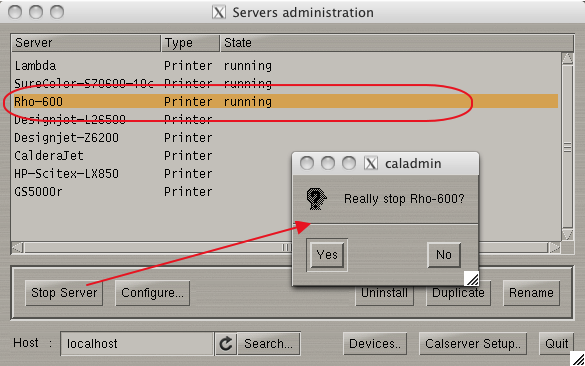
Stop the printer driver in the Server Admin.
Settings Tab > Server Admin > select the printer > Stop Server button.
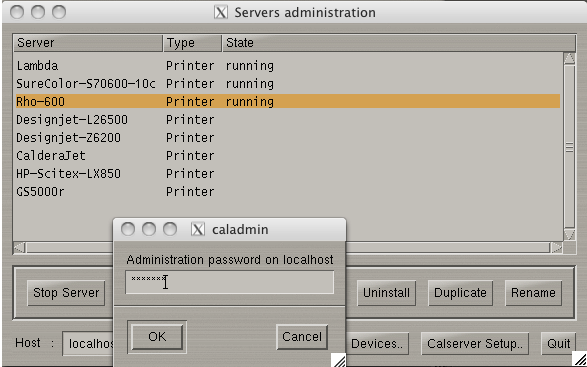
Password is caldera (case sensitive and make sure the password field is selected when typing:
The print server/driver will automatically start when it's opened (double clicking the printer icon or drag and drop a file on top of the printer icon).