Issue:
When rotating an image 90 degrees in compose, the size of the image shrinks.
Solution:
Enable "Keep Entity Ratio" under the Compose Tools > Wrench > Keep Entity Ratio.
Issue:
When rotating an image 90 degrees in compose, the size of the image shrinks.
Solution:
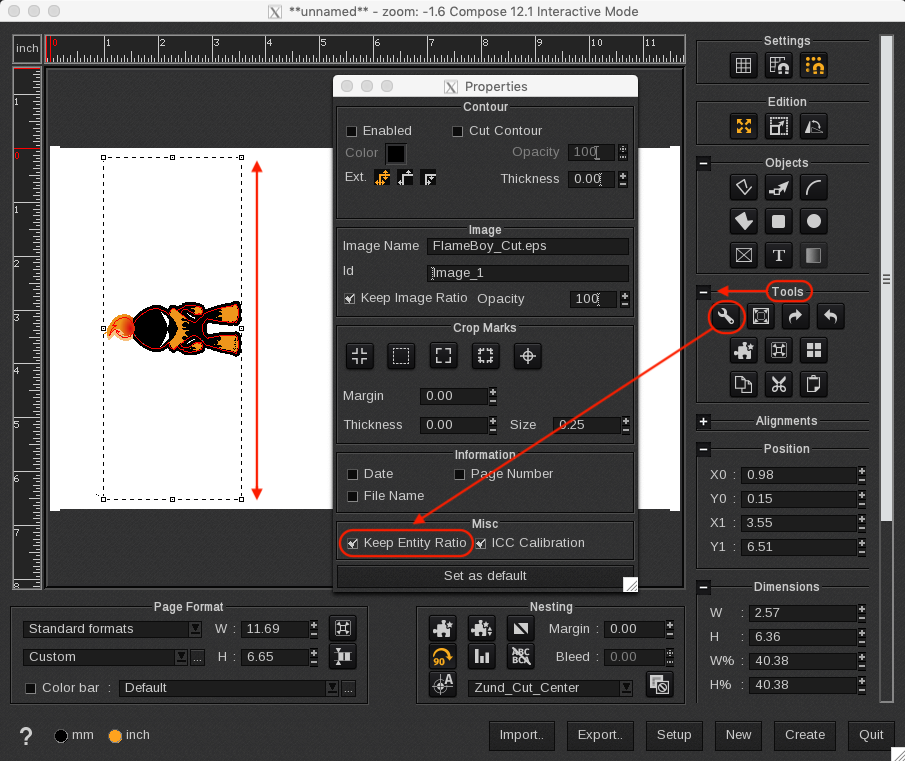
Enable "Keep Entity Ratio" under the Compose Tools > Wrench > Keep Entity Ratio.