On Debian Stretch, VNC Server is installed but not VNC Client.
You need to install "Vinagre" (Remote desktop viewer) to be able to connect via VNC to another Server
1) Go in System > Administration > Synaptic Package Manager :
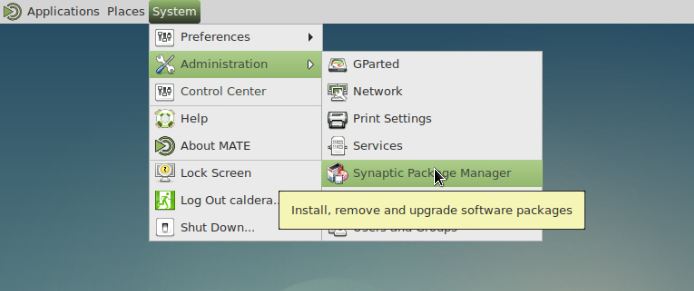
Your User password will be prompted. Default one is caldera
2) Go in Settings > Repositories :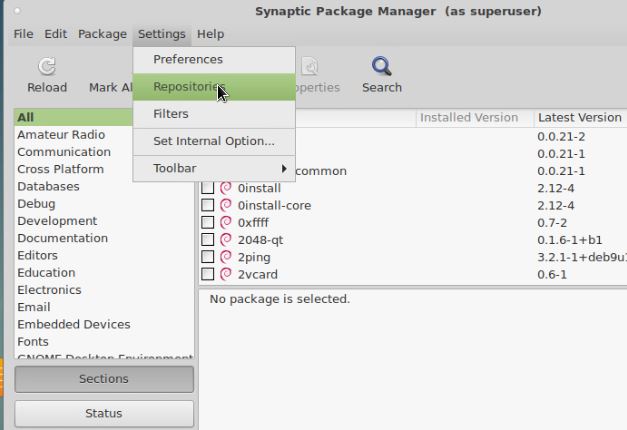
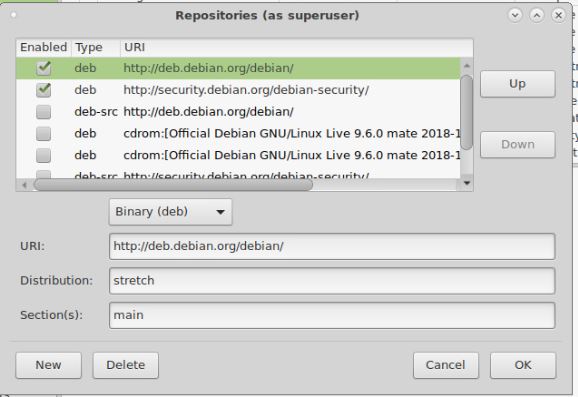
3) You will need at least default package :
URL http://deb.debian.org/debian with stretch Distribution (resp Jessie for Debian 8.x jessie Linux) and main Section
URL http://security.debian.org/debian-security with stretch/updates Distribution (resp jessie/updates for Debian 8.x Jessie Linux) and main Section
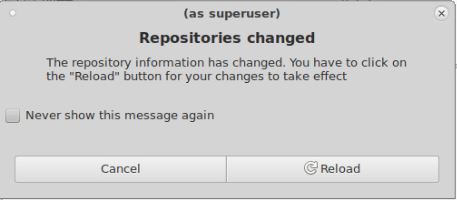
4) If repositories have changed,system will prompt to you to reload them :
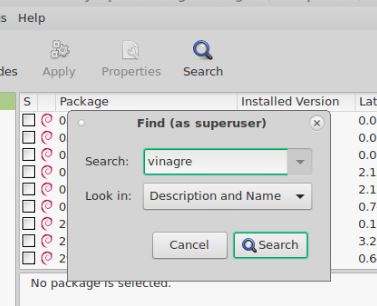
5) Then in Search > type "vinagre" and Search :
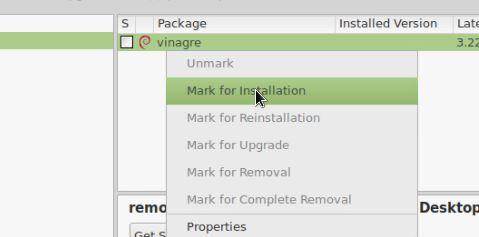
6) Vinagre should appear then in found softwares list; right-click on it and Mark for Installation
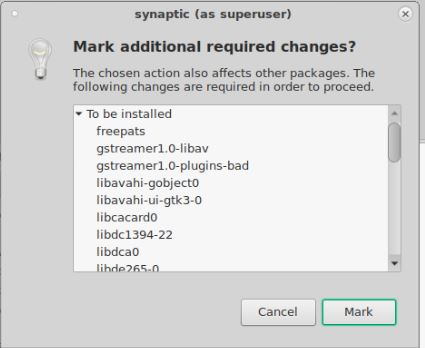
7) Click on Mark :
8) Then Apply :
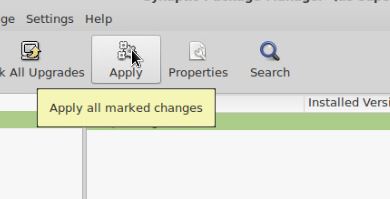
9) Vinagre will then appear as installed : box is green

10) You can now use VNC client in Application > Internet > Remote Desktop Viewer :
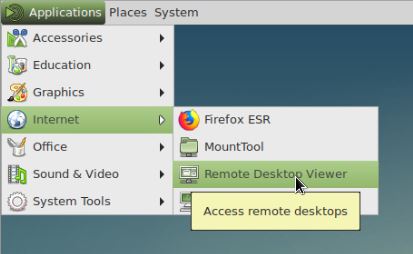
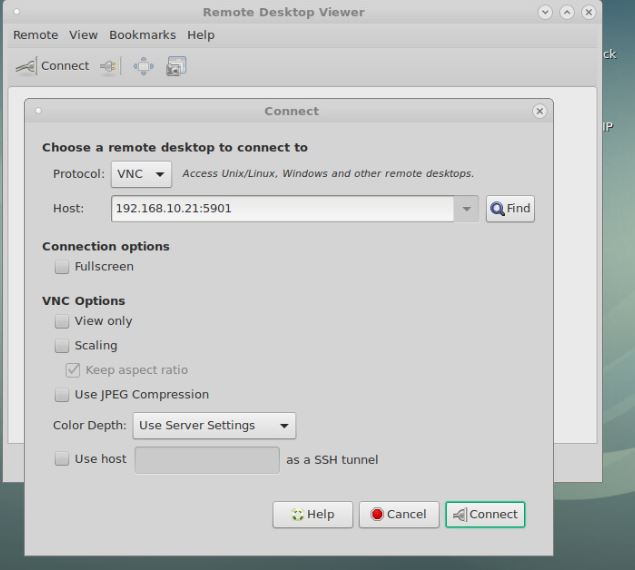
11) You can connect to another VNC server.
- Select VNC Protocol
- Put VNC Server IP with 5901 port (if there is no User open on Server, it might be port 5900).