To connect safely to the Caldera rip outside your Companies internal network you will require a VPN connection. This article assumes a VPN is setup and installed.
So first configure the Caldera rip so it can connect to the VPN:
Setup a vpn connection on a Mac
Then enable/configure Apple screen sharing:
Share the screen of another Mac
If the remote system is a Windows based system, download and install VNC Viewer.
Once installed the Mac can be accessed by entering Mac's ip address.
Two examples: First one shows the remote connection from a Windows system and second example shows the connection from a Mac based installation. Test first on the local network without VPN and once that works enable the VPN.
Example one:
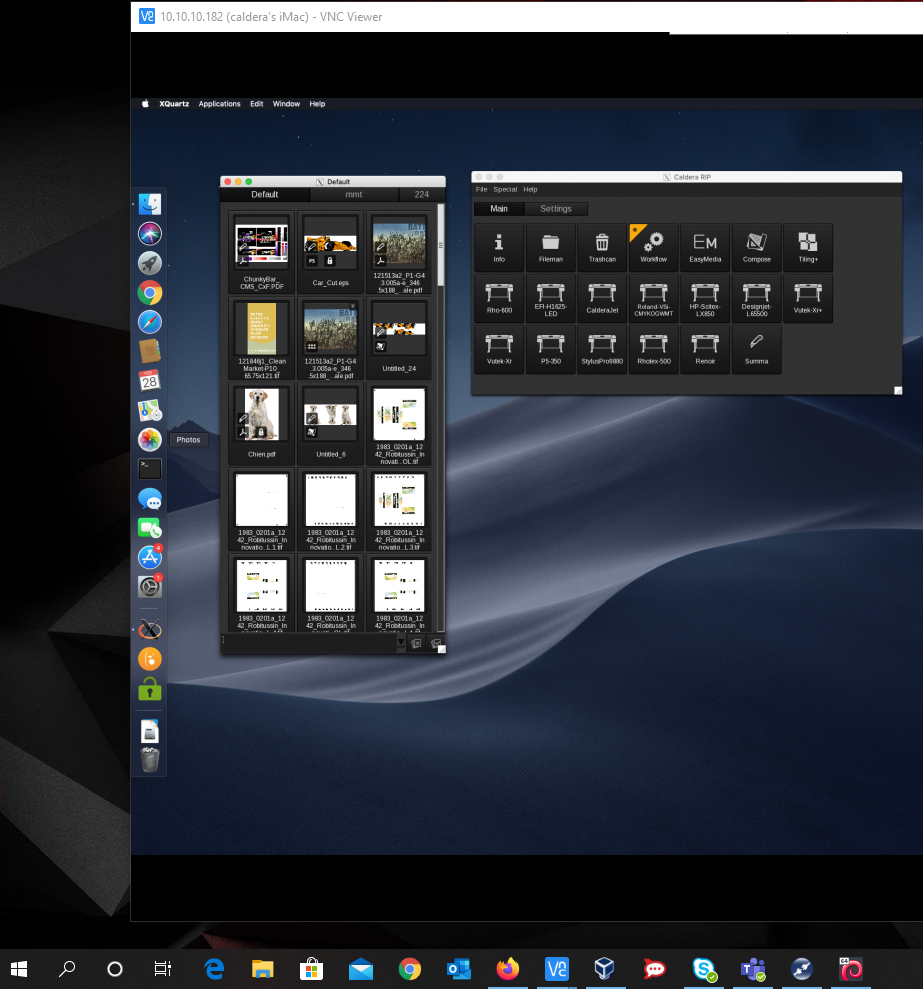
In this example the Mac is on ip address 10.10.10.182 and being accessed by a Windows 10 system.
Open VNC Viewer in Windows and enter the IP address of the Mac based Caldera install:
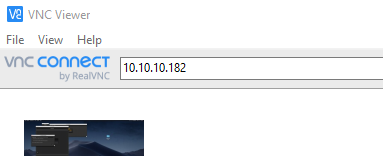
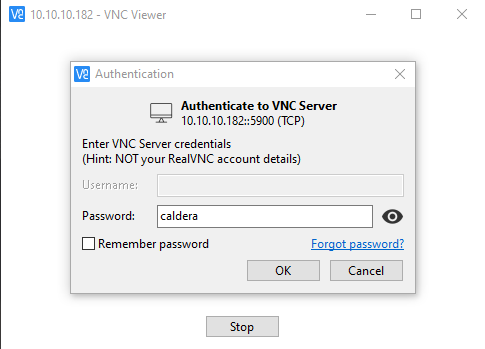
At first connection it will ask for the screen sharing password (in this example caldera)
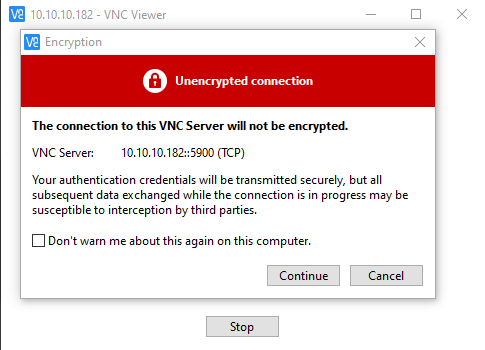
Then the VNC/Screen sharing connection will be established and the regular Mac OS login screen will be presented. The VNC encryption warning applies to the local network and can be ignored/disabled.
Now login, as the desired user:
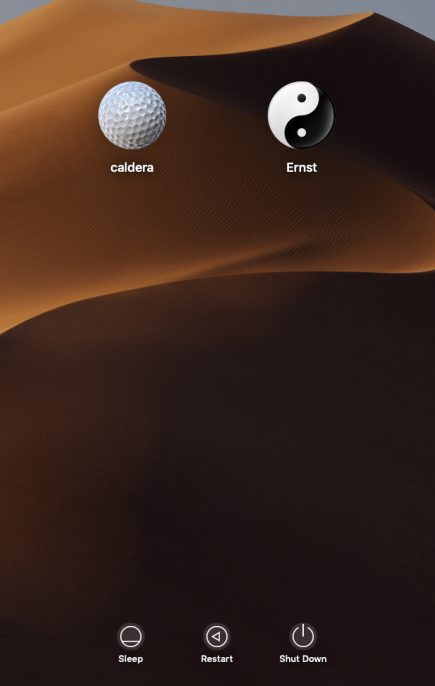
Make sure to use a static IP address as this will allow you to do remote restarts if required. After the session just logout using the Finder.
Start Caldera and perform the normal operations. Keep in mind, that when using multiple users at the same time Caldera requires additional VisualUsers (Allows additional instances of the Caldera Graphical User Interface)
_______________________________________________________________________
Example two:
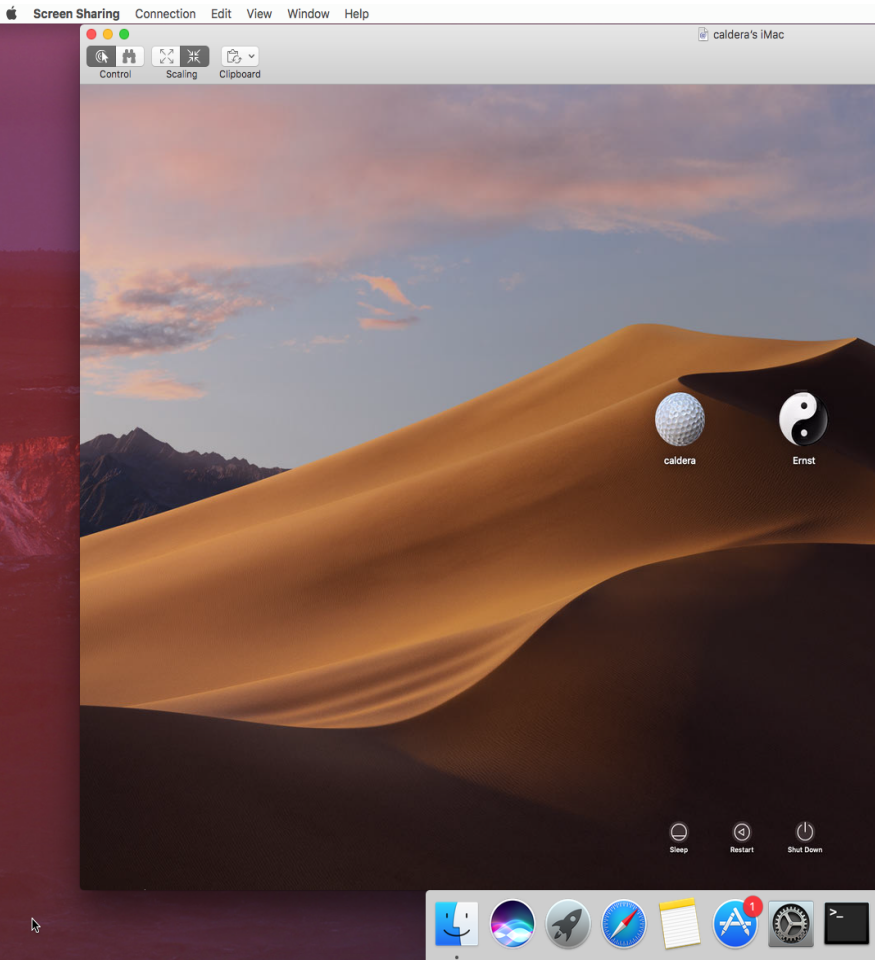
To access the Caldera RIP from another Mac (remote or local on your network) do the following:
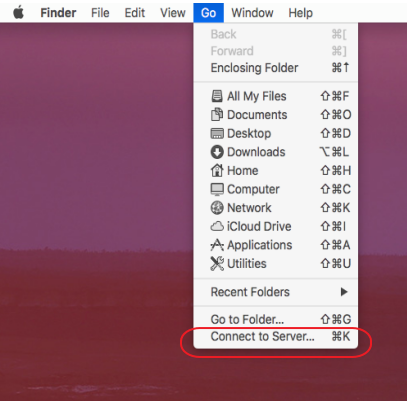
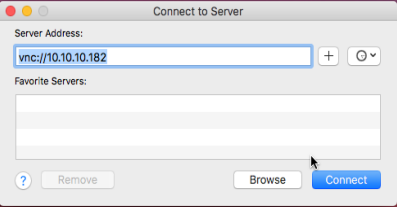
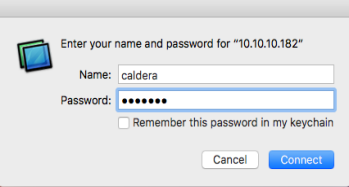
Log in at the log in screen and proceed to control the remote Mac based Caldera rip.
Keep in mind that there are several alternative ways to remotely connect to your Caldera rip like Google Remote Desktop
Google remote desktop has the advantage of not requiring a VPN connection.