Issue:
This issue can happen on several Mac OS versions
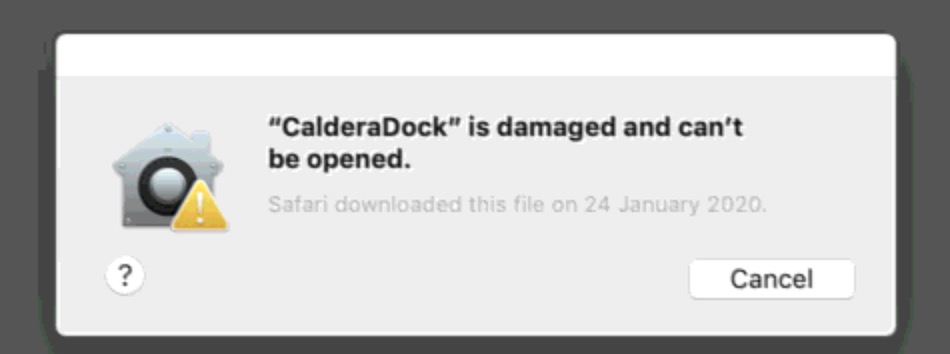
Explanation
System could place software in Quarantine.
Be sure that you've checked md5 sum of DMG installer file.
Please have a look on this How to :
If reinstallation with proper DMG didn't fix the issue and absolutely no other way worked, you can try this one.
Solution:
1) Open a Terminal.
2) Get root credentials
sudo -s
Your Mac Adminstrator password will be prompted. If you've removed it, pressing Enter won't work. You will need so to redefine a new password.
3) Type xattr -c /Your-Application
Easy way is to type just xattr -c then drag and drop your application file. Here an example with Caldera Dock , in /Applications/caldera/
4) Press enter

5) You application should work again.