| Info - This article concerns the printer models HP Z6100, Z6200, Z6600, and Z6800. | ||||
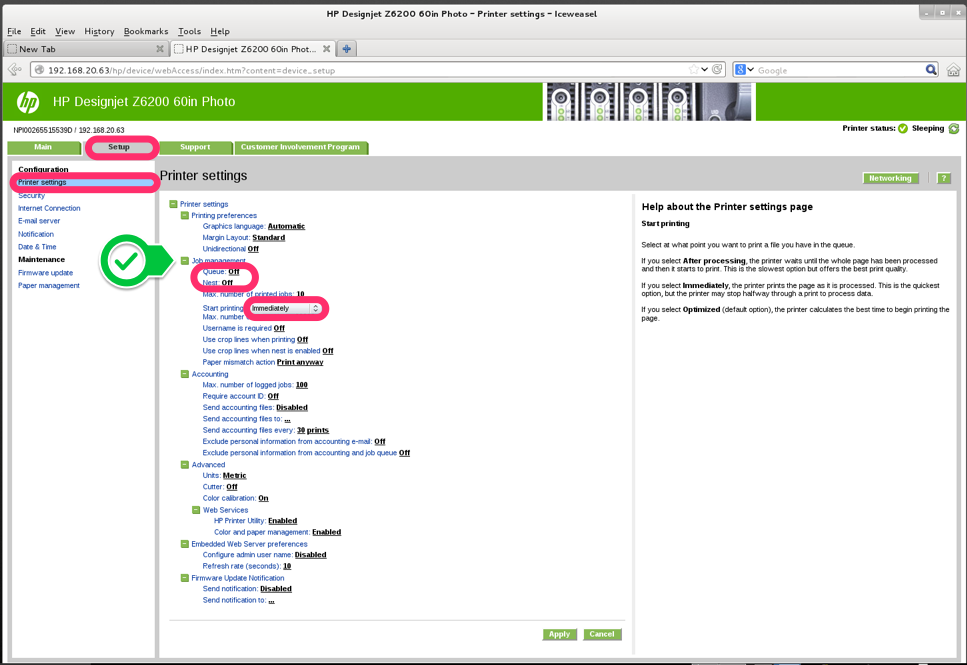
It is possible that when you press the "Print" button in the CalderaRIP print module and the printer receives the job there is a delay before the printer starts printing.
This delay is not due to CalderaRIP but to the configuration of the printer itself.
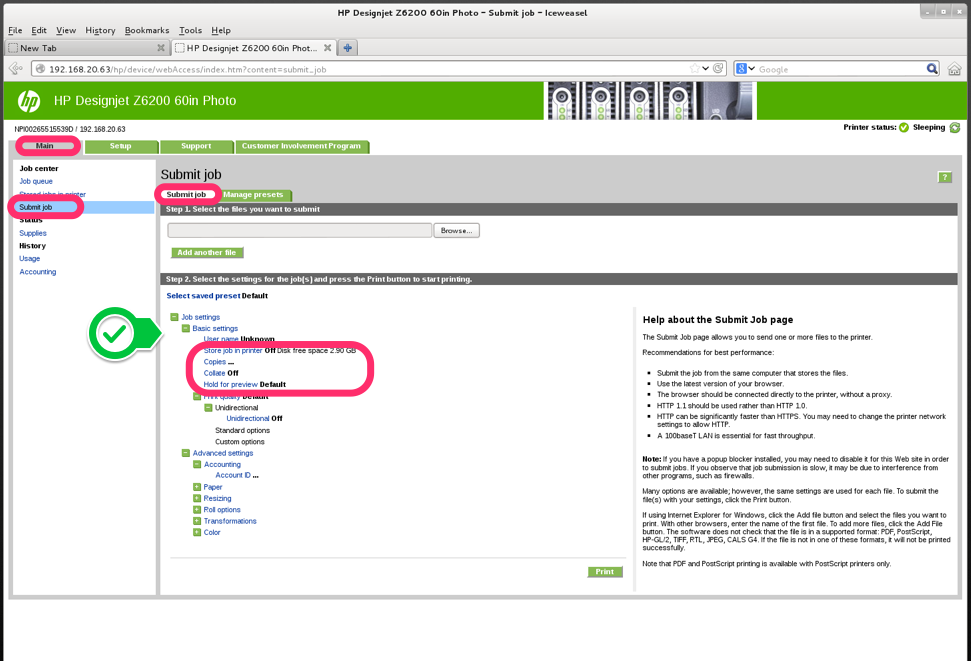
To immediately start printing a job received by the printer, you need to access the printer's web server in an Internet browser (by entering the printer's IP address in the address bar) and change some settings there.
See below for the options to set in the printer (open or save the image to see more details):