This Tutorial has been done with Thecus NAS N4200Eco and Debian Buster 10
1) Open a Web Browser and log in as Admin
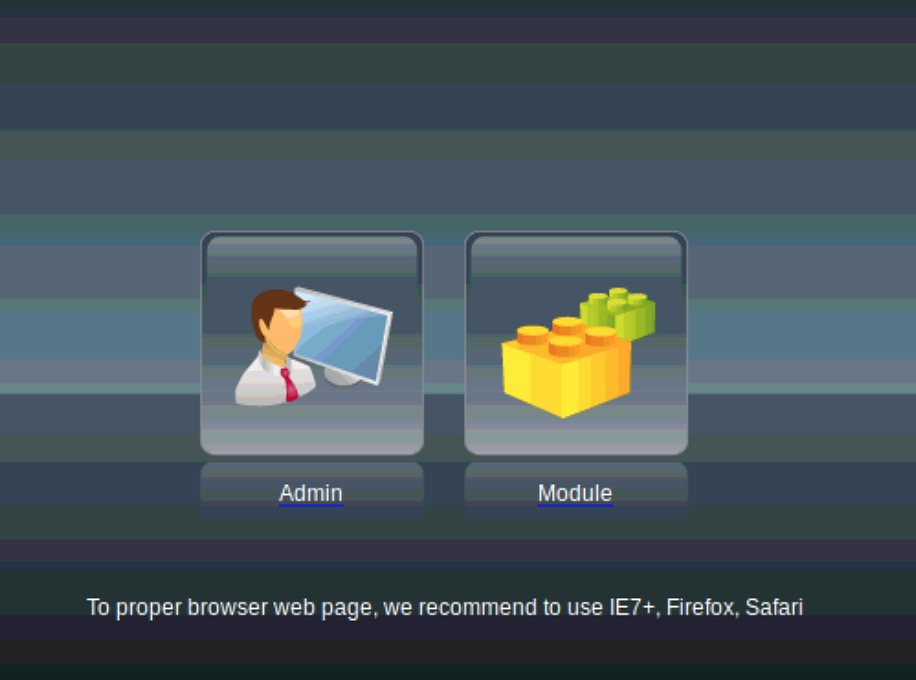
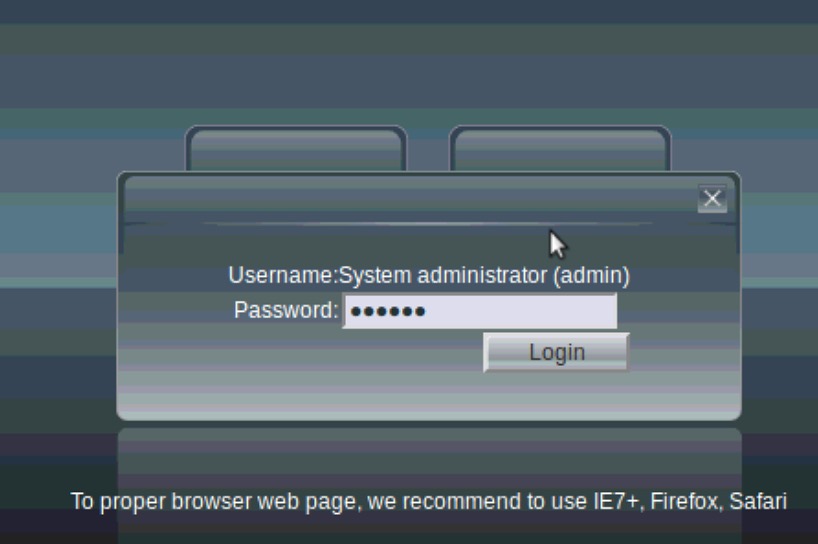
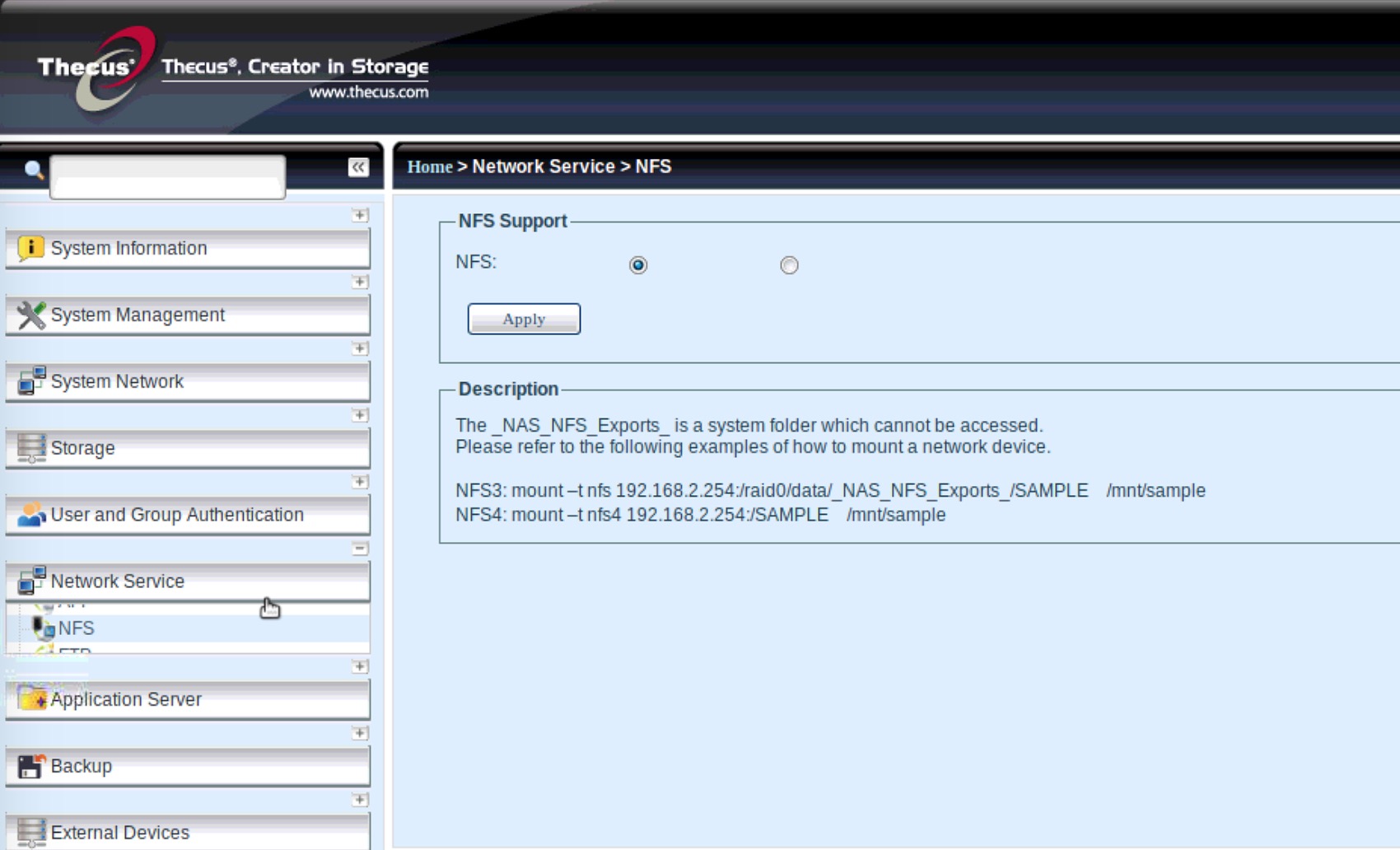
2) Go to Network Services > NFS > Enable (left button) and click on Apply
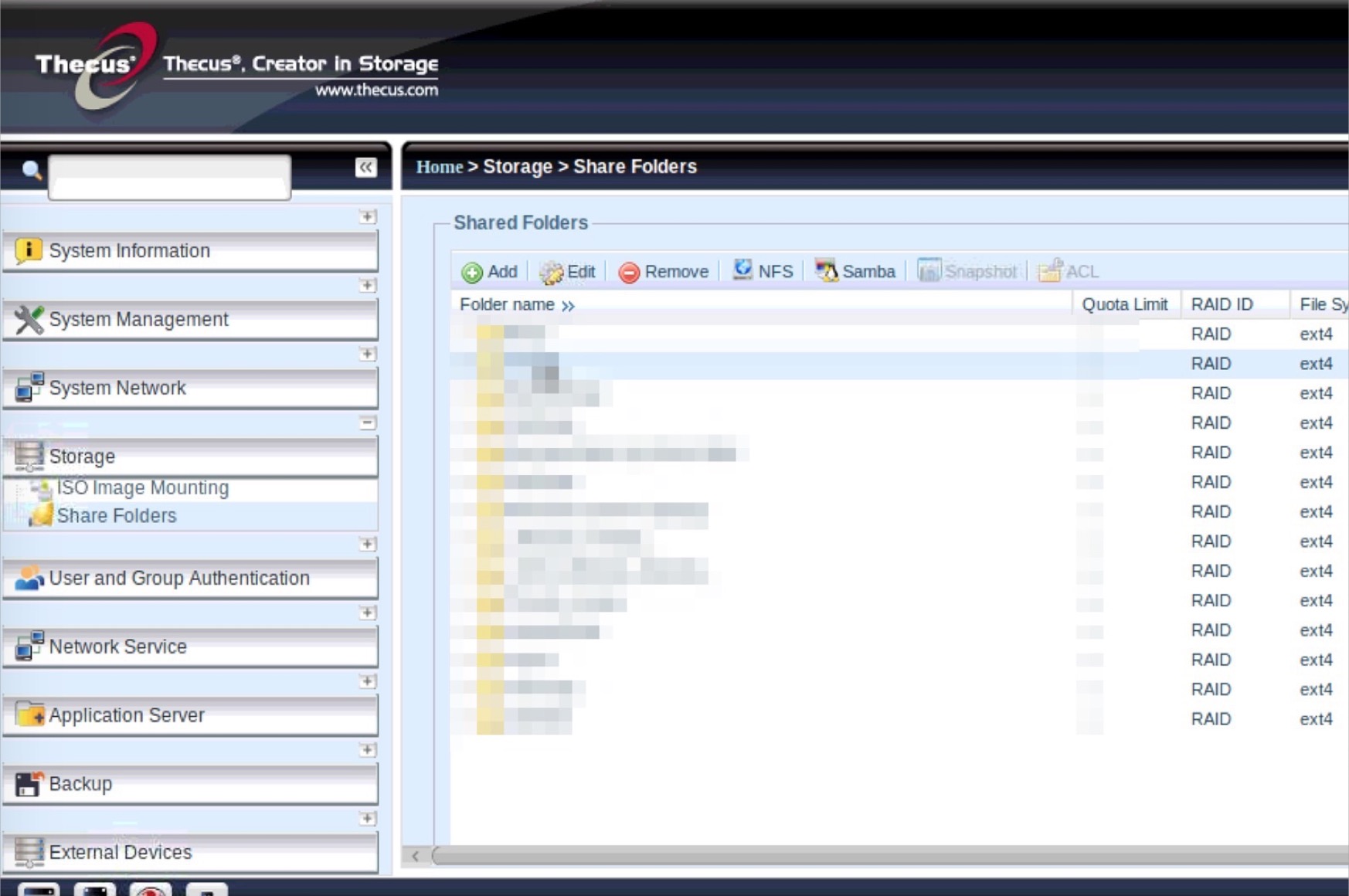
3) Go to Storage > Share Folders > Select your shared folder and click on NFS
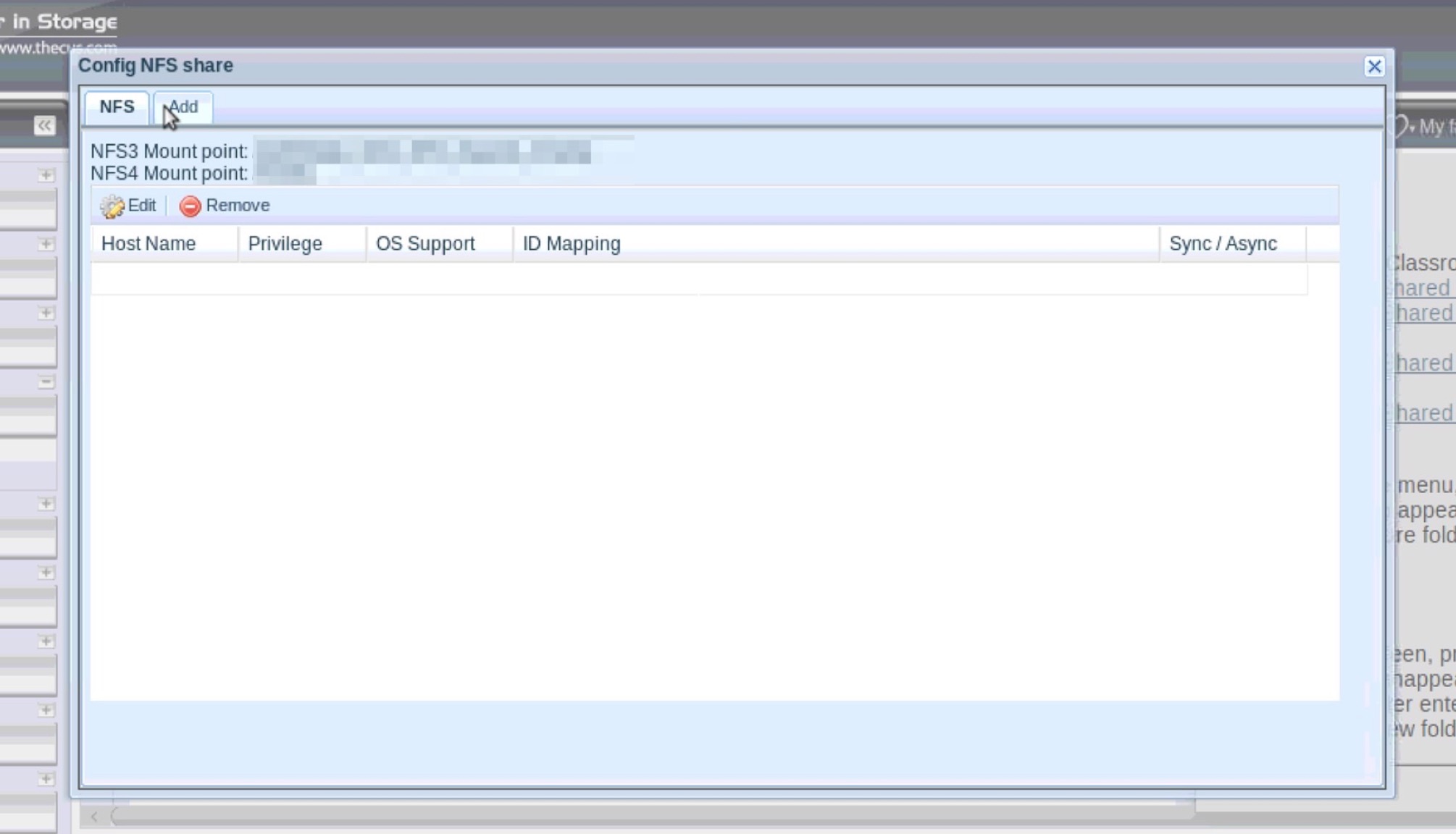
4) You will get to paths to shared folder :
- One for NFS3
- One for NFS4
Click on Add
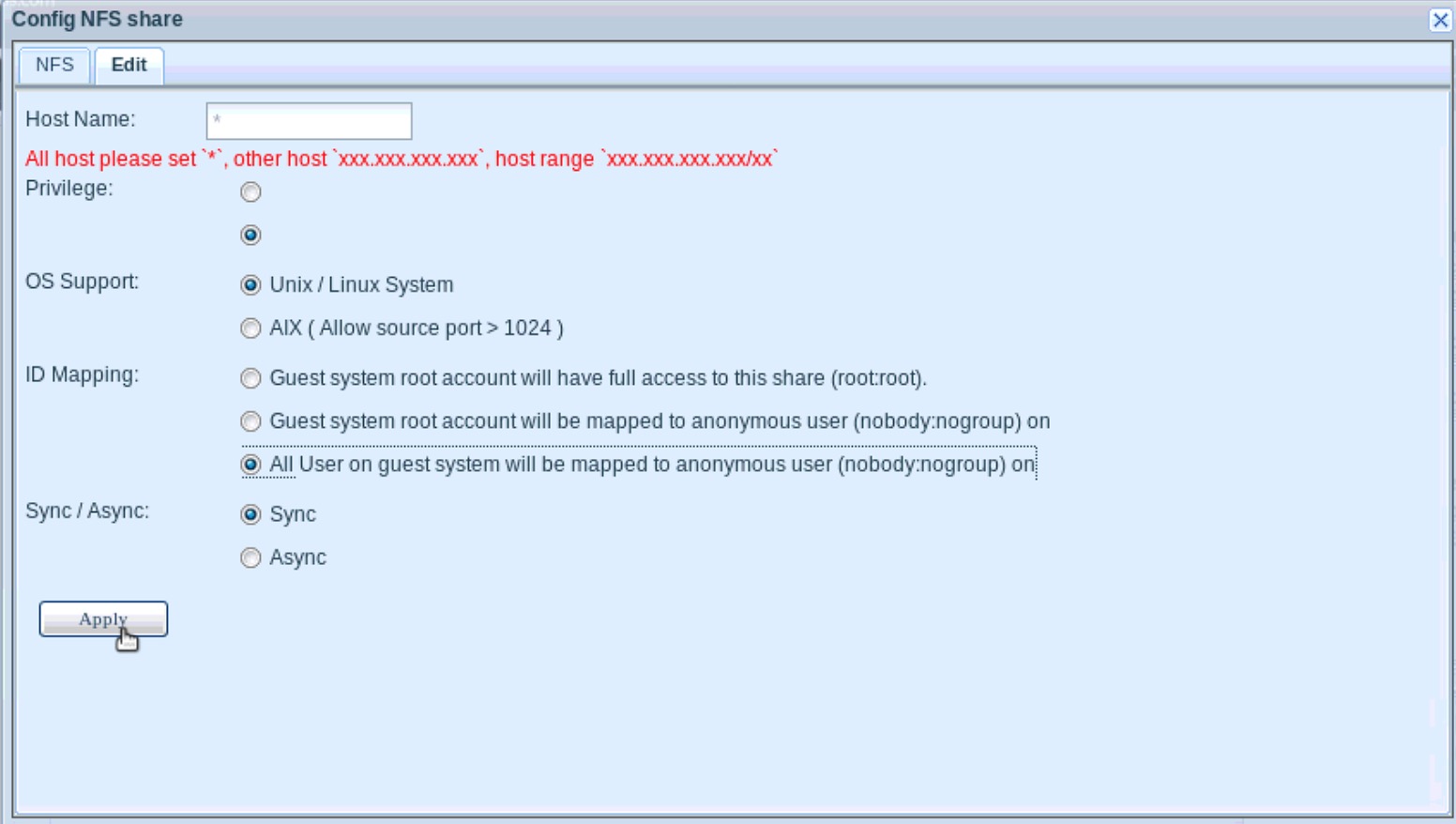
5) Edit hosts allowed (* for everybody) and select All User on guest system will be mapped to anonymous user (or other specific setting if wanted), then Apply :
In Debian Caja or Caldera File manager path field, push NFS4 path, or NFS3 if first is not working.
In case of NFS3, root folder could be unaccessible, be sure you've entered full NFS3 path.
Folder is mounted and usable.