Error Message: "Unable to query the printer. The qualities maybe out of date" even thought the printer's IP address is correct.
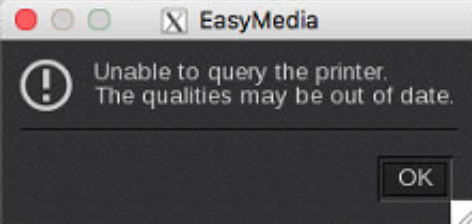
The error " "Unable to query the Printer. The qualities may be out of date" could happen when:
1) IP address of printer/IPS, is not matching the IP address in the Server Admin:
2) When the printer can't be reached (think network issue) and in that case use the ping command to check:
How to check a network connection using the Ping command
3) The Firewall on the IPS is turned on and blocking the rip (This happens usually after a Windows update). Turn the Firewall off.
If the IPS software is installed correctly there are rules applied to the firewall and therefor there is no need to switch it off.
Software can usually be found in a directory called MR2.
4) When the (JMF) Service is not active on the IPS (contact HP to check this).