Requirements:
- Usb Stick of around 4Gb or more, that will be erased.
- Debian Stretch ISO file (about 2Gb) from :
Always good to check MD5 hash of any downloaded file. Example, open Terminal, type
md5 (plus a space), then drag and drop your iso file.
example : md5 /path-to-file/debian-live-9.6.0-amd64-mate.iso and press enter
It should be (lower or upper case). : A1F0FC3E3248A7E9B2AF99D728AA45D7
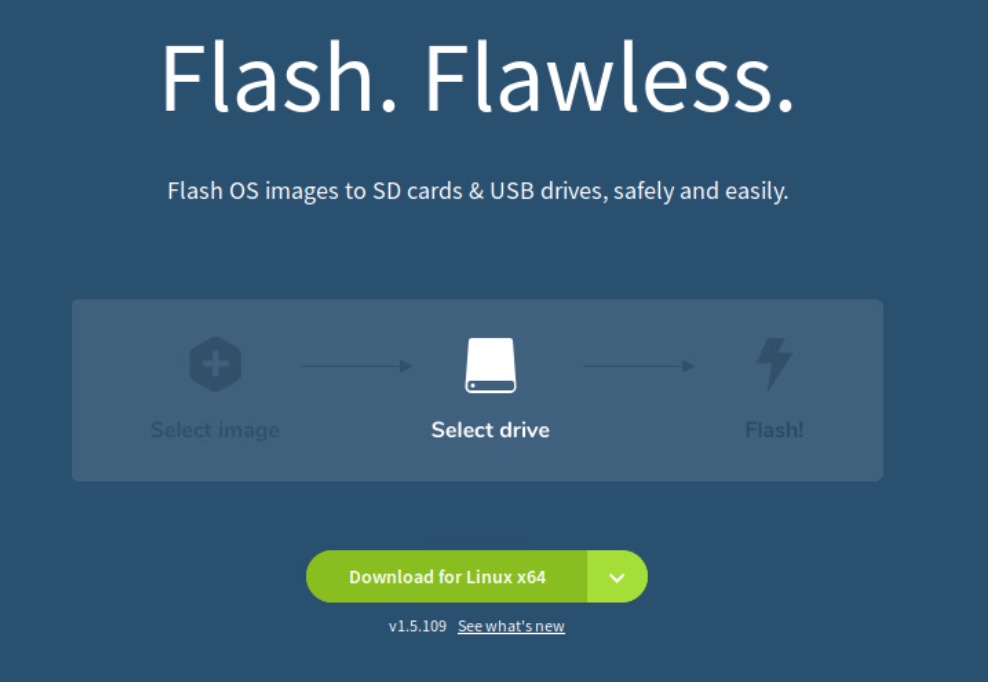
1) Download Etcher installer from
It should auto select your OS version, otherwise, select your system :
For Debian, select Linux x64 (64 bits) AppImage
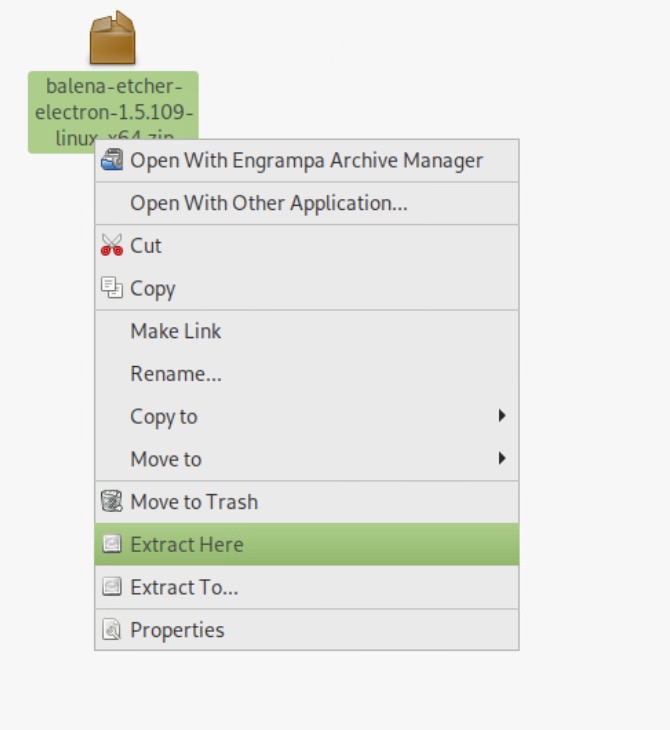
Right-click on zip file to extrac in your Download folder :
Double-click on Installer may fail.
Open a Terminal and go in your Download folder with cd
Example : cd /home/caldera/Downloads
Then run installer with --no-sandbox suffix
Example : ./balenaEtcher-1.5.109-x64.AppImage --no-sandbox

It should launch Etcher Installer
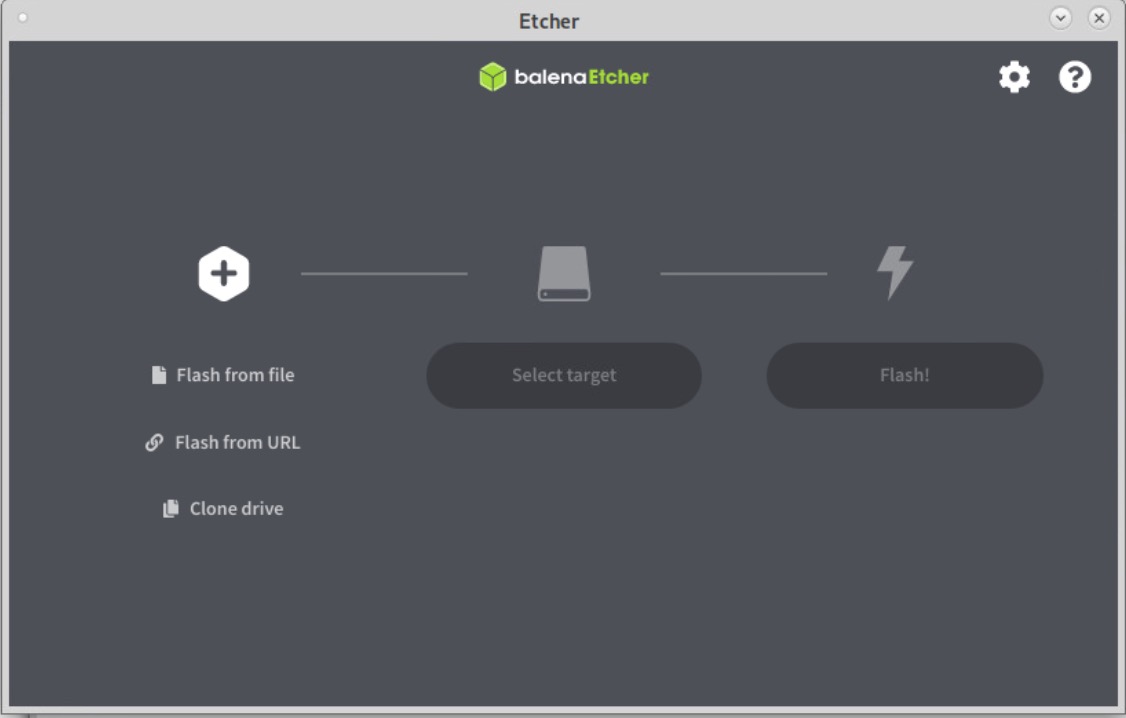
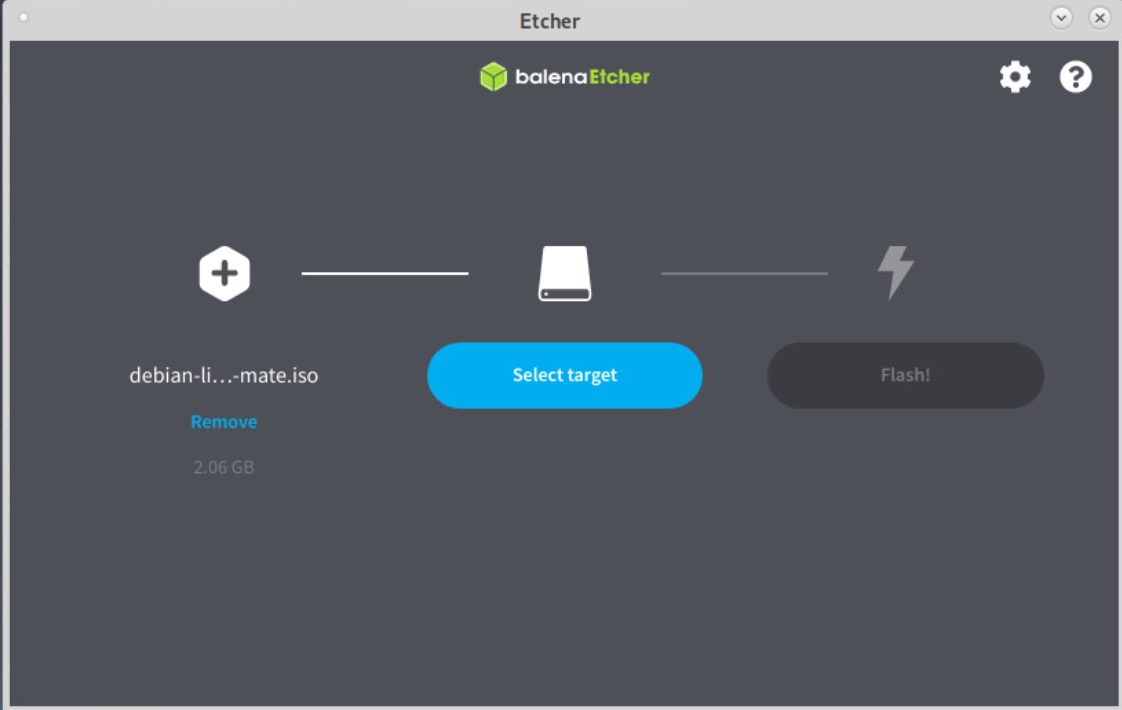
2) Select your ISO file :
Then select your USB stick (be careful if several are plugged on PC).
3) Click on Flash !
It should take few minutes to install and validating.

Your bootable key to install Debian is ready to use.