1) Open a Terminal
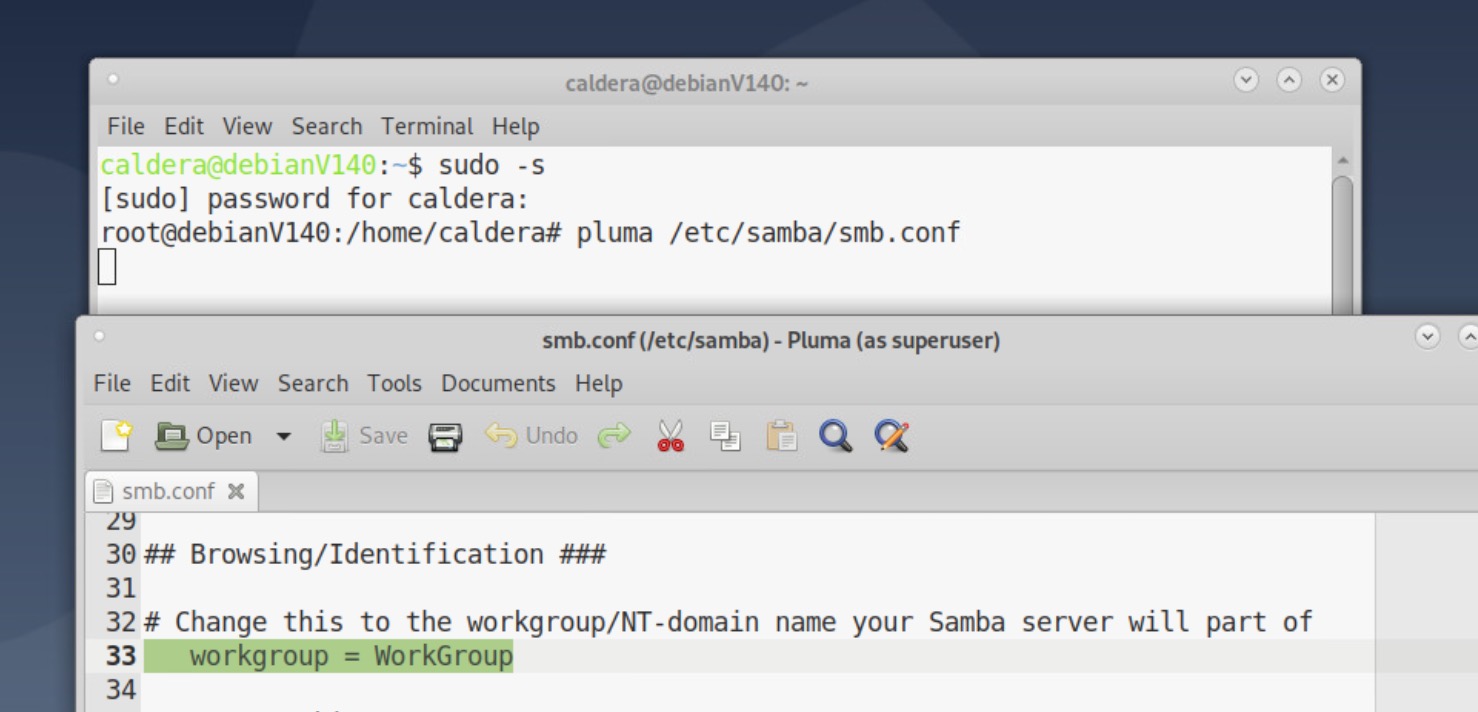
2) Get root premissions typing sudo -s [press Enter]
3) Edit smb.conf file typing pluma /etc/samba/smb.conf [press Enter]
4) Modify workgroup string, after = to set yours; save and quit Pluma.
5) Close Caja and restart smb service typing :
killall -9 caja [press Enter]
service smbd stop [press Enter]
service smbd start [press Enter]
exit