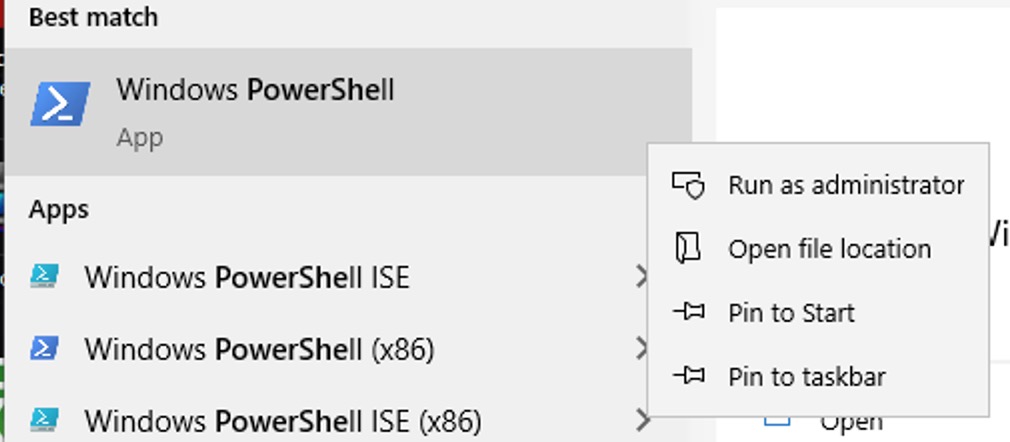
1) On Windows Start menu, Type PowerShell.
2) Right Click on it to Run as Administrator :
3) Then type
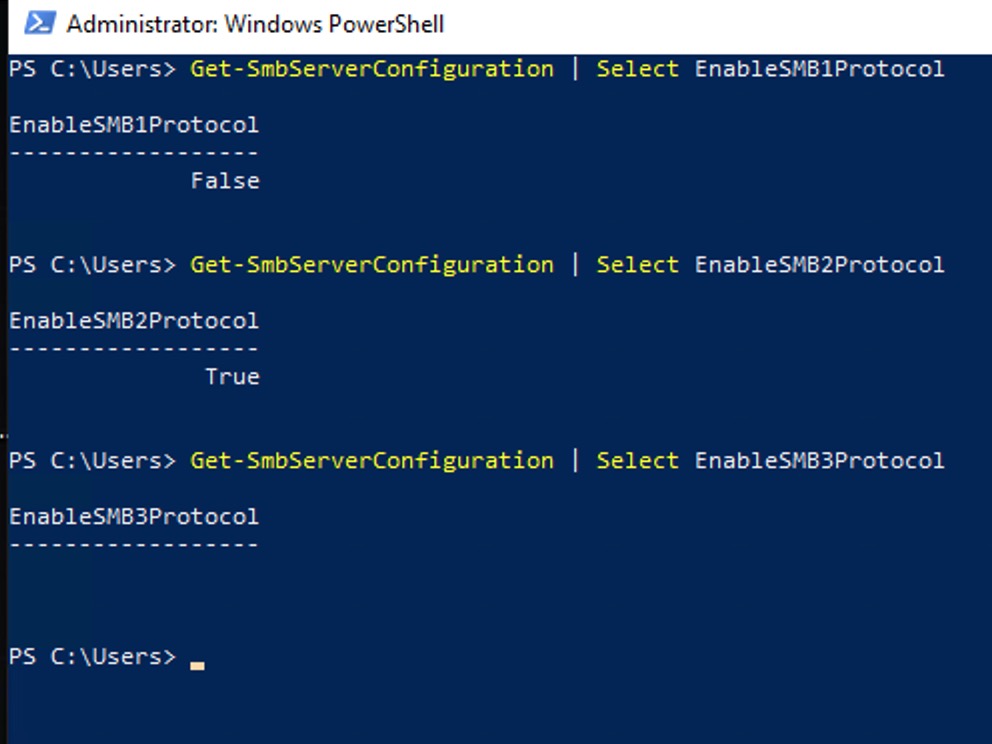
Get-SmbServerConfiguration | Select EnableSMB1Protocol [Press Enter]
Get-SmbServerConfiguration | Select EnableSMB2Protocol [Press Enter]
Get-SmbServerConfiguration | Select EnableSMB3Protocol [Press Enter]
You will get which version is installed and active with result :
True = Enabled
False = Disabled
Nothing is returned = the SMB version is not installed