Abstract :
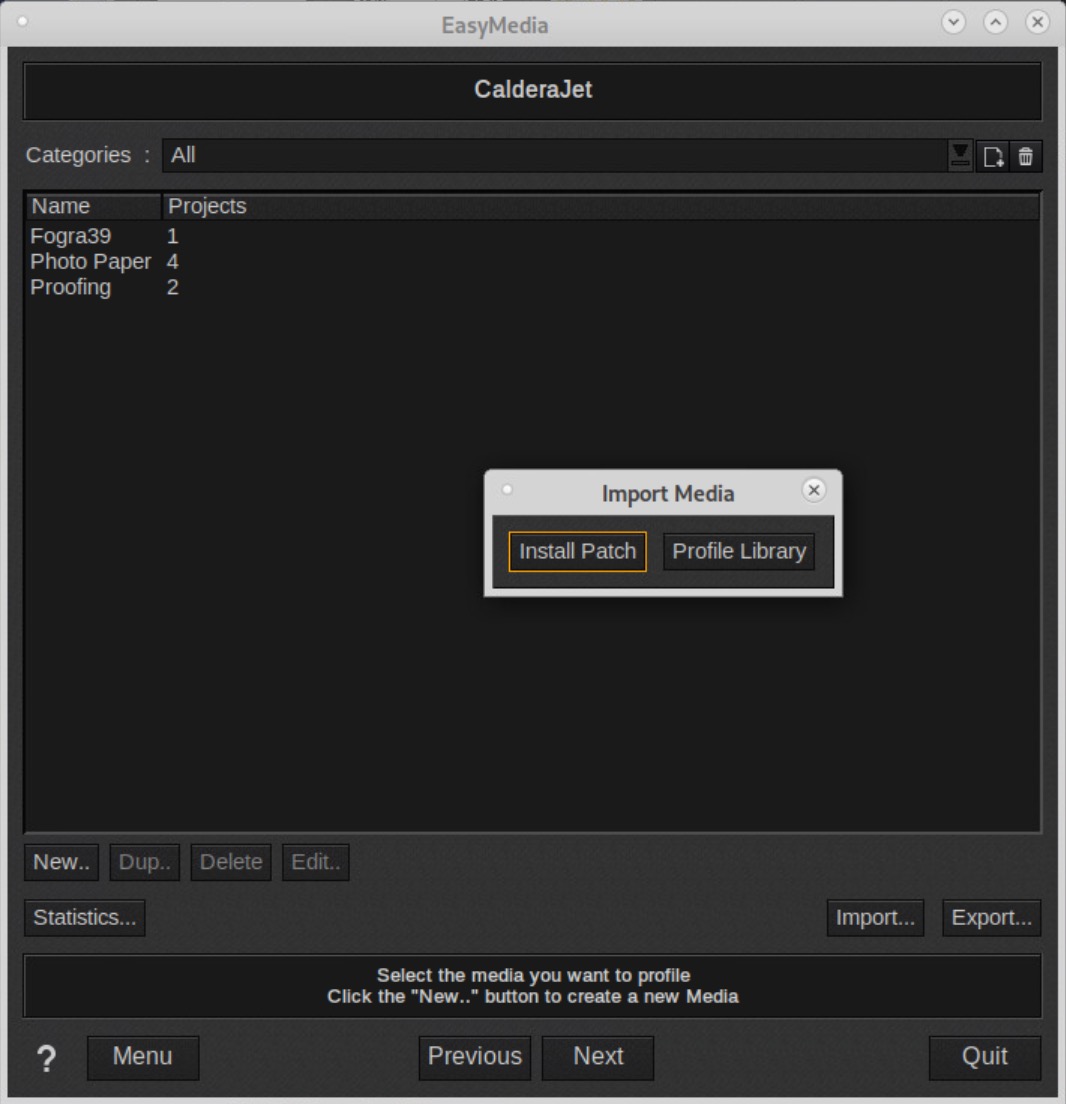
This technote will help you to fix corrupted Mediapatches that produce « Can’t Untar… » when Imported with Easymedia.
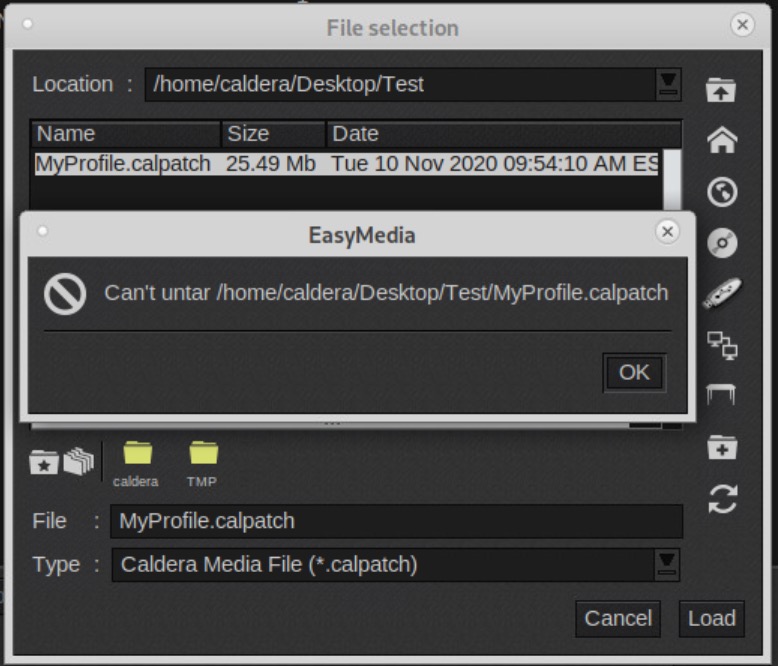
It works on Linux Debian Jessie, Stretch and Buster.
Installation
Download attached Profile_Fixer_Batch.zip file
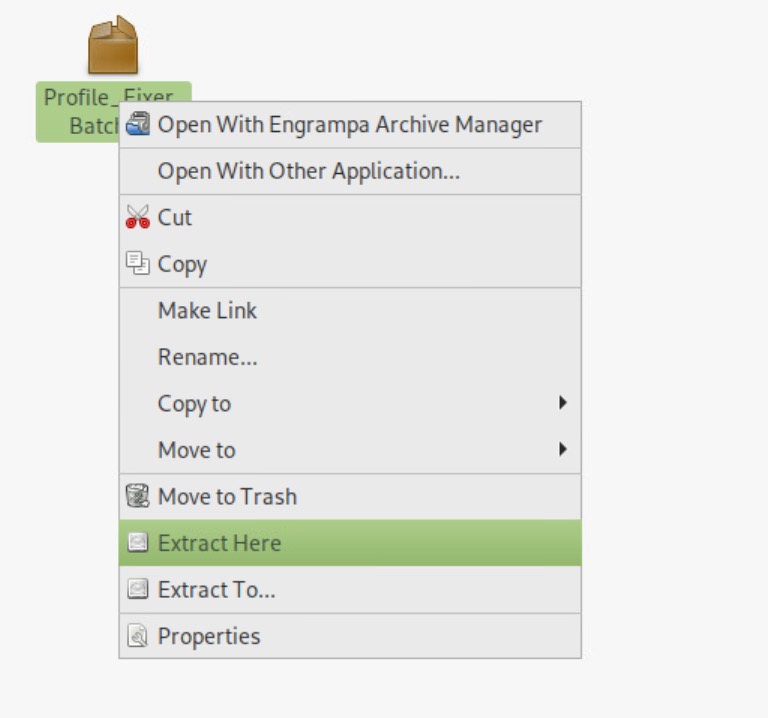
Right-Click on Profile_Fixer_batch > Extract Here :
How to use
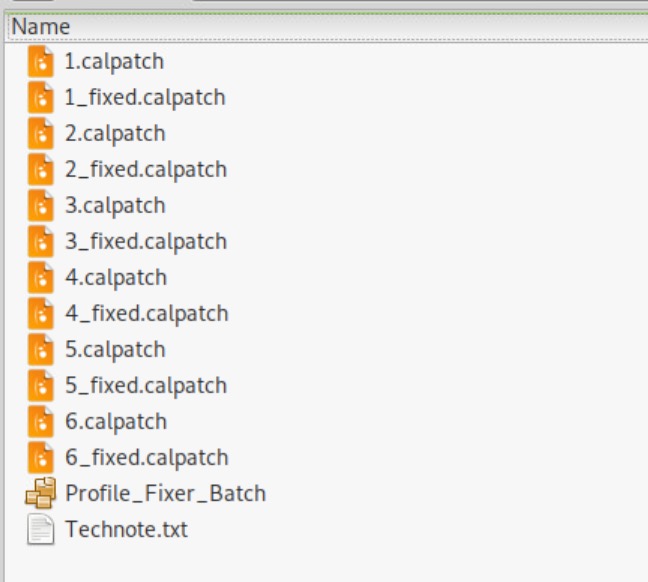
Select all your corrupted Mediapatches to fix :
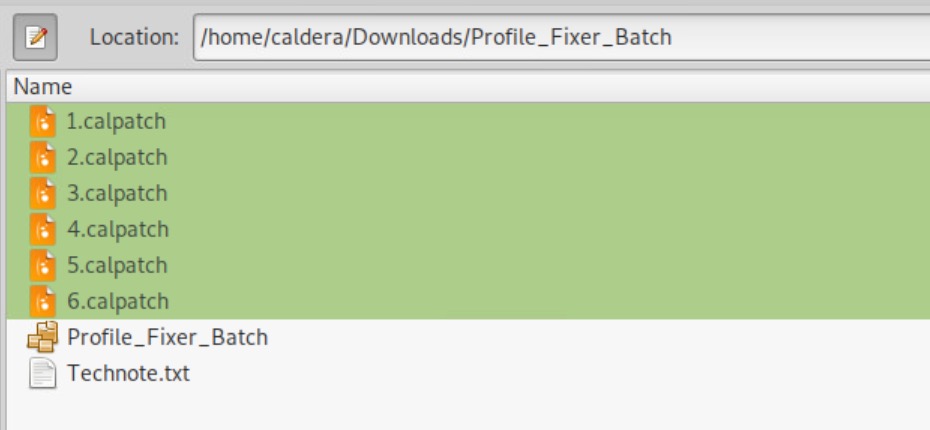
Drag & Drop them on Profile_Fixer_Batch.
Fixed mediapatches will be created in same folder as orginals, named with suffix _fixed.
Notes
1) The Software could fail with some OS if path to mediapatches has space, brackets (curly, round, square, etc.).
2) V14 Patch installer with some OS could also fail to install with double-click on Mediapatch file :
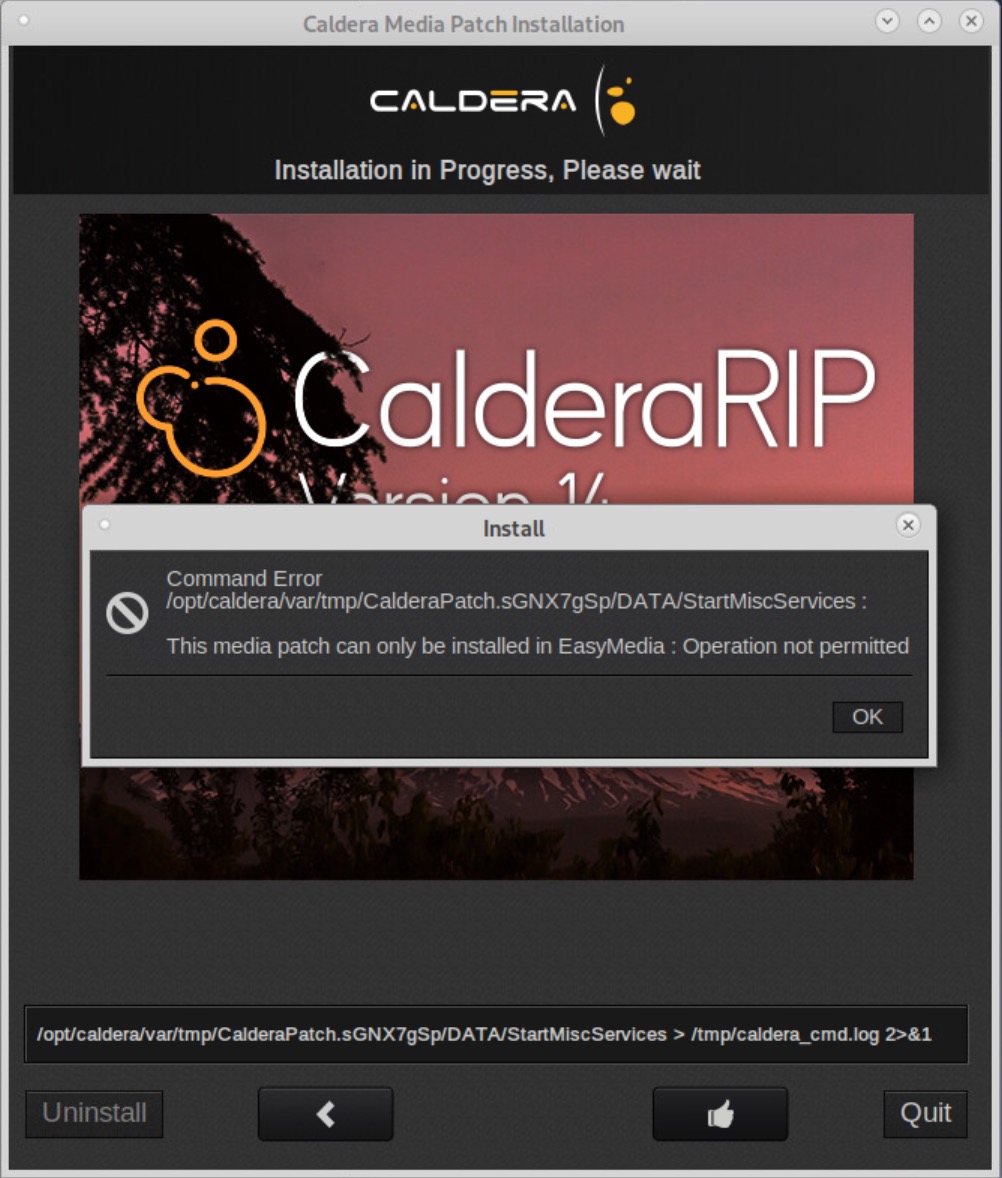
Issue is related to wrong permission or missing 64b lib.
Solution is to install mediapatch from Easymedia : Selection your Printer > Click on Import > Install Patch > Select your mediapatch