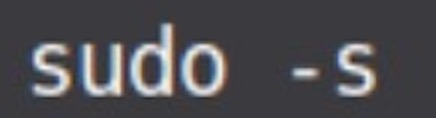
1) Open a Terminal and get Admin permissions with : sudo - s
2) Check that you have minimal needed repositories :
https://helpdesk.caldera.com/hc/en-us/articles/360006502798-Debian-10-Buster-repositories
3) Update Debian repositories : with apt-get update

4) Install Mate Tweak with apt-get install mate-tweak

5) Go to System > Control Center > Launch MATE Tweak :

6) Check needed icons.
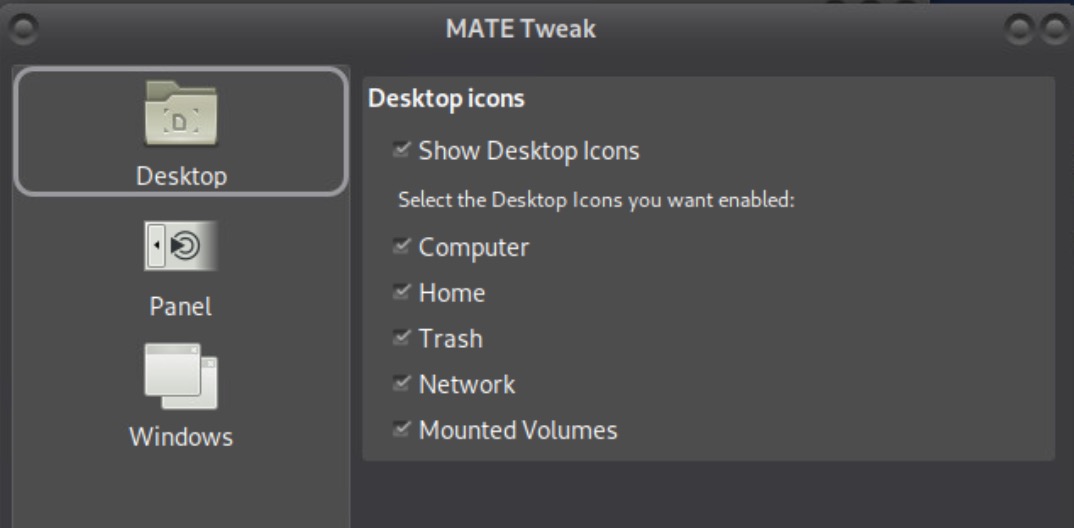
7) Icons should appear on Desktop then.