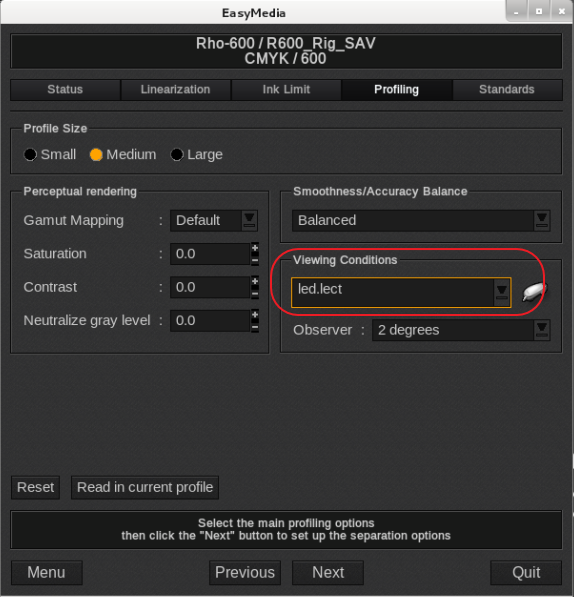
Attached is a LED light source file.
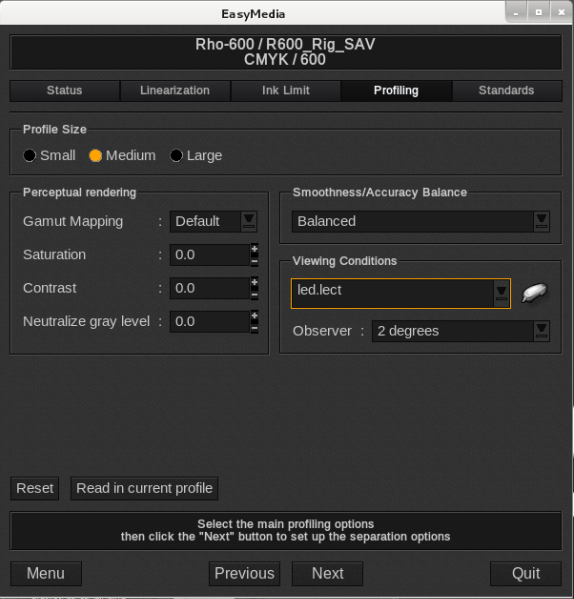
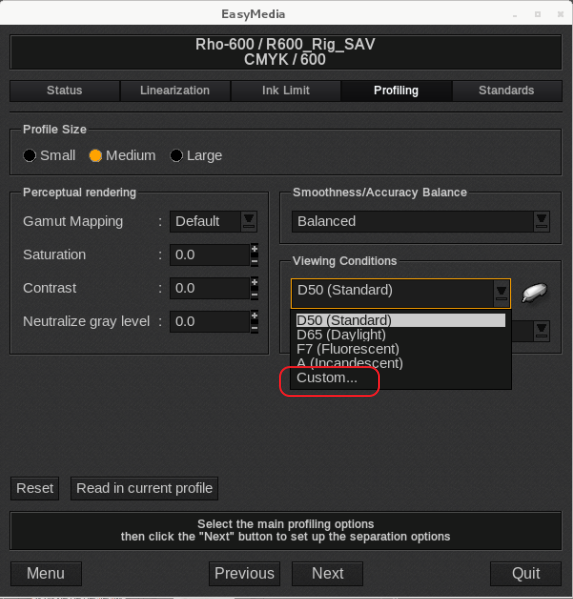
Copy the attached file to the Desktop, then in EasyMedia in the section where the profile is being build (after measurement or reloading of an existing measurement file), select under Viewing Condition, "Custom".
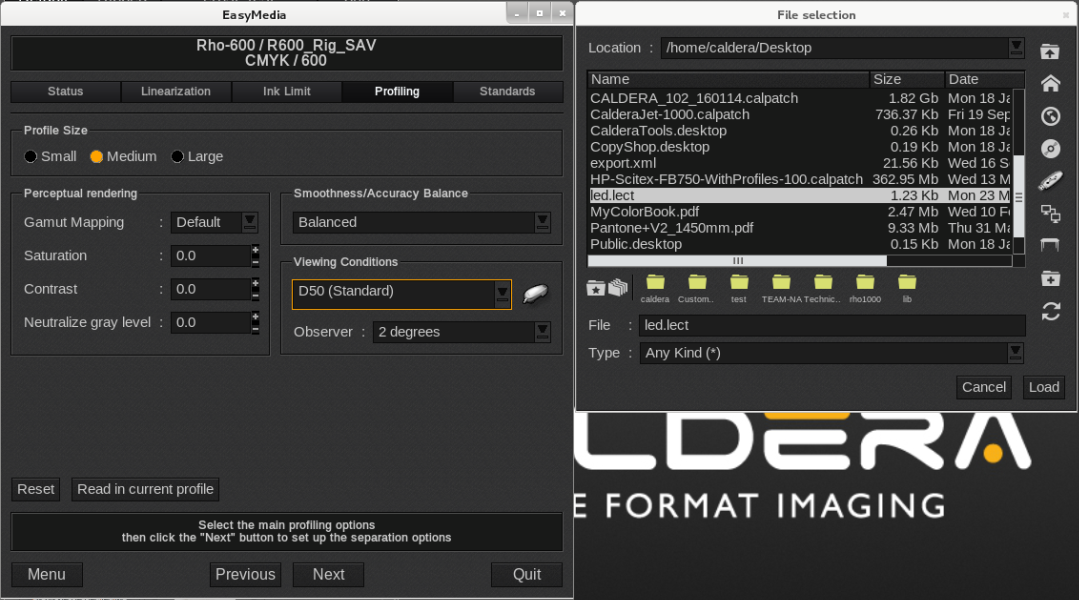
This will open a file selection window. Browse to the Desktop by clicking on the icon looking like a table.
Load the led.lect file in EasyMedia as a custom light source.
Then (re)build the profile with the new Viewing source.