TeamViewer QuickSupport (doesn't support Debian 10)
https://get.teamviewer.com/caldera
Optimized for instant support, this small module does not require installation or administrator rights.
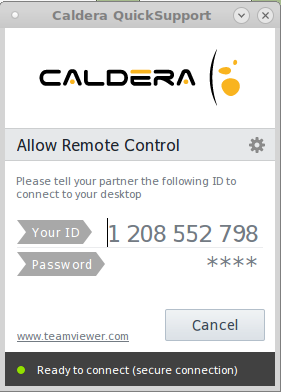
Simply download, extract it to a location like /home/caldera/ then double click, and give the provided ID to your Caldera technician.
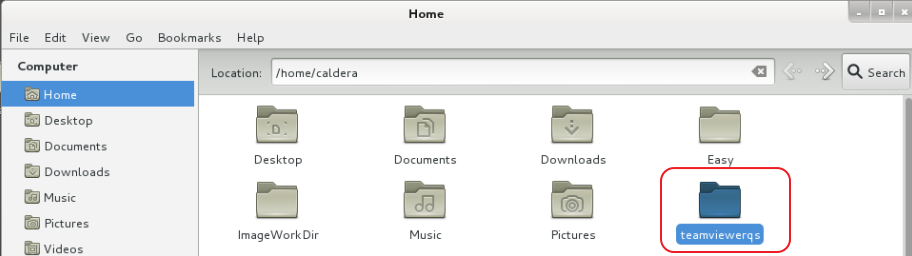
Here's an example of a download and extraction to the /home/caldera/teamviewerqs folder:
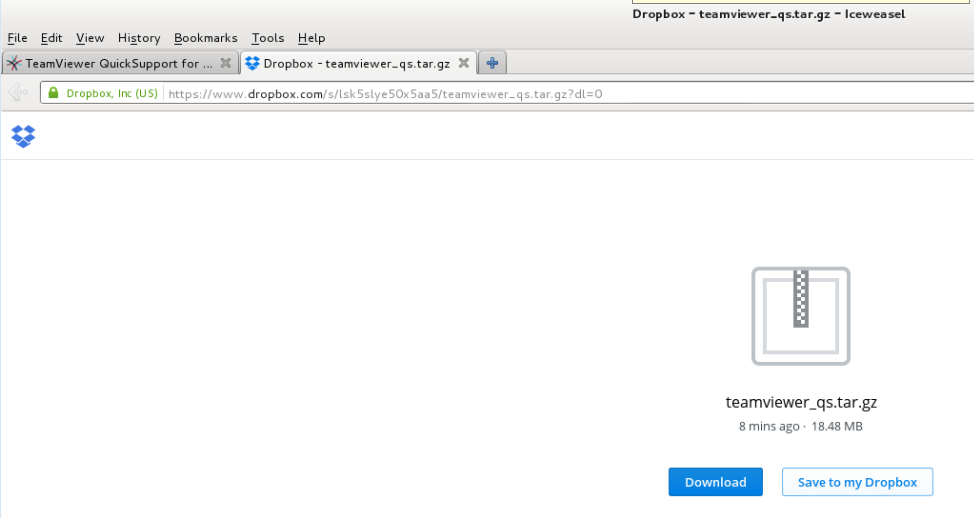
Control + left click the dropbox link to open in separate browser tab. Then select download (default download location is /home/caldera/Downloads)
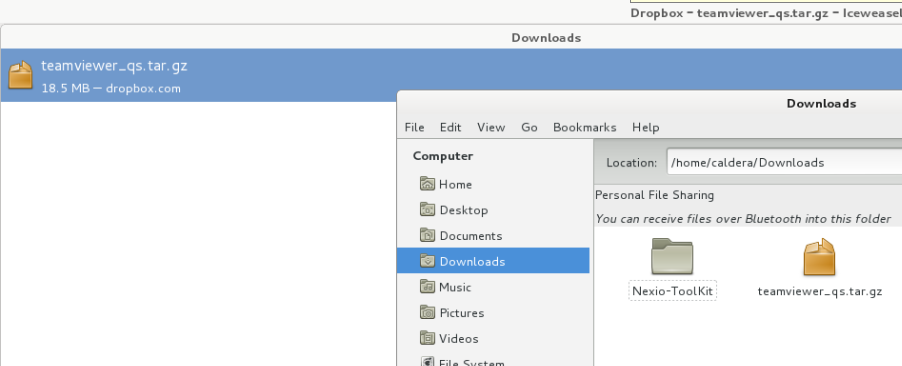
After download go to the /home/caldera/Downloads folder and left click the teamviewer-qs.tar.gz file
The extract utility will open and now select under the location the desired extract location, like /home/caldera
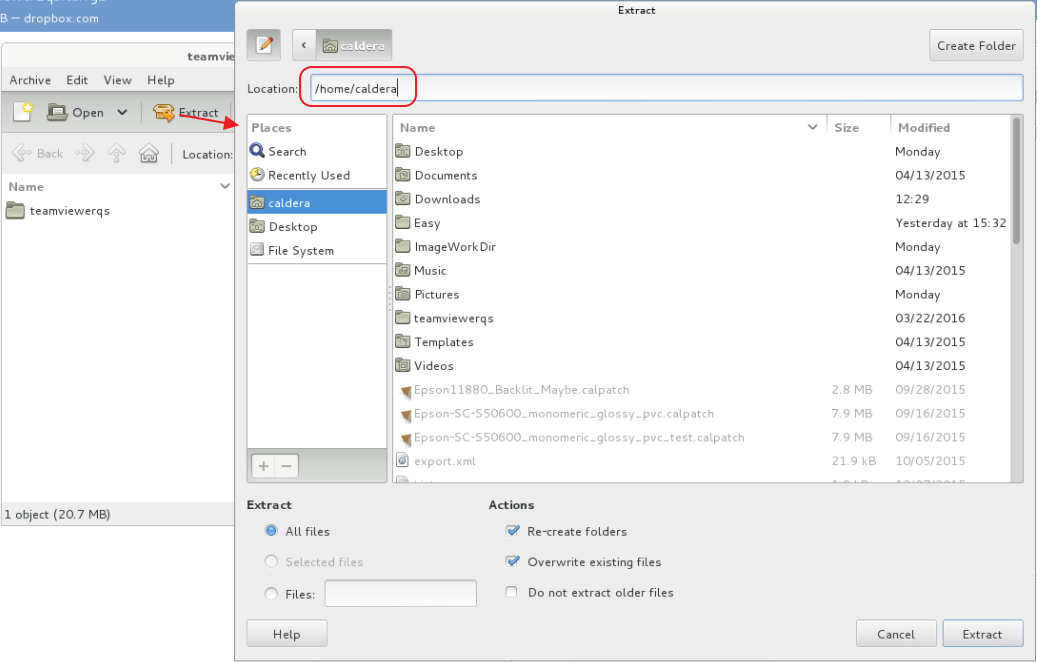
You should end up with an extracted folder named teamviewerqs. Open the folder and double click the teamviewer icon.
The TeamViewer remote control Window should open. Provide the id to the Caldera Technician.