Create a folder on our Debian and share it in order to see on Windows computer but then you have errors or is not visible?
Or you like to share a folder which is not located under /home/public or starting with V13 the public folder is in /opt/caldera/var/public
Sharing of regular folders is by default deactivated and can not be activated through the Debian Graphical User Interface.
You must to add some info inside smb.conf (text file which can be edited by the system administrator)
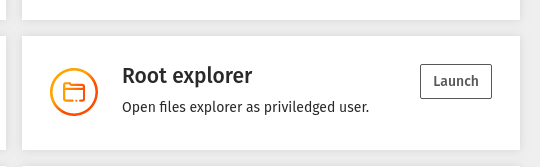
Use CalderaTools (file browser with administrative rights) or Use CalderaDock > Applications > Root Explorer:
Browse to the /etc/samba/ folder and right click the smb.conf file and open the text file with one of the text editors.
Then browse to the following section (towards the end of the file), following screenshots apply to versions of Caldera up to version 13.
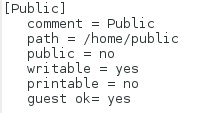
- paste or edit the info just copied at the end of the document, but change with the path and values you created before.
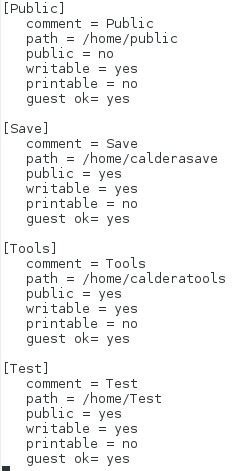
- Exit saving changes
Done.
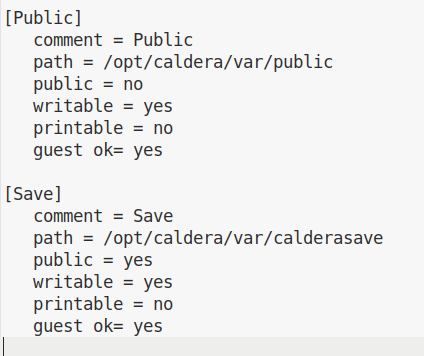
These screenshots apply to version 13 or newer (/opt/caldera/var/public) and are showing the default shared locations.
More details on sharing folders (outside link): https://www.thomas-krenn.com/en/wiki/Simple_Samba_Shares_in_Debian