The Multivision software (Machine Tools Suite) release 4.6.243 or higher includes the Caldera xml file format (Select in Caldera's GrandCut "Caldera XML" as driver)
Customers who need help configuring the option or requiring an upgrade should contact their local MultiCam support.
--------------------------------------------------------------------------------------------------------------
In the Job Editor or Job Console apps the user can access the XMI Settings dialog from the File menu:
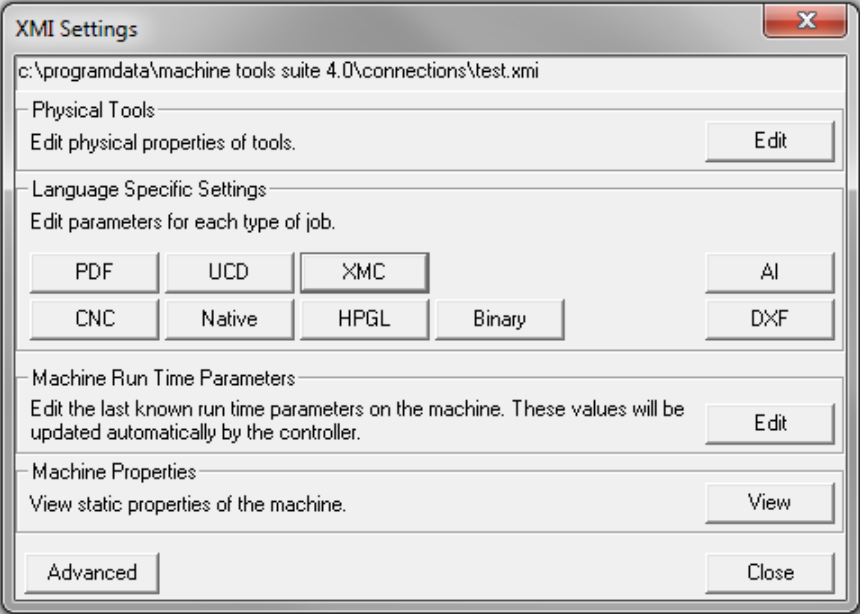
Clicking the XMC button opens the options that pertain to all XML cut files. The user doesn’t need to distinguish between a Caldera XML cut file or an XML cut file from another system, its done automatically.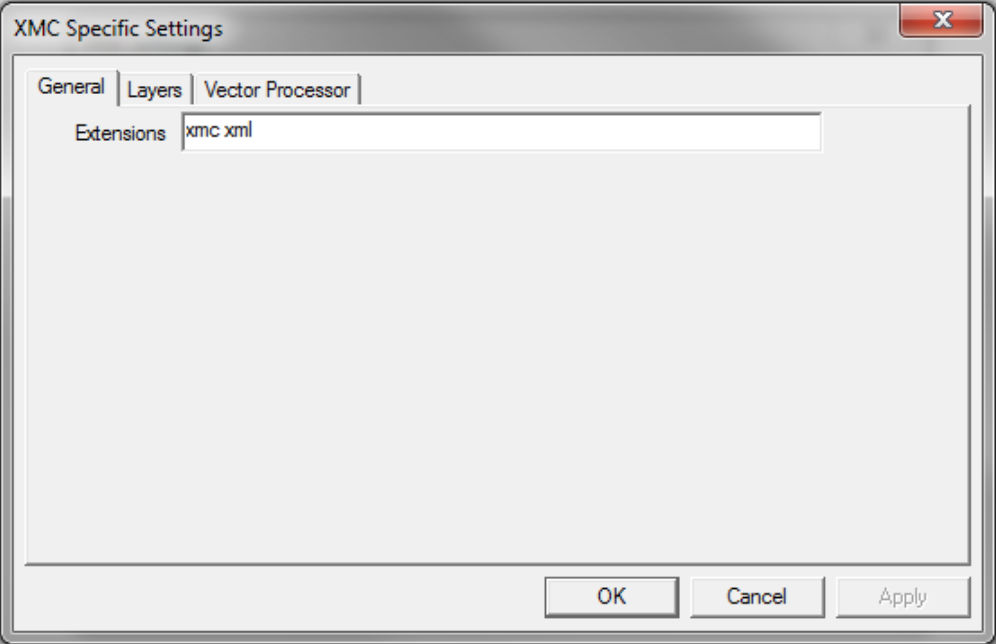
The XMC Specific Settings allow the user to add any supported file extensions, modify layer mappings and set vector processing options.
Once these settings are configured any file that is opened in Job Editor, Job Console, or even directly on the machine keypad is automatically configured to run the file.