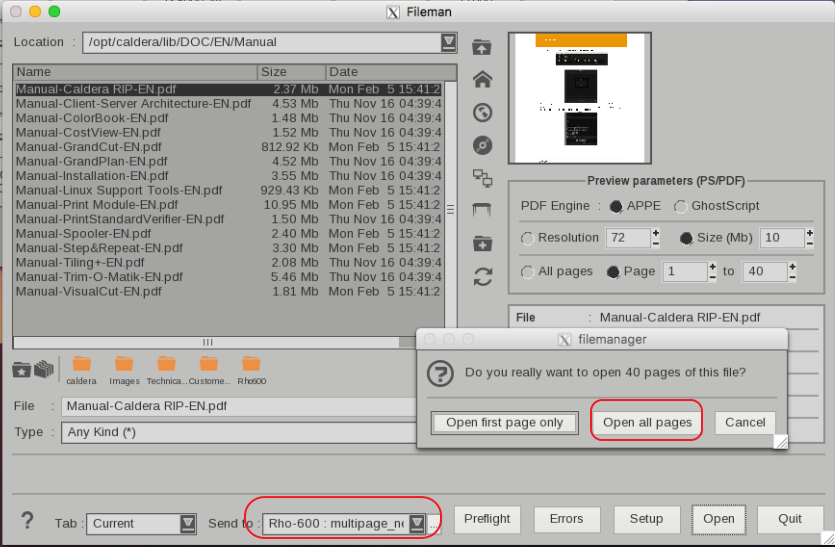
When your MultiPage PDF has different page sizes then they can't be printed like a MultiPage PDF with the same page sizes.
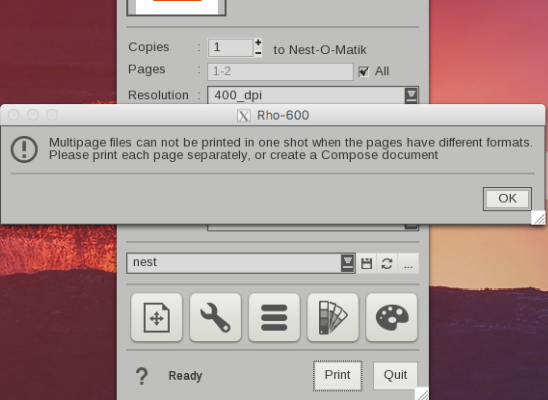
When attempting to print such a file the following warning will appear:
Here's a short explanation on a workaround:
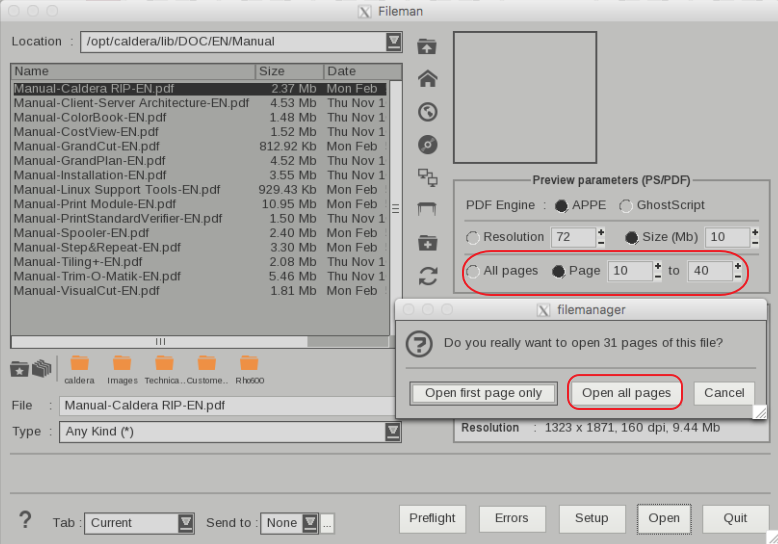
In FileMan, select "All Pages" or a desired range and select "Open all pages"
The Preview window will now show each page as a separate icon/preview. When the action in the print module is set to Nest, each page can be submitted as long as you deselect "All Pages" and not select a range (In this screenshot only page 35 is loaded and this number will change based on which page you submit)
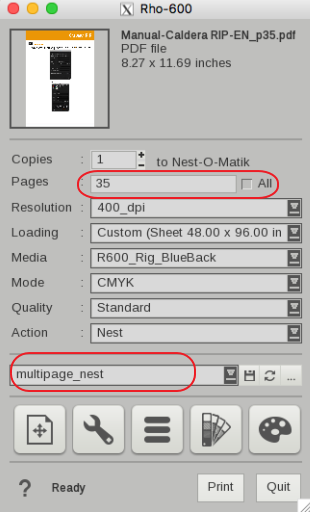
Then to make it easier one can create a QuickPrint (multipage_nest for example) and select the pages in the Preview Window (hold down the shift or ctrl key when selecting the images then right click and select Send to > Printer > and select the QuickPrint) or even easier select the QuickPrint in FileMan and open the Multipage PDF with the "Open all pages" option.