This message appears every time you start Caldera (It would be a normal message after a major upgrade):
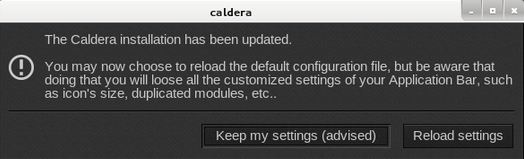
One of the Caldera configuration files does not have the correct date.
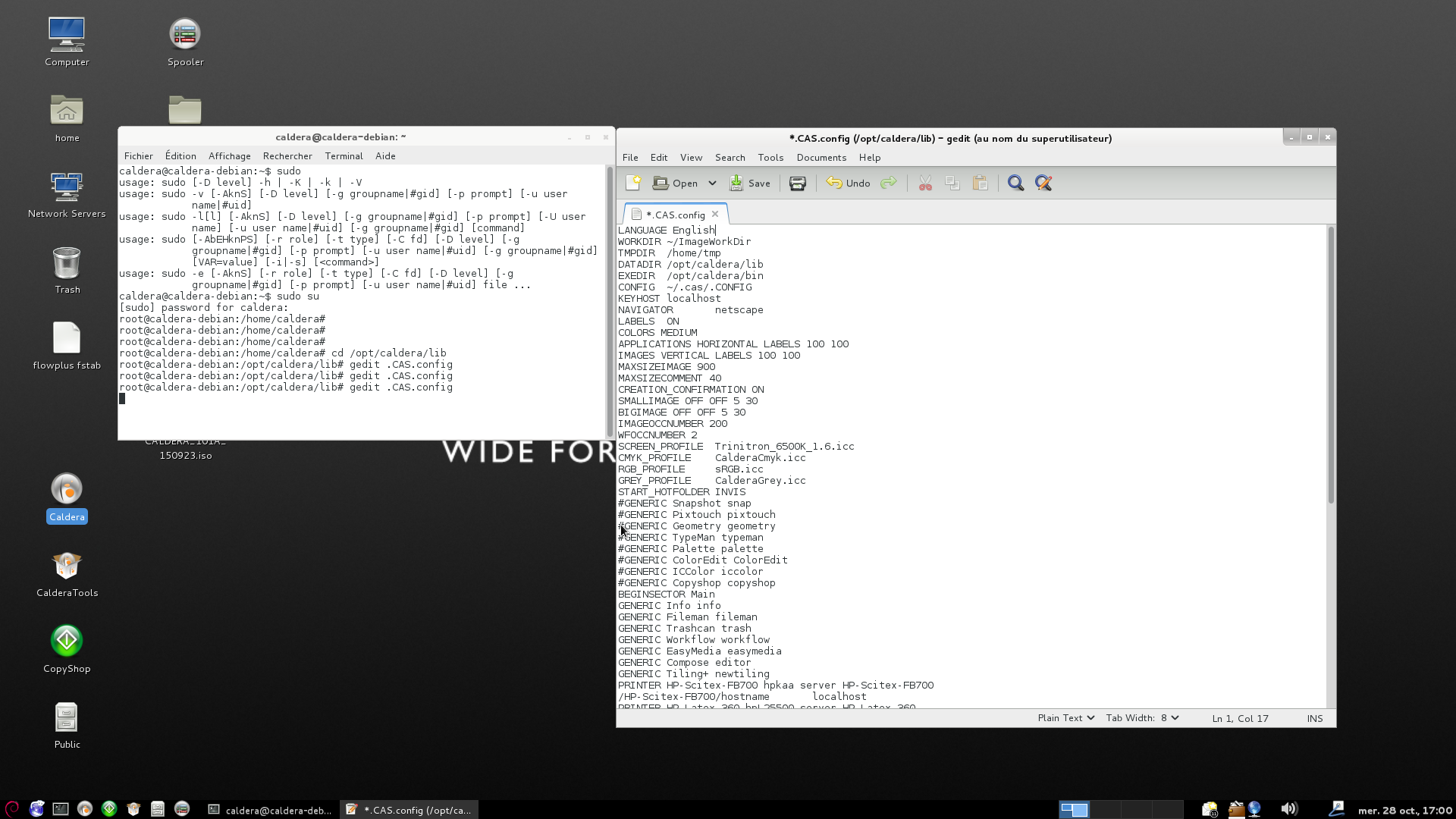
Open Terminal and enter:
sudo nano /opt/caldera/lib/.CAS.config (password is caldera) and the (re)save the file by pressing ctrl X. There should be no need to modify the file (filename is case sensitive)