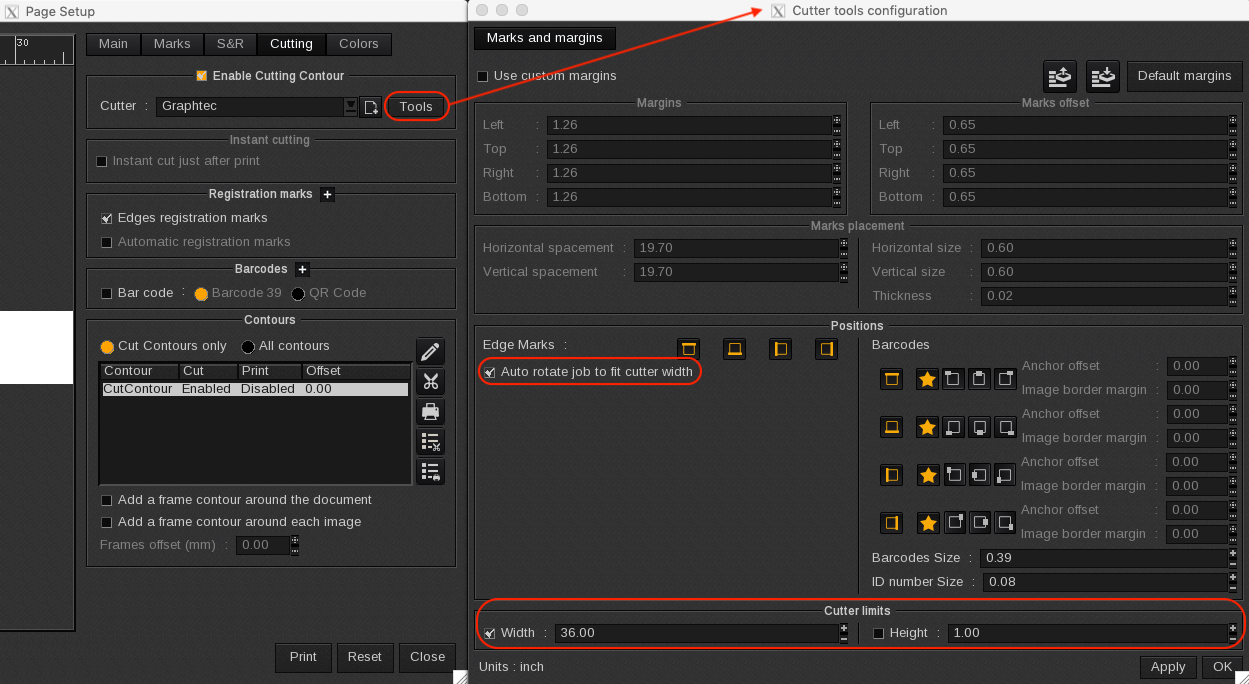
Available for most cutter driver in Caldera under Page Setup > Cutting > Tools > Marks and Margins (see image).
Cutter Limits is to be defined when combined with the automatic rotation of the marks to determine when it is required:
For example: A 64" roll is used but the cutter is only 36" wide and a job of 60"x30" is to be cut.
Set as Cutter Limits > Width to 36" and select Auto Rotate. The marks will automatically be rotated to be in the right position when the job is submitted.
The height is required for the tables to avoid rotation when it's useless because the job is too big anyway (60"x60" for instance in this example).