Issue:
2 Summa cutters are sharing the same port number with USB connection, under visualcut windows shows "Ready" status for both, but only one of them has been detected for cut,
Problem:
Cannot use 2 cutters together.
Solution:
Use ethernet connection if possible.
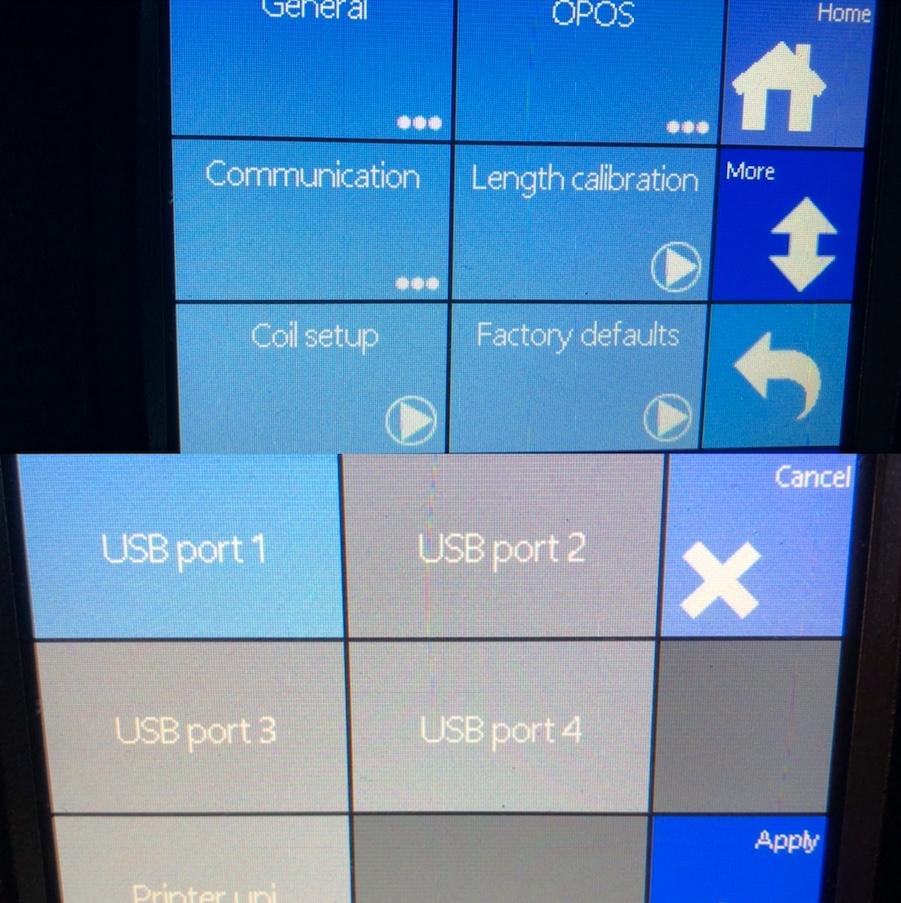
If there is no ethernet port on both summa cutter, go to 1 summa panel>communication>USB port, change the default port number to another port.