When double clicking a calpatch (Caldera updates have the calpatch extension) the Caldera patch installer doesn't open.
Be aware that Caldera media patches which also have the calpatch extension are to be installed through EasyMedia.
*.calpatch extension no longer associated with the Caldera patch installer.
Drag and drop the *.calpatch file on the "Caldera Patch" installer icon located at (Applies to Caldera V9-V12.x)
/CALDERADATA/calderatools/patch/Caldera Patch
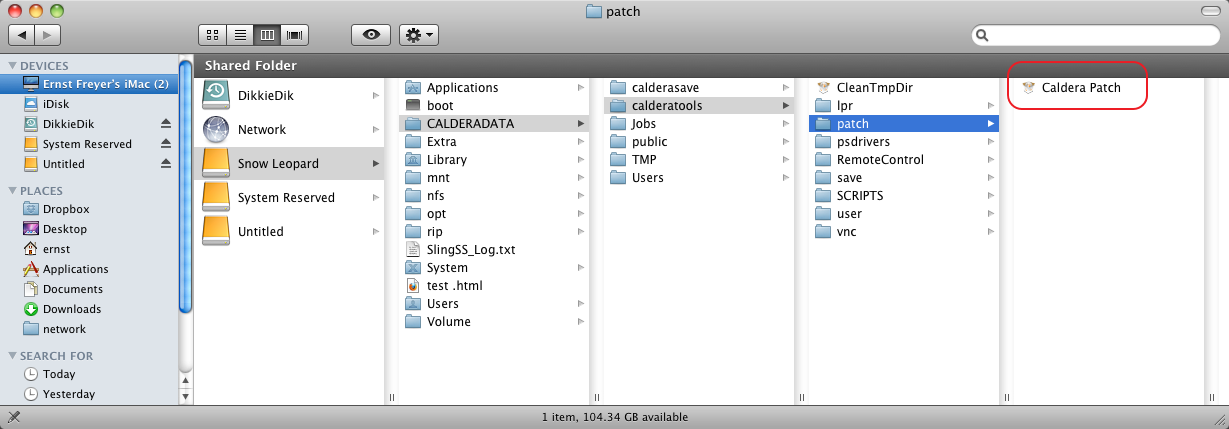
Starting with version 13 and newer the "Caldera Patch" is located in the Caldera folder under the Mac OS Applications folder.
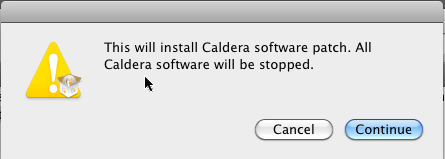
This will start the installer:
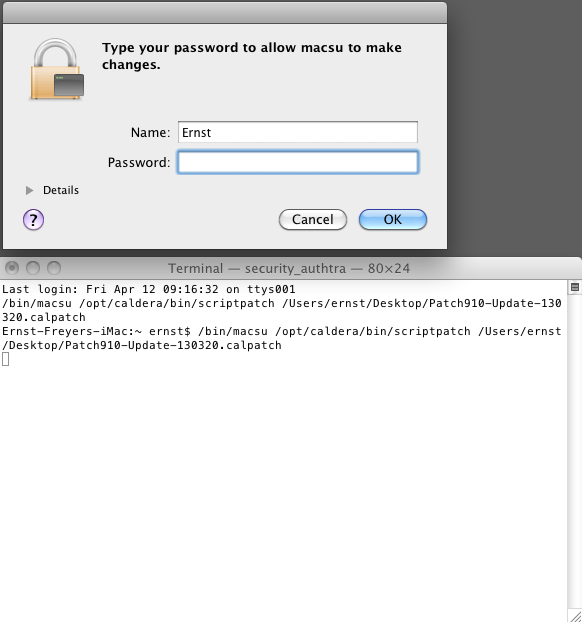
Then will ask for your Mac's administrator username and password:
The patch will be unpacked (for bigger patches like a major update this could take several minutes:
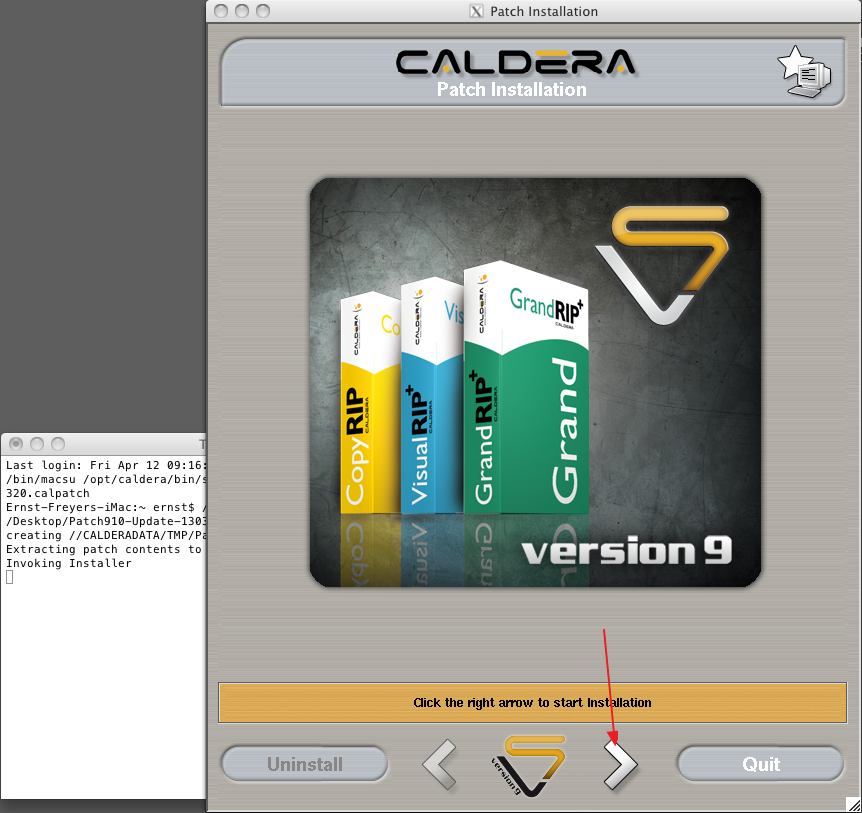
Click on the right arrow to start the patch installation.