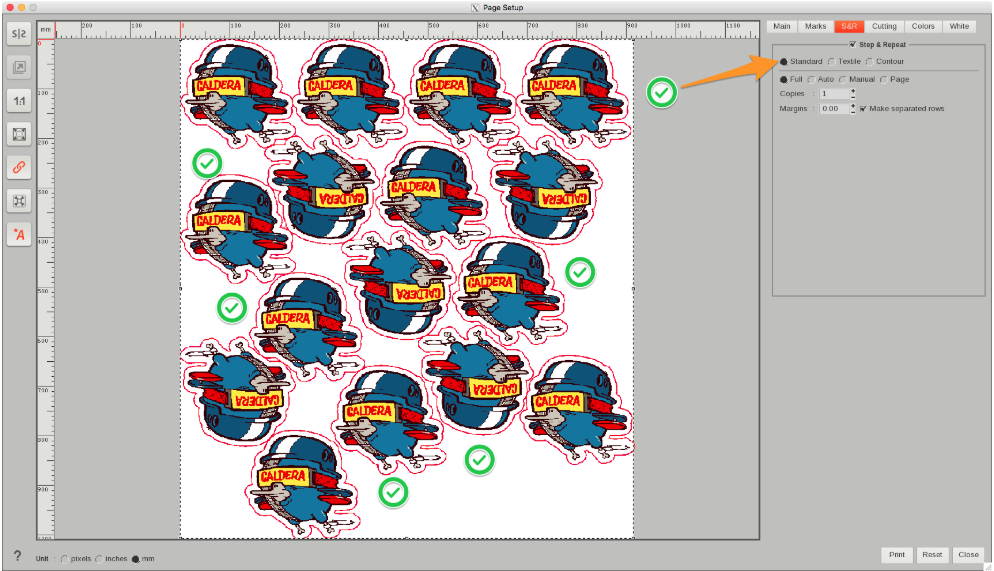
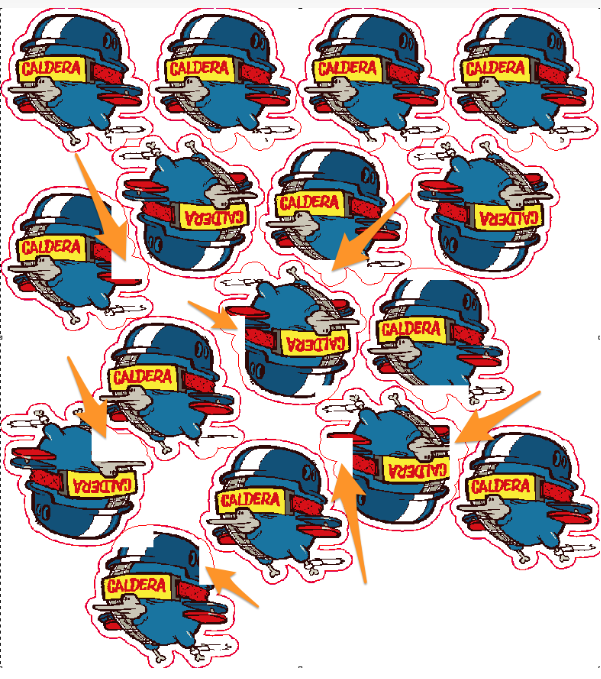
When using Compose + Contour Nesting + Standard S&R you will have white overlaps around the repeated copies.
You will encounter issues because in Caldera, you cannot mix Standard S&R with Contour Nesting with files that have a White background. So, to make it works you need to remove the white background around the file.
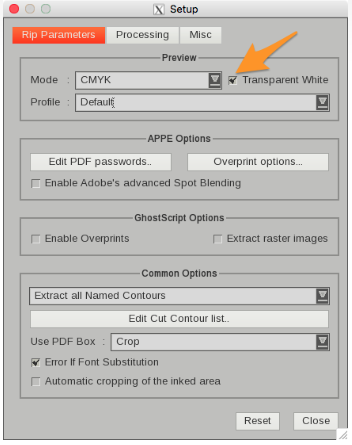
Before opening the file from FileMan go to SETUP and select Transparent White at the preview area.
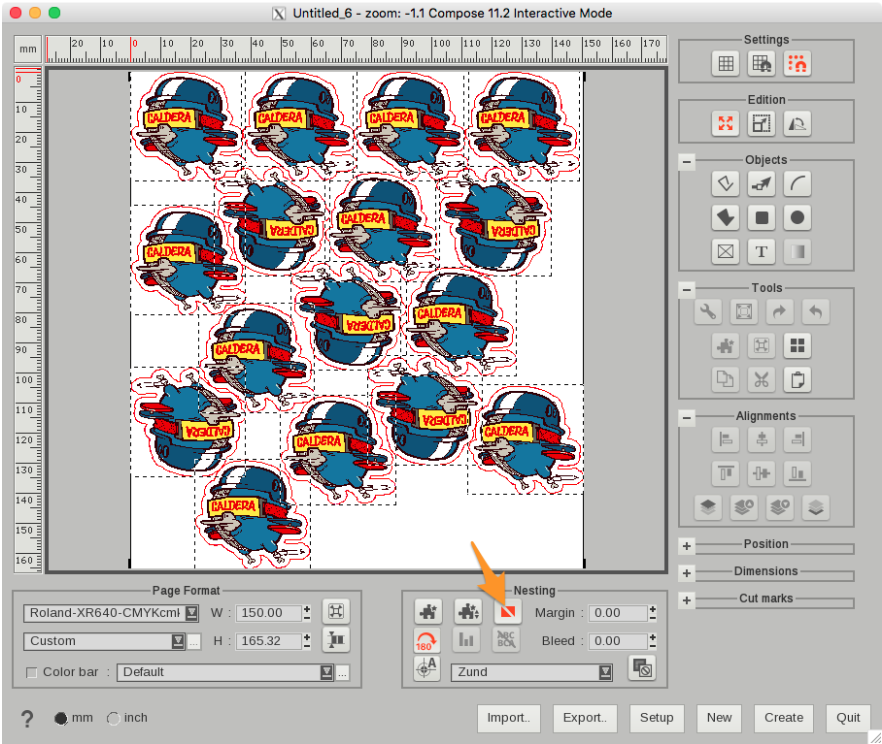
Then setup your composition in Compose and Create the file.
Then drag and drop the create file into the printer module. Use your Standard S&R option to create more than one copy.