The command line options could not be loaded, check that they are valid, after variable display updated to 3.10.
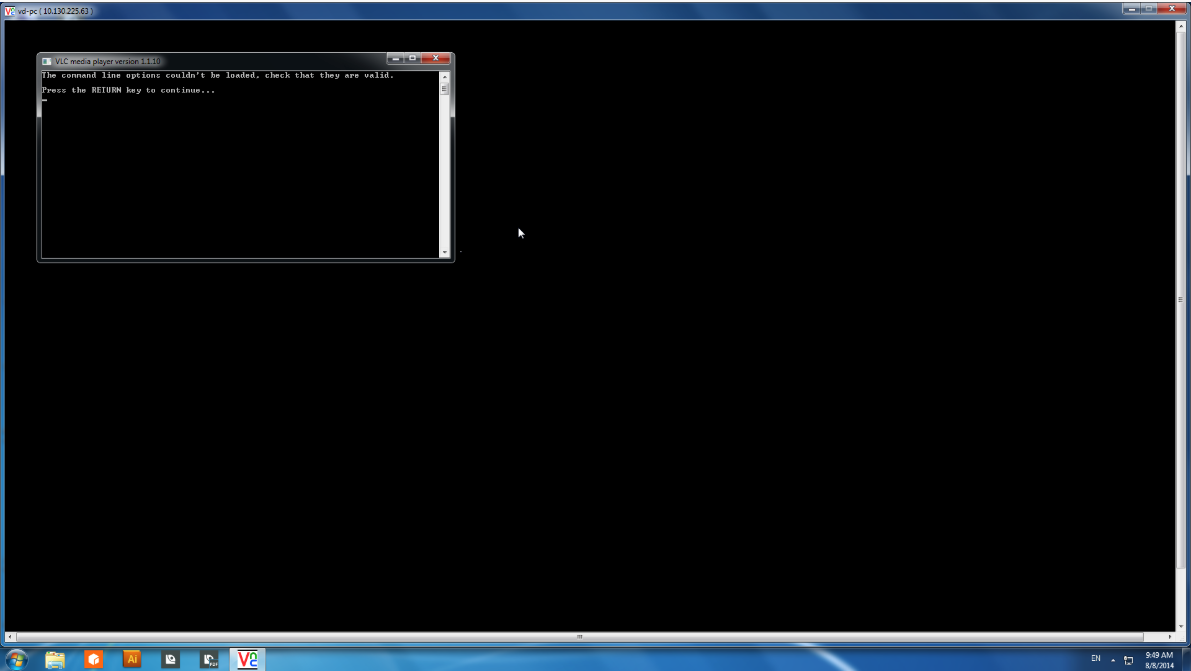
This problem sometimes happens after updating the VD system because VLC player failed to install.
Solution:
We are investigating to know why exactly it sometimes fails, but in the meantime you can fix this issue by doing the following:
1/. Open a support session on the VD box and connect to it through VNC.
2/. Stop the player software if it is running (« start » menu, « Stop Variable Display Software »).
3/. Double-click on « C:\www\CALDERA-SERVER\PatchTmp\<lastPatchFolder>\install_vlc.bat » and wait for the script to finish.
4/. Check that VLC is correctly installed: type « VLC » in the search field and launch « VLC media player », then click on « help » -> « about », the version must be « VLC media player 2.0.7 Twoflower ».