Symptom:
From VD Desktop application, you get the error 'Access denied for these screens'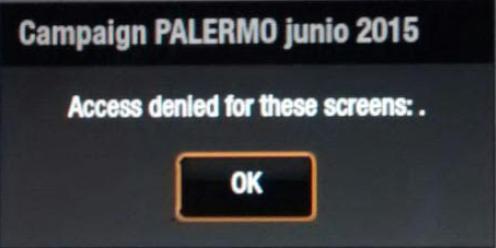
Problem:
An XML resource file has been corrupted
Solution:
Here is how to fix the problem:
- Take control of the box (support session + VNC, TeamViewer…)
- Rename the directory C:\www\CALDERA-SERVER\<box_
- Restart the player
This will force the directory to be re-created with default values and should fix the problem. Then try to send a new playlist.
Comment:
If the problem still appear I will have to check what is happening.
Do not hesitate to send to the dev team a zip file containing the backup of the corrupted installation (<box_