Symptom:
After updating a player with a new version, VDAir application invites user to update its remote control application displaying following popup :
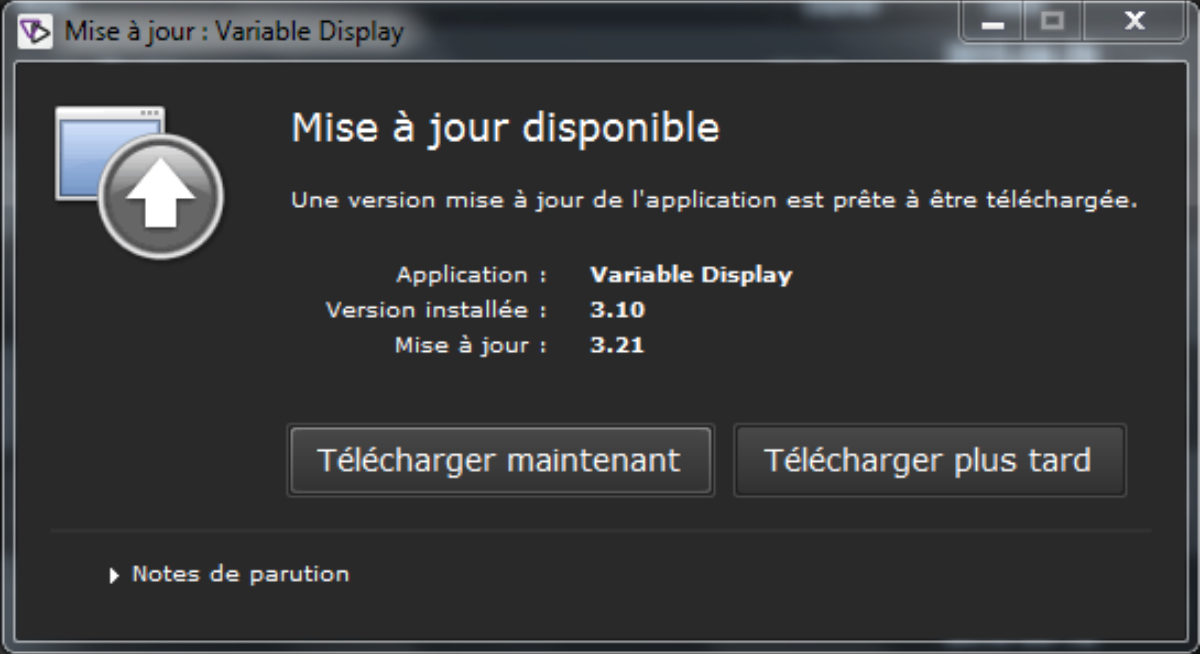
However, an error may appear :
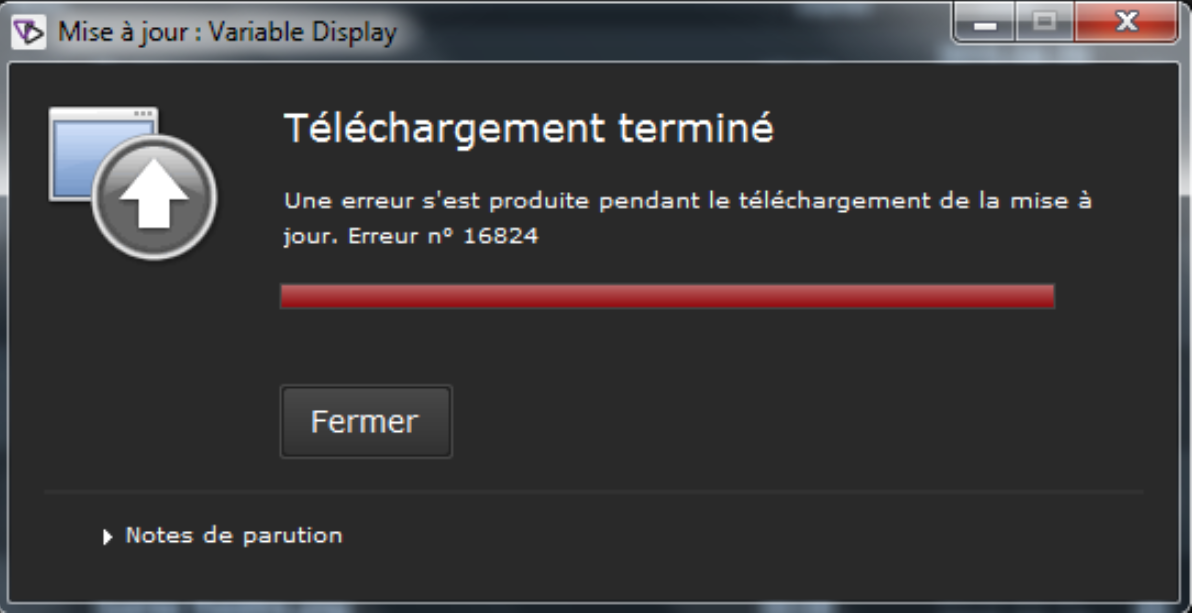
Problem:
This is most commonly due to the originated version 3.10 and below that were not fully compliant with auto update mode.
But this problem may have others origins, the following solution with solve that in all cases.
Solution:
- Light solution : download the new version manually and install it over the old one.
- Go to http://<Player IP> (where <player IP> is the IP address of the player)
- Download VDAir application =>
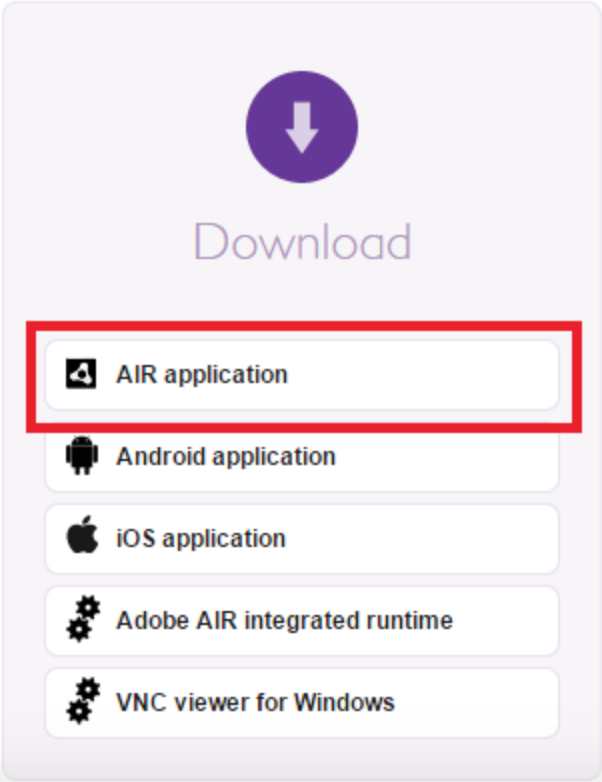
- Double click on VDAir.air
- Install it over old version
- If first solution fails :
- Uninstall VDAir from your OS
- Reinstall the new version instead following the process above