Lost password or error trying to login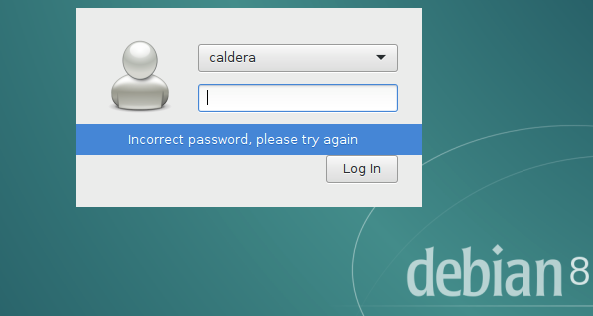
To change or replace a password from the system Debian, example 'caldera' user:
Restart in Advanced options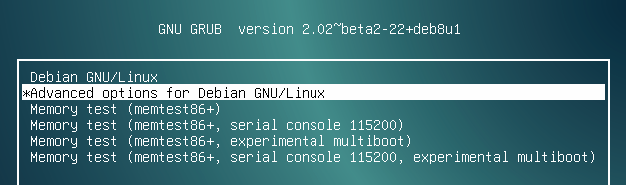
Open in (recovery mode), this will open in terminal mode
If you see this message "Welcome to rescue mode! ..." but you don't have 'root@debian', try pressing ENTER a couple times until you have this 'root@debian:#'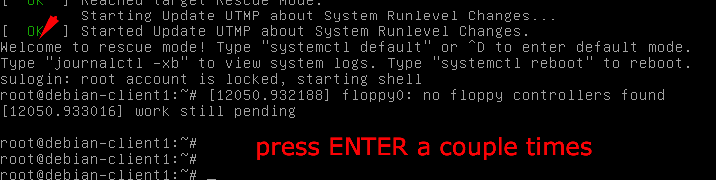
Run the command passwd with user you want to change the password:
# passwd caldera
Type the desired password 2x times, you must have the message: "password updated sucessfully"
Then, reboot with the command:
# reboot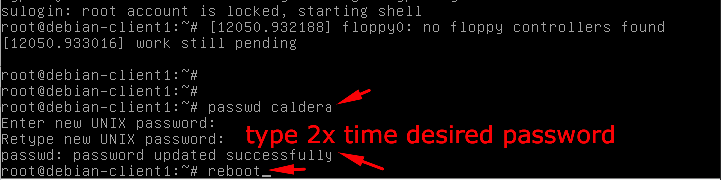
This will change the password of user 'caldera'. After reboot let Debian open normally.