How to initiate a remote control session.
Click on the Debian start menu:
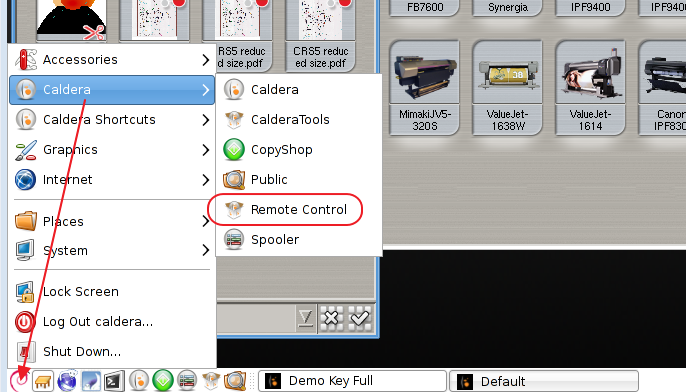
Select Remote Control from the Caldera menu.
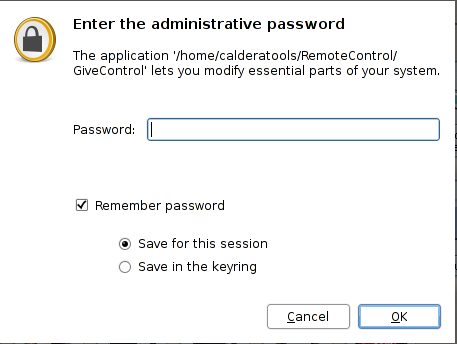
Enter the password (should be caldera lower case)
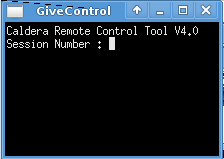
Enter the by the Caldera technician provided session number.
Assuming you are able to access the internet the following window will appear:
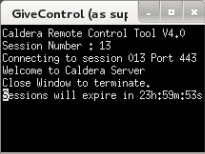
When the remote session has been completed just close the window to terminate the session