Spontaneous reboots, file corruption errors.
Reboot and at the Grub screen select recovery mode: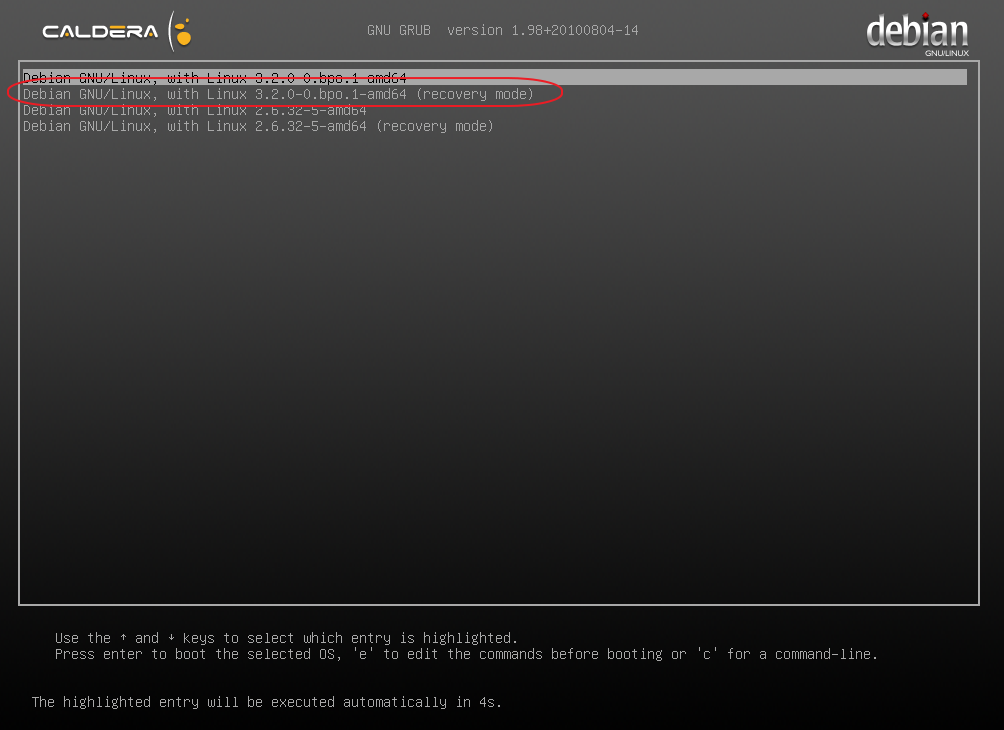
At the prompt enter the root password: caldera (case sensitive)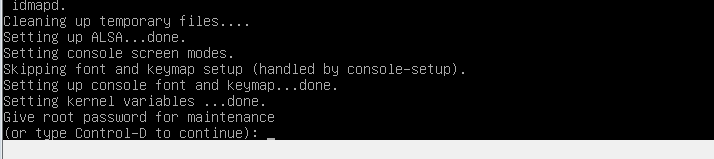
Now enter the following command:
touch /forcefsck
reboot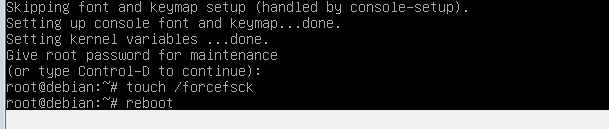
Caldera Debian will now reboot and at the next start it will run a file system check (fsck) on all partitions.
If after entering touch /forcefsck you get the message "cannot touch /forcefsck: read-only file system" then enter the following command to mount the root partition first:
mount -o remount,rw /
After successful mount re-enter the touch /forcefsck command and continue with the reboot command as explain in the previous section.