Connectivity issue on an HP Latex?
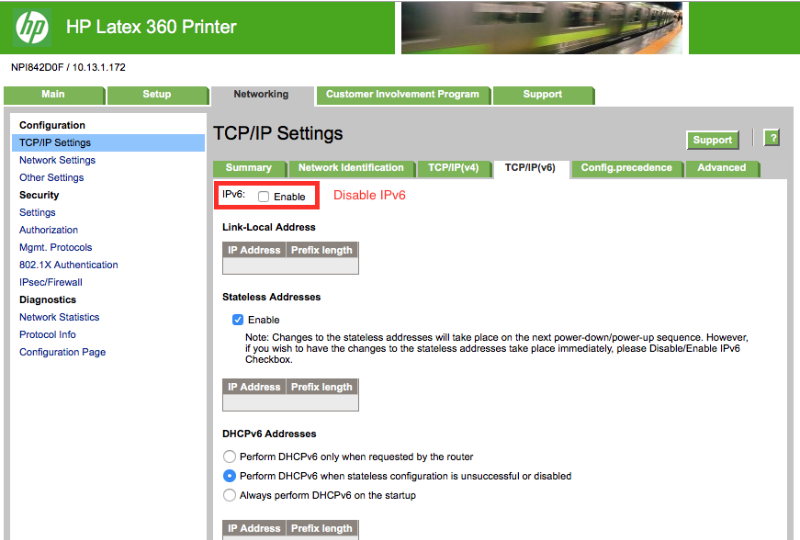
Disable the IPv6.
On panel on the printer
Go to Settings> Network Connectivity> Gigabit Ethernet> Modify Config> TCP/IP> IPv6 Settings > Disable
Disabling IPv6 can also be done from the Printers web page.
Select the Networking Tab on the HP Web Server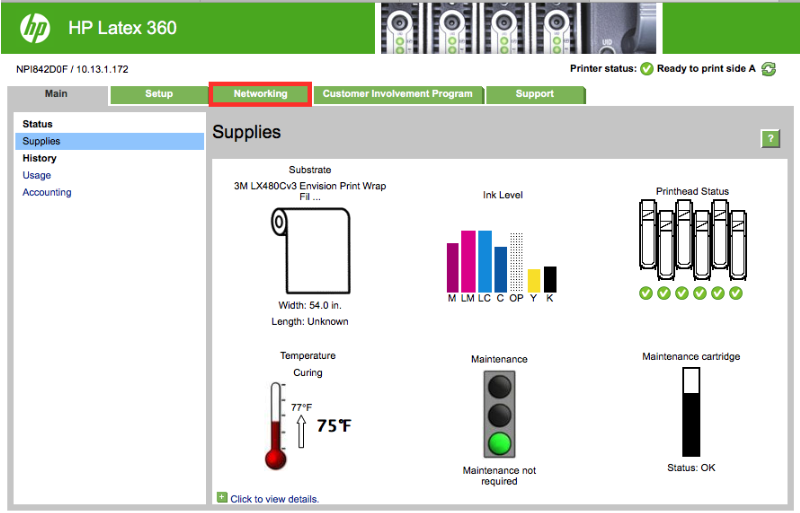
Select the TCP/IP(v6) tab in the TCP/IP Settings, If enabled disable IPv6.