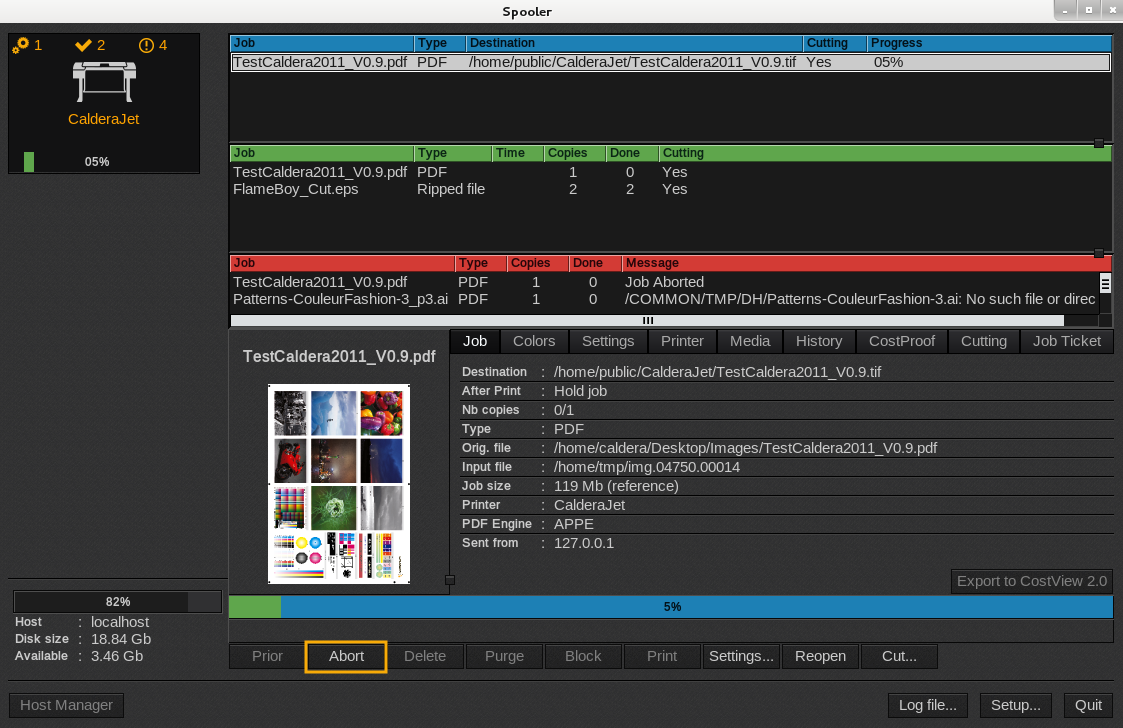
Using this function will let you abort your job and temporarily stop it. There are three methods to get the result wanted.
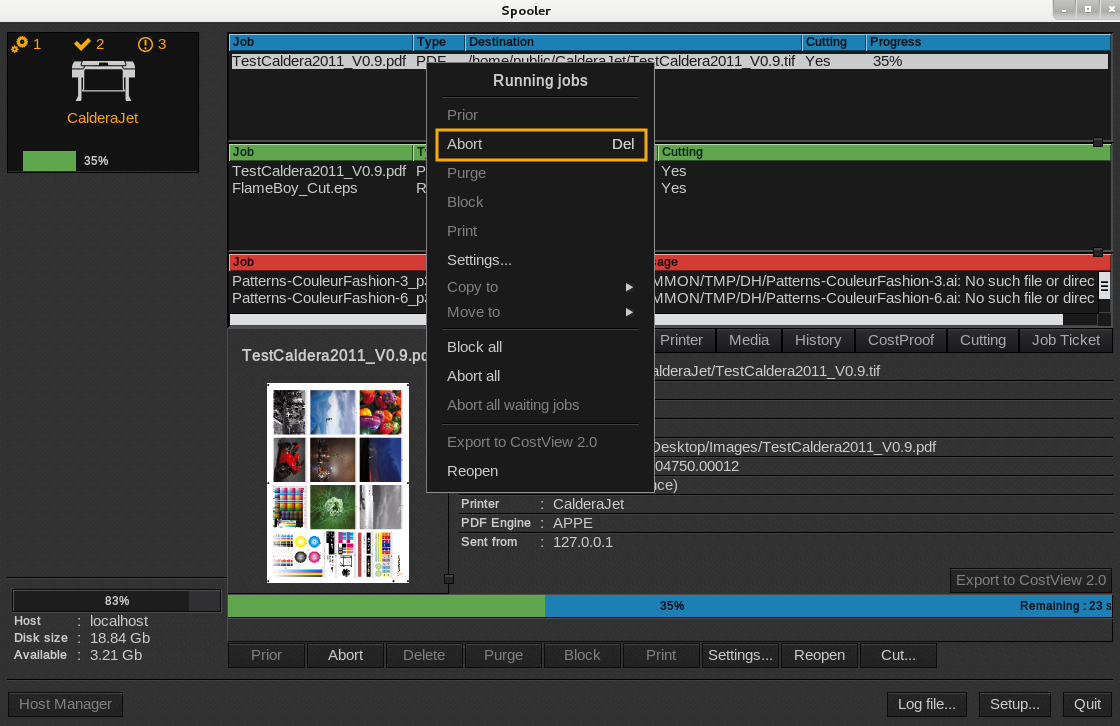
First method:
- Open the Spooler. Select your running job in the active queue (blue queue) and right-click on it.
- In the menu that appears, click on Abort.
Second method:
- Open the Spooler. Select your running job in the active queue (blue queue).
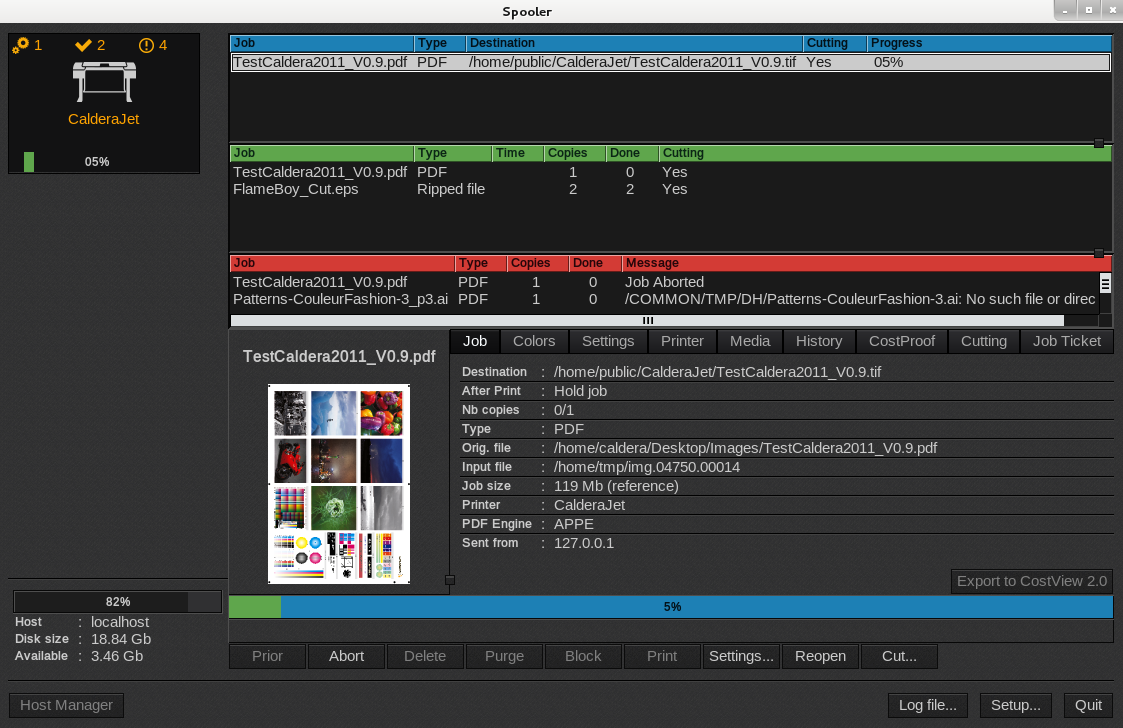
- Hit the Del key.
Third method:
- Open the Spooler. Select your running job in the active queue (blue queue).
- At the bottom of the window, click Abort.