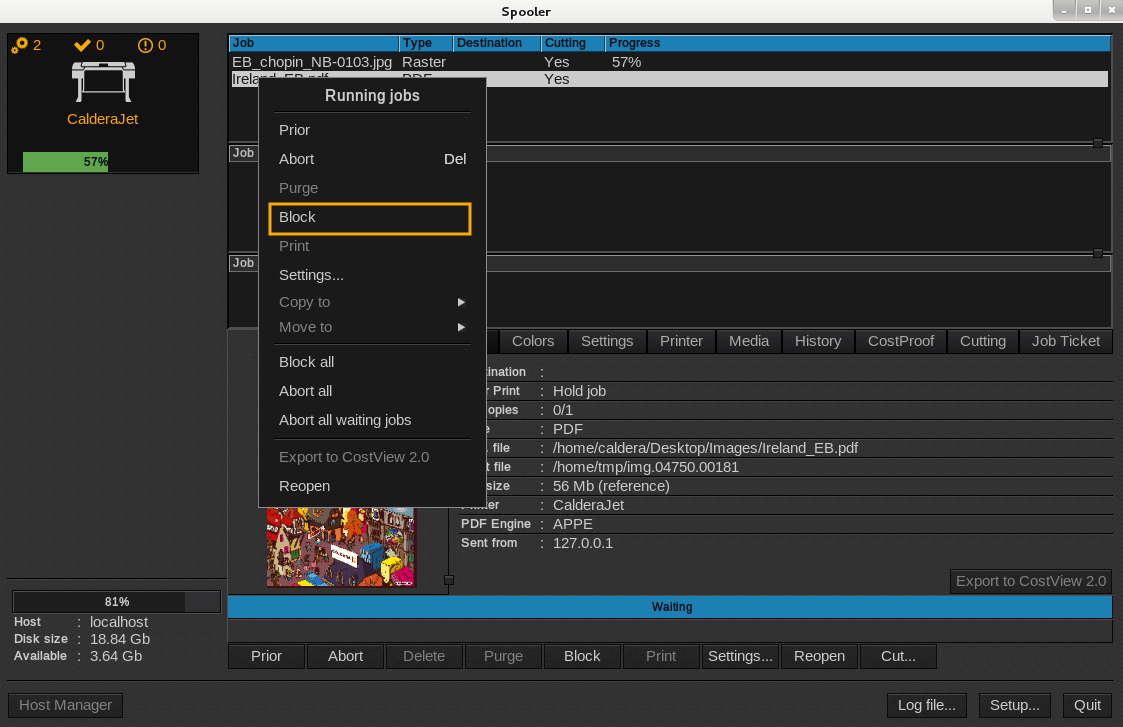
The function Block a job allows you to block a task that is currently being processed in the active queue (blue queue). This one is different from Abort a job because it lets you open or print the job once again in the future.
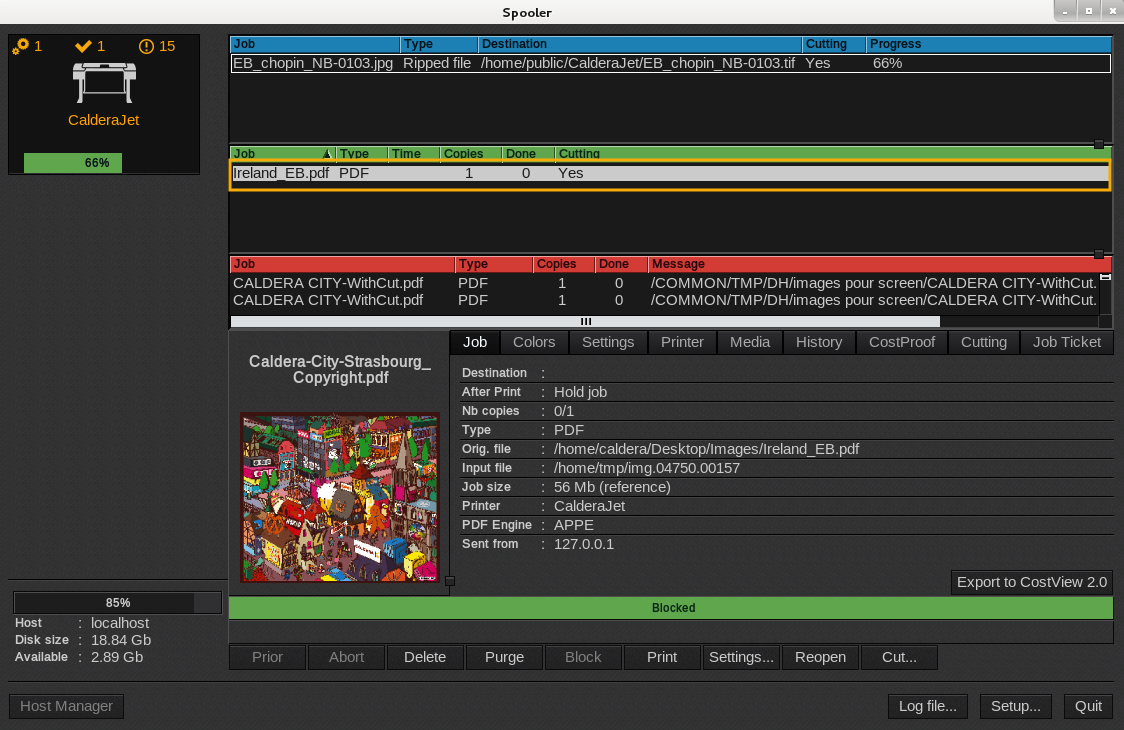
As a result the job will appears in the green queue with a field equal to 0.
First method:
- Open the Spooler.
- In the pending job list, select the one to block.
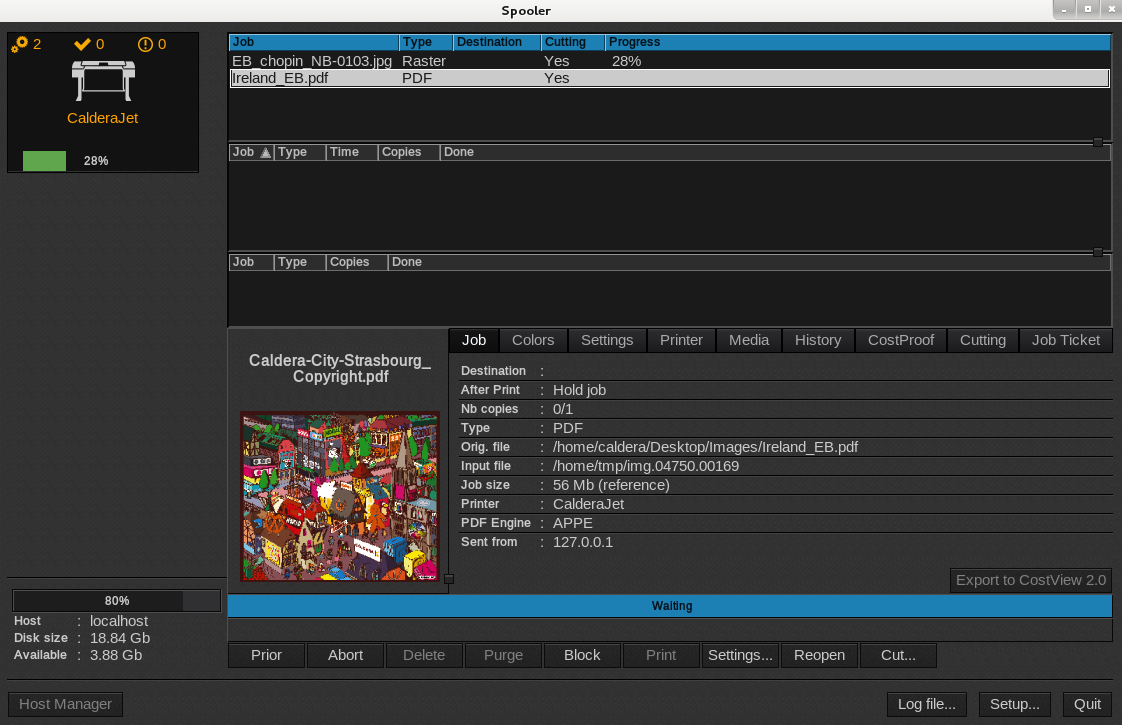
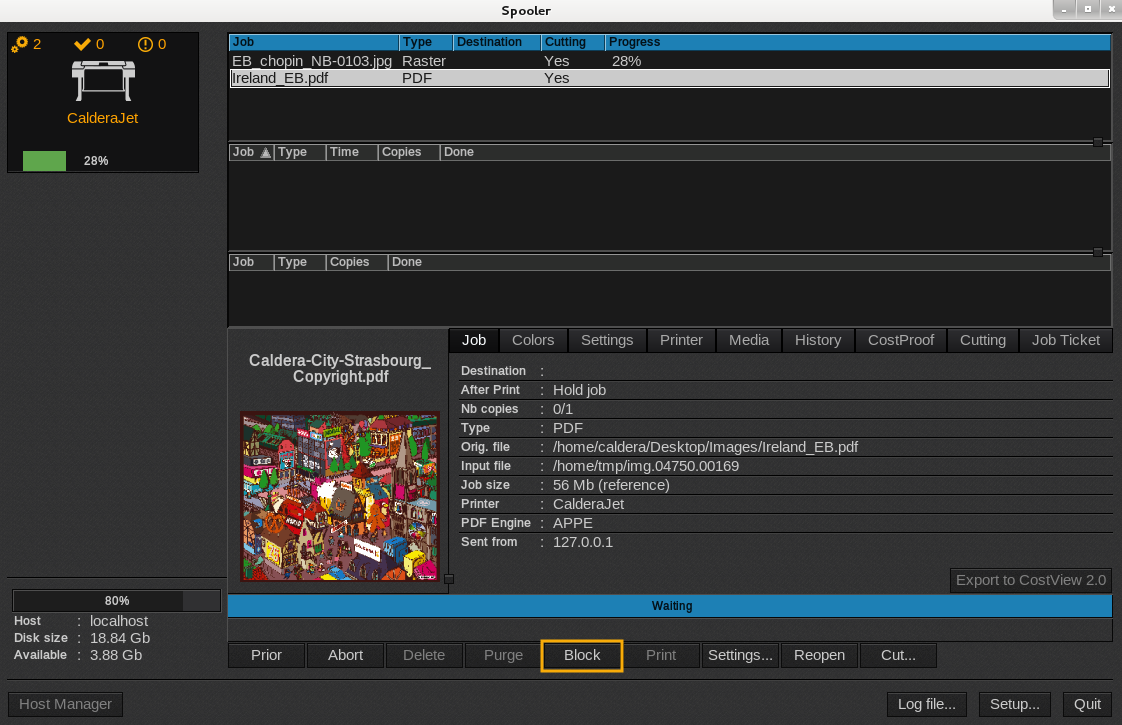
- Click the Block button.
Second method:
- Open the Spooler.
- Select your running job in the active queue (blue queue) and right-click it.
- In the menu that appears, click on Block.