This function allows you to block numerous printings and avoid wastage due to a typing error (example: 1000 copies instead of 100).
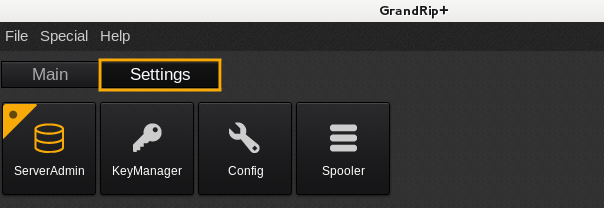
- In the Settings tab, click the Server Admin button.
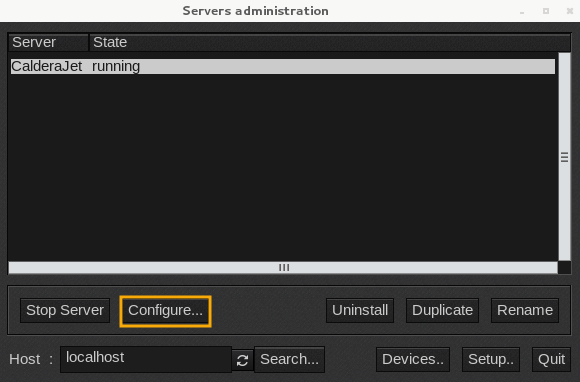
- In the menu that appears, select the printer that you want to setup.
- Click the Configure… button.
- Then in the window that appears, click on the Misc tab.
- Tick the box Max number of jobs in the Spooler.
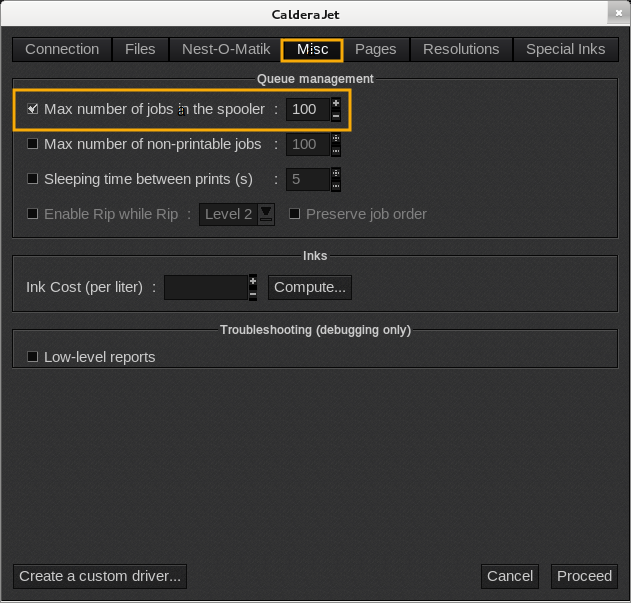
- Type the number wanted (in our example, 100 is indicated).
- In the bottom of the window, Click the Proceed button.
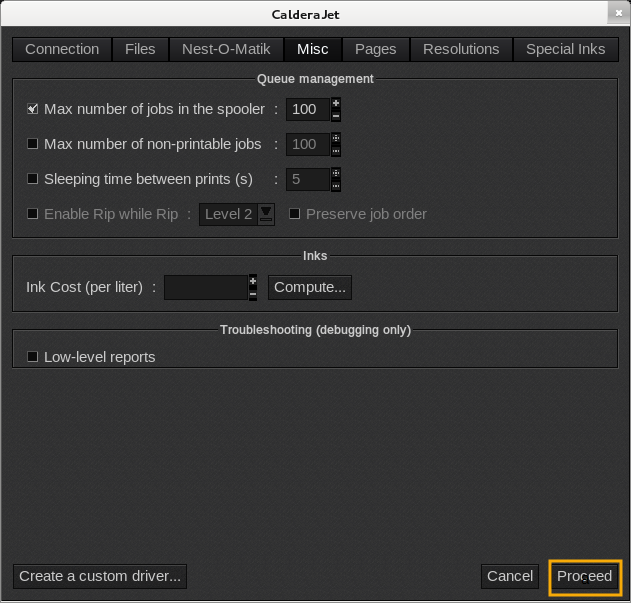
- Accept the reboot so parameters will be taken into account.