In the Cutting tab of the Spooler, you can see all the cutting options of your job.
- Open the Spooler.
- Choose the job on which you want information.
- Go to the Cutting tab.
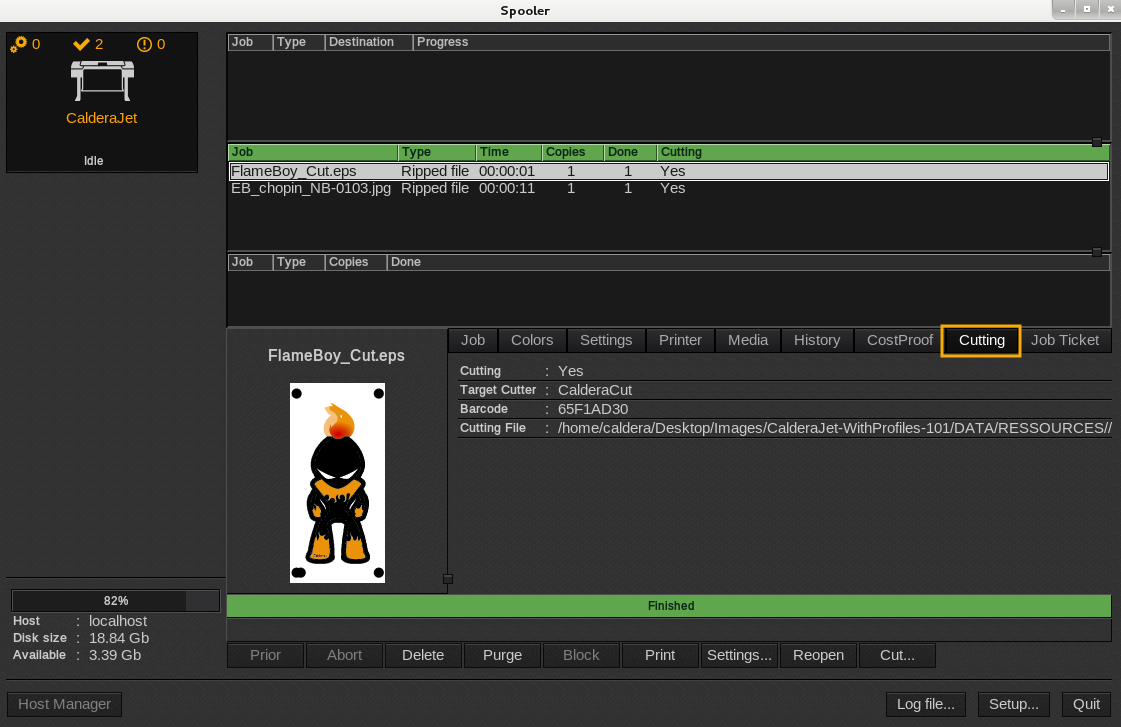
- Information on cutting, target cuter, barcode and cutting file are shown.
How to open VisualCut
It only works when the cutter is drive by VisualCut.
- From the Spooler, click on Cut...
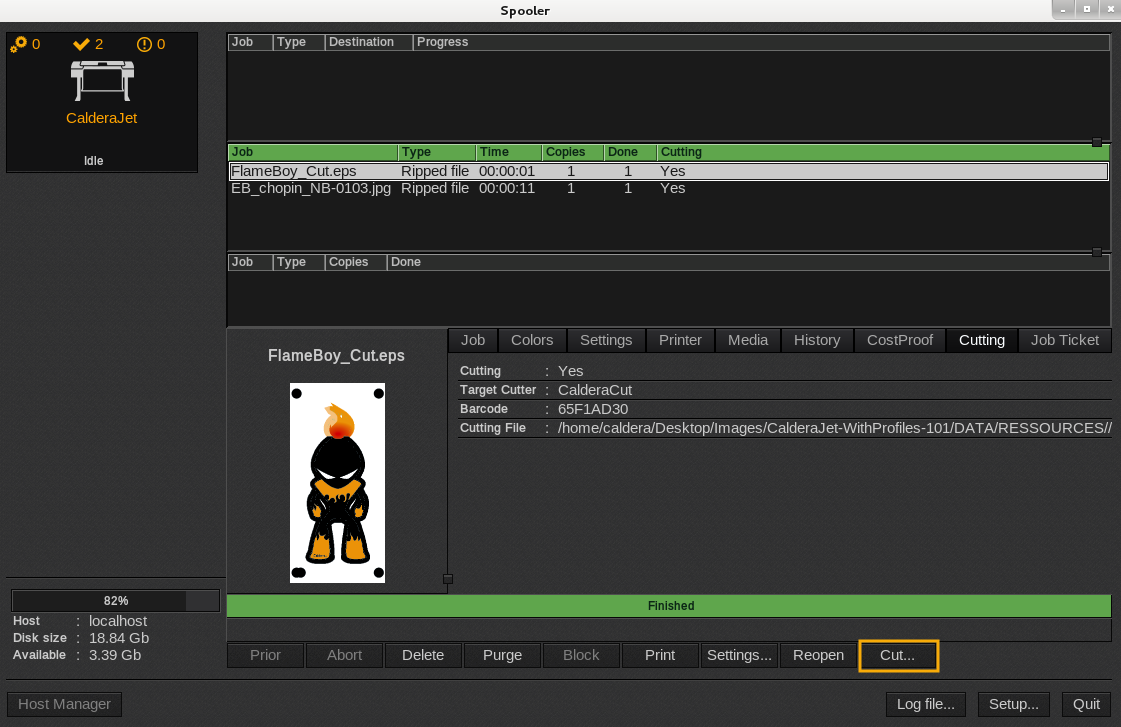
- So the VisualCut window appears.
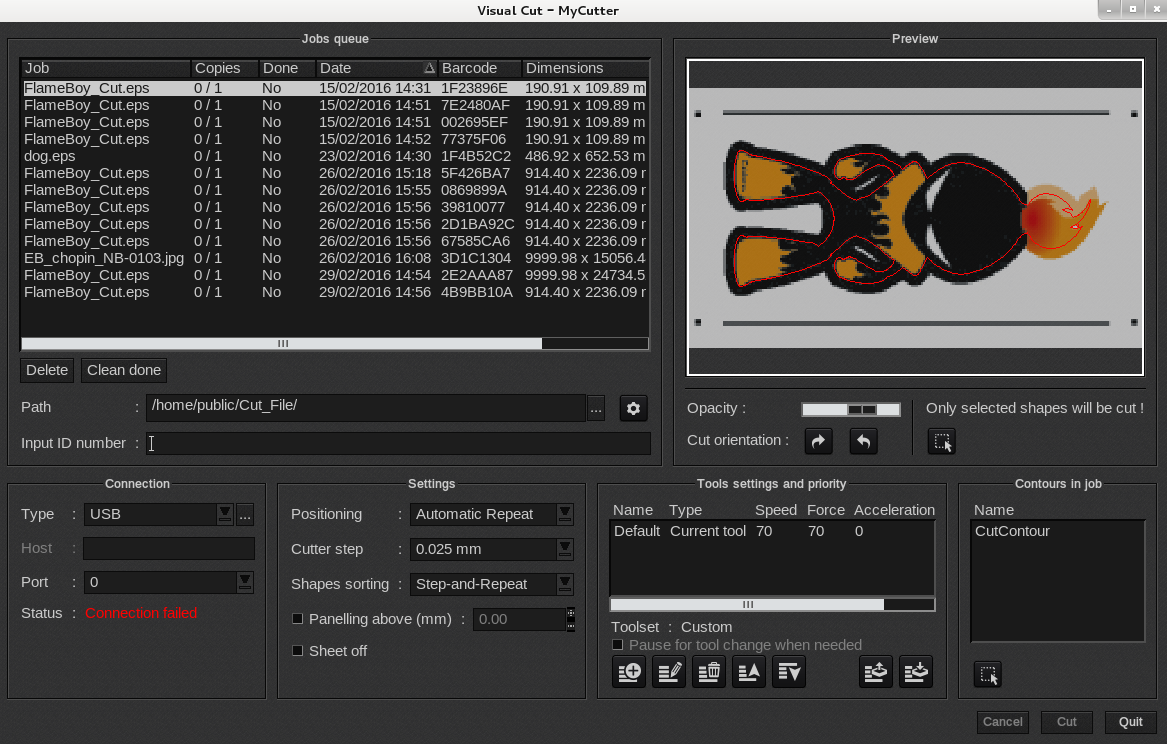
For more information, see the VisualCut Manual.