The reopening function has a wide range of uses, such as checking the parameters of a printed job, reprinting a job with other options, or using the parameters of a previous job for a new one.
Reopening a job allows you to open the Print module with the parameters used.
Info
This function is only available for jobs launched from the Print Module, which means that targets printed from the EasyMedia module can not be reopened.
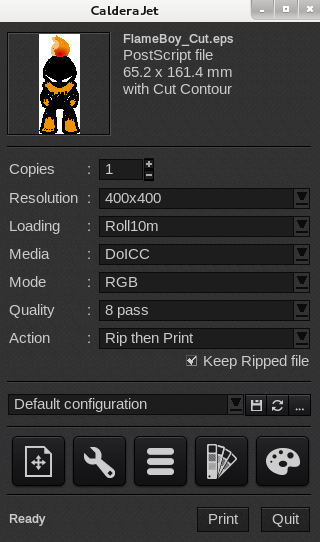
The window opened after reopening a job
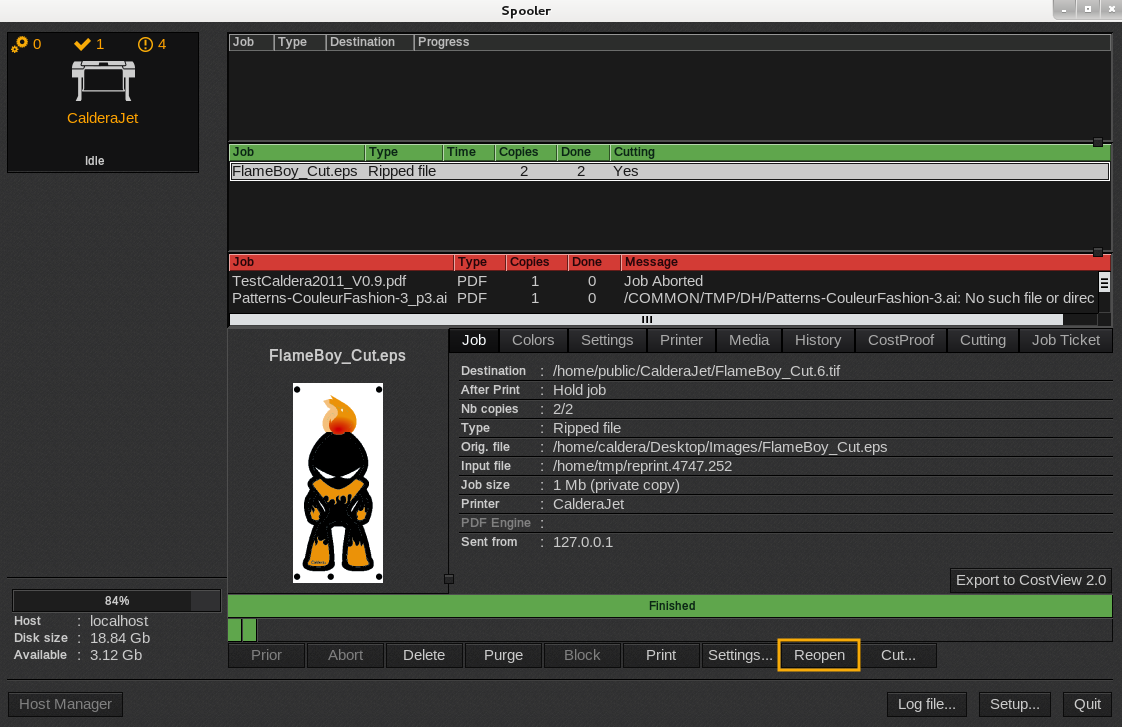
First method
- Open CalderaRIP and the Spooler.
- Select your job in the print queue.
- At the bottom of the window, click the Reopen button:
Second method
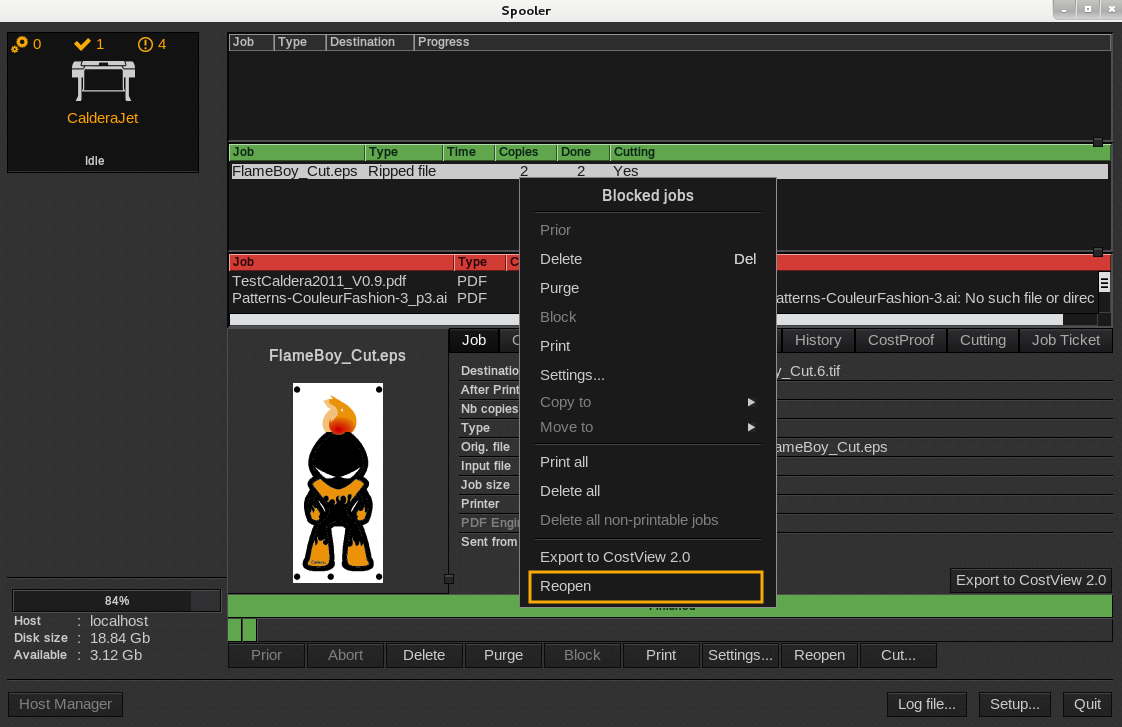
- Open the Spooler. Select your job in the running queue and right-click it.
- In the menu that appears, click Reopen:
Third method
Open the Spooler and double-click the job that has to be reopened.