The Spooler, which is a Caldera RIP module, displays a log of your completed or abort jobs.
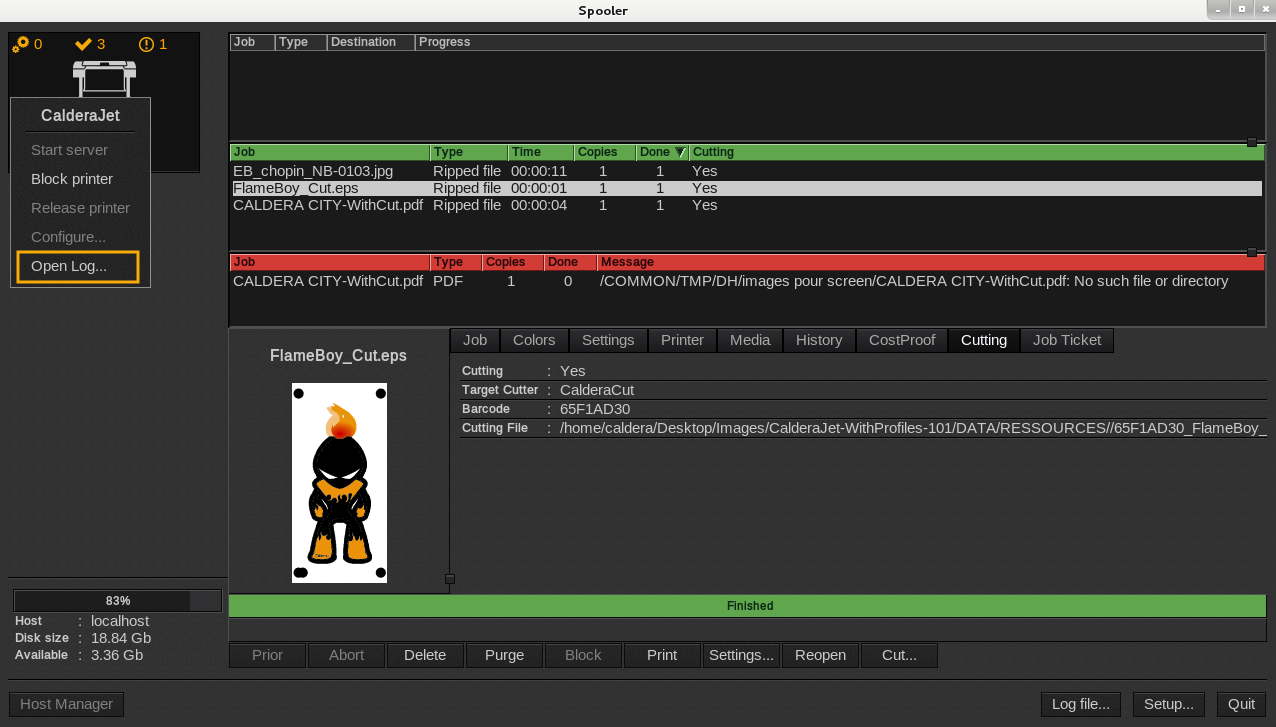
- Open the Spooler. Select your printer and right-click its icon.
- In the menu that appears, select Open Log.
- So the next window appears.
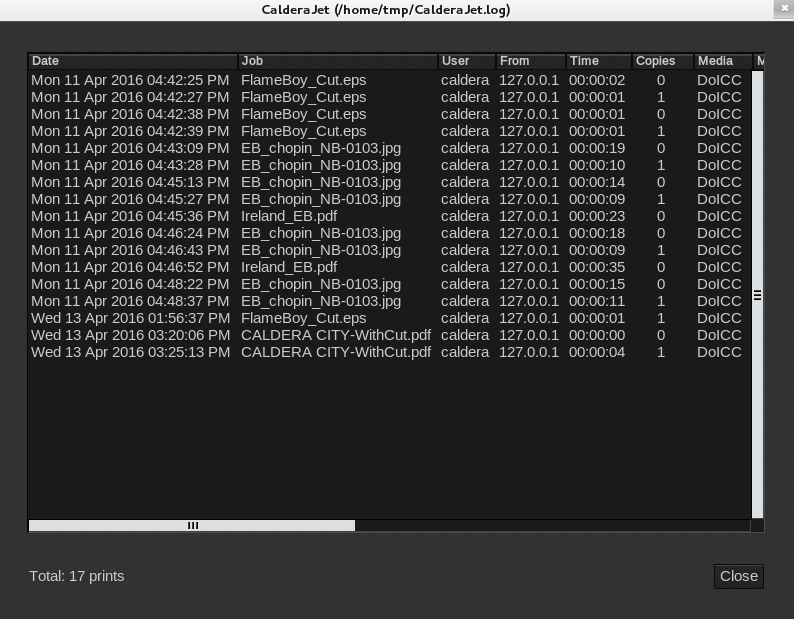
The Spooler, which is a Caldera RIP module, displays a log of your completed or abort jobs.