RIP,Print Management,Spooler
HowTo - Open the Spooler
The
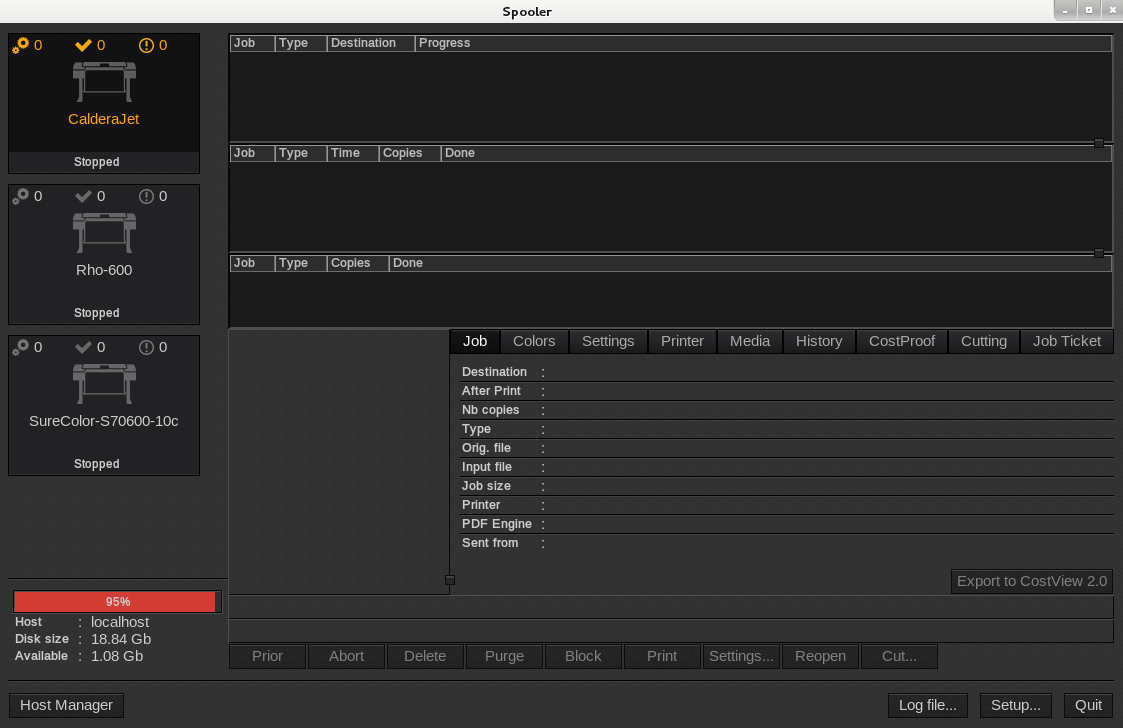
First method:
On your desktop, double-click the
Second method:
From the Print module, double-click the
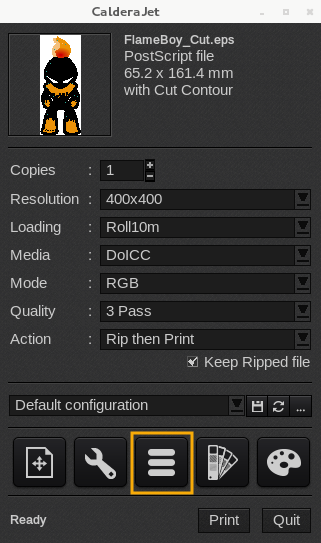
Third method:
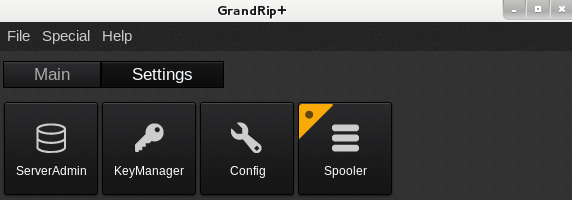
- In the ApplicationBar, select the Settings tab.
- Double-click the
Spooler icon to launch the module.
Fourth method:
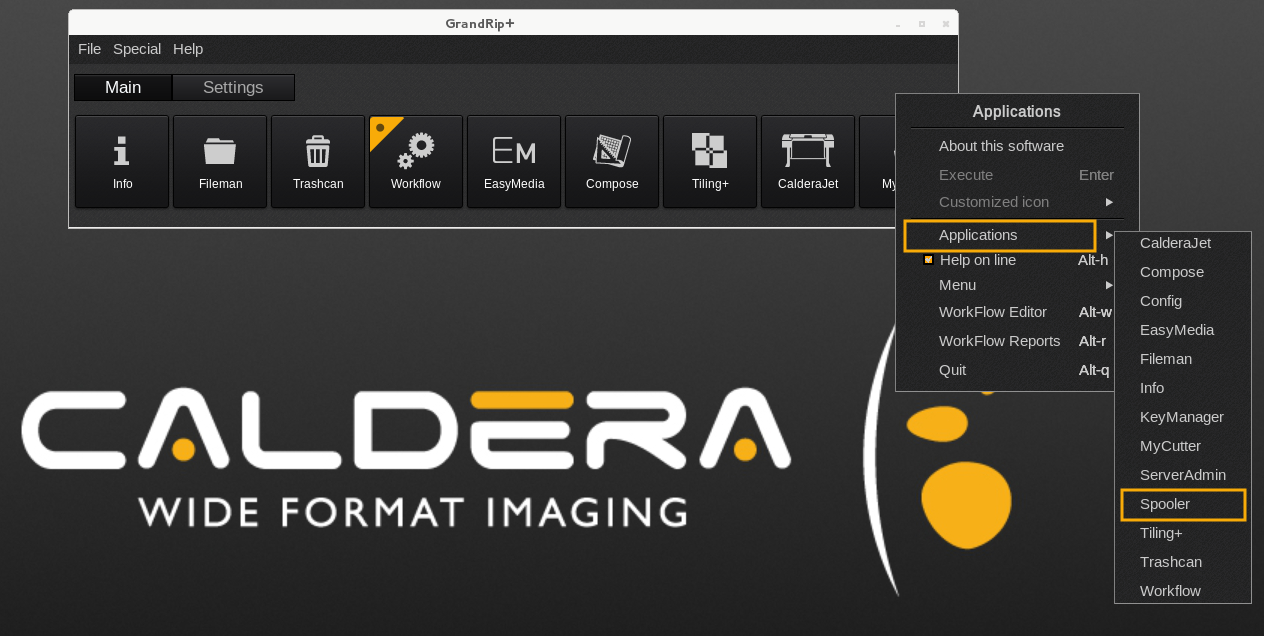
- In the ApplicationBar, right-click to open the Applications menu.
- Click Applications then select
Spooler to launch the module.