RIP,Print Management,Spooler
Priority jobs the Spooler
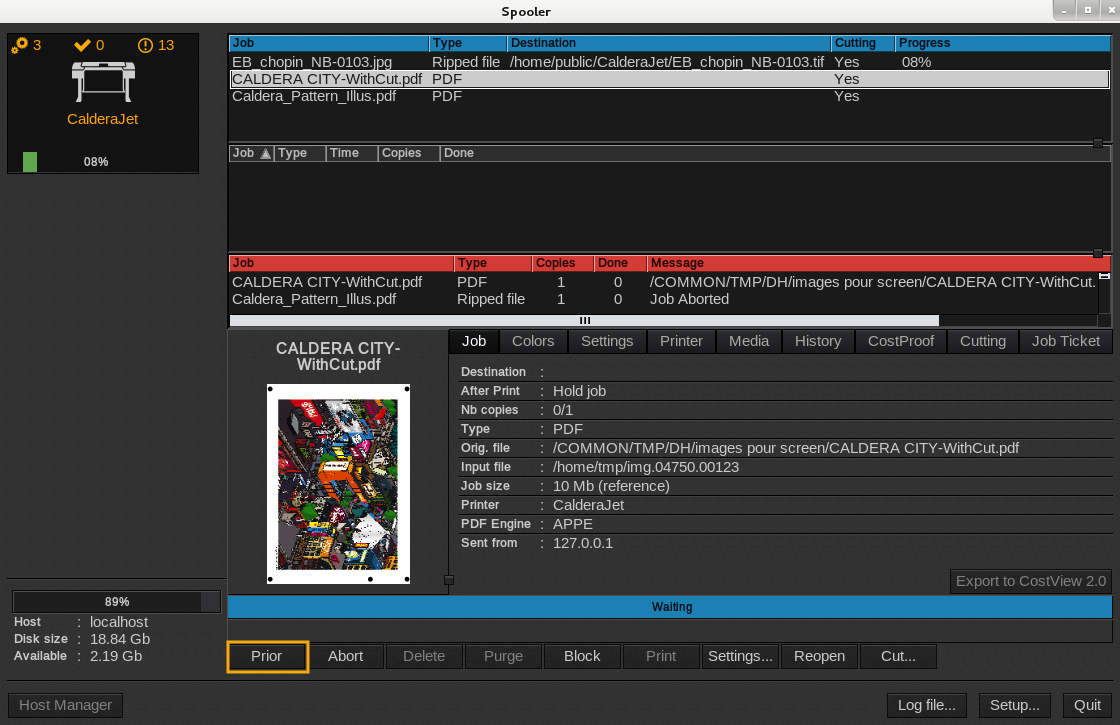
If you have several jobs in the active queue (blue queue), expect the one which is running you can prior them. The prioritized job will appear just after the running job.
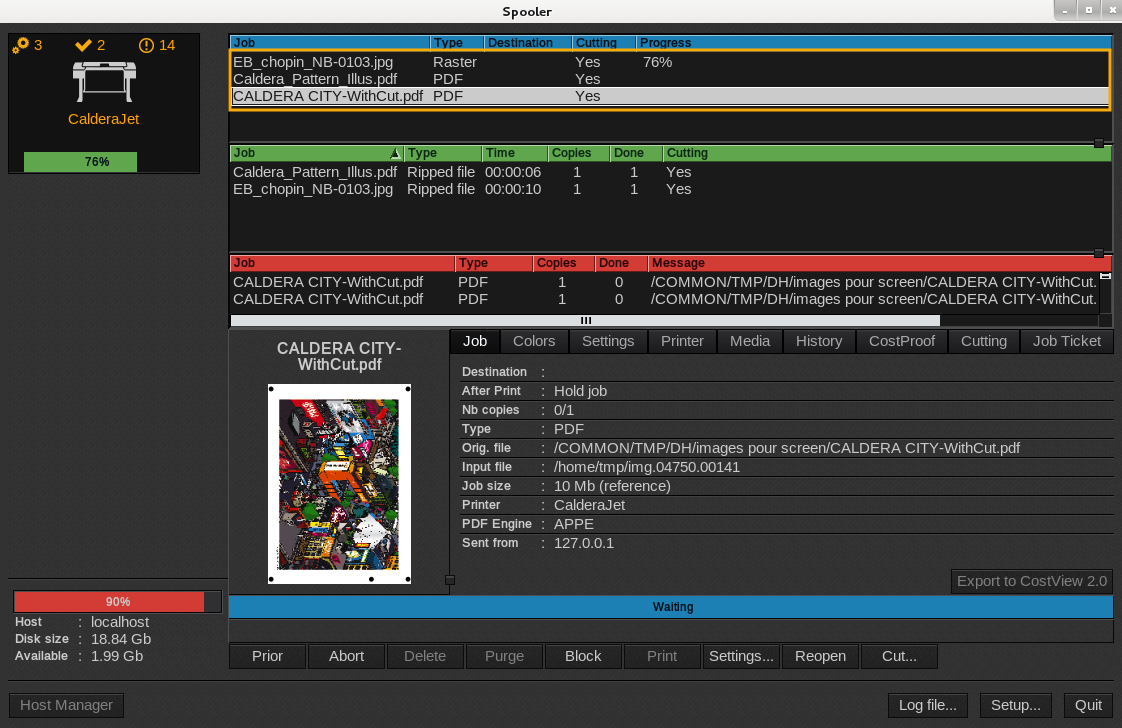
Before prioritization, CALDERA CITY is at the end of the active queue, after CALDERA PATTERN.
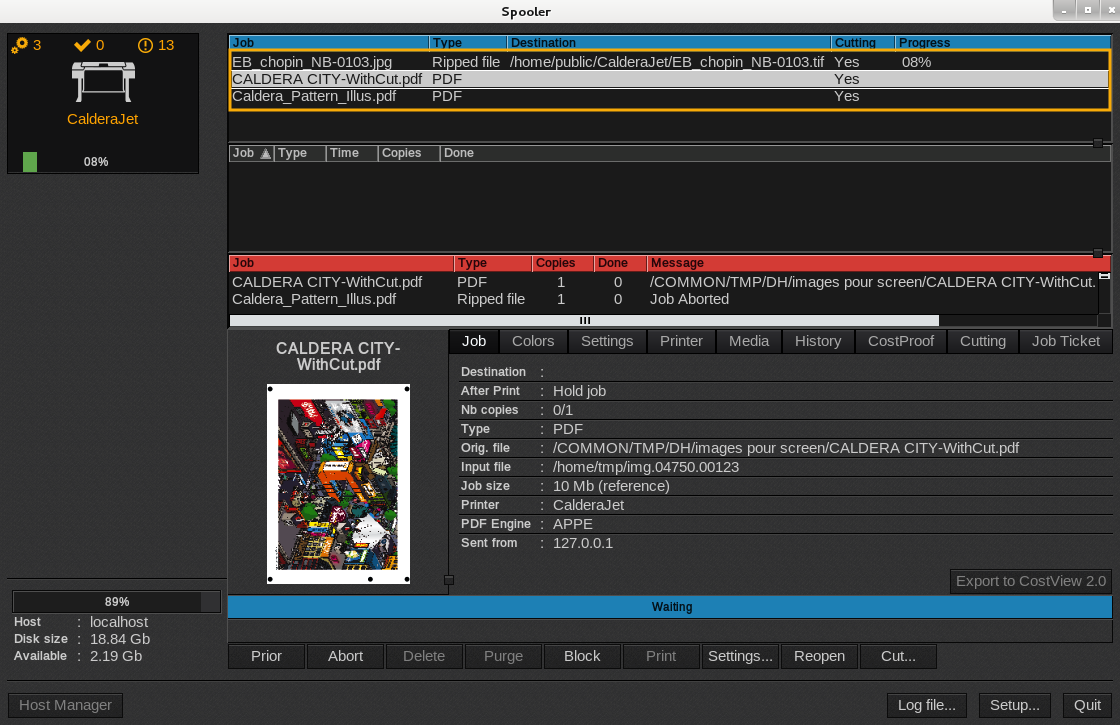
After prioritization, CALDERA CITY will rise up to the queue, before CALDERA PATTERN.
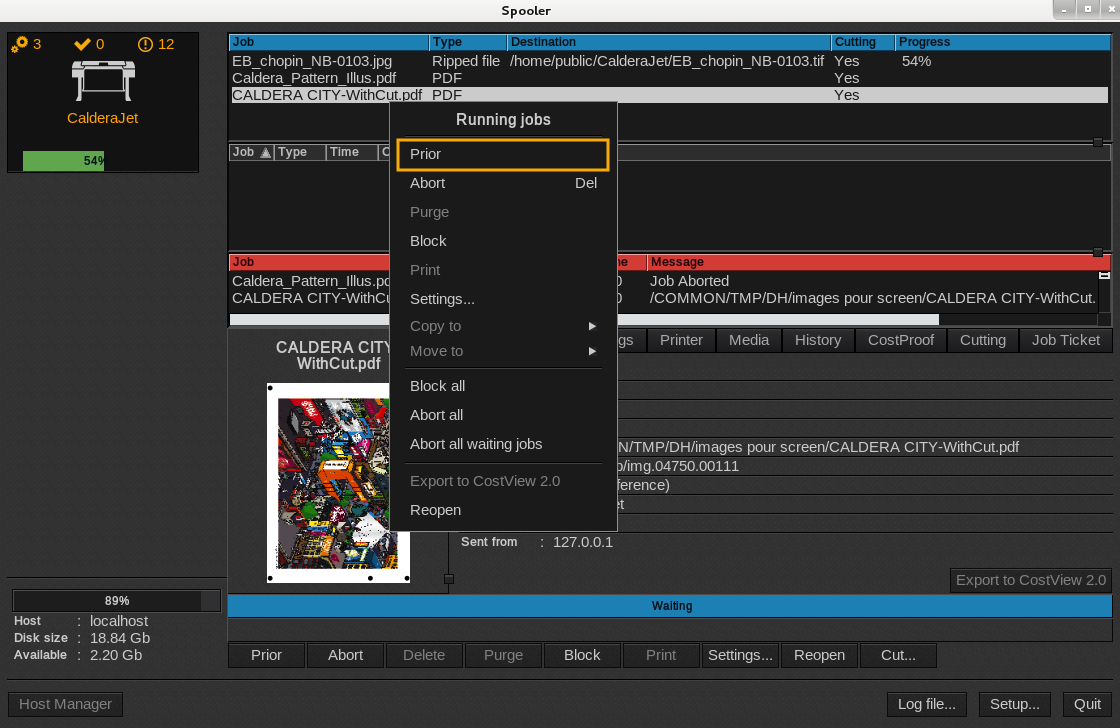
First method:
- Open the
Spooler . Select your running job in the active queue (blue) queue and right-click it. - In the menu that appears, click Prior.
Second method:
- Open the
Spooler . Select your running job in the active queue (blue queue). - At the bottom of the window, click Prior.