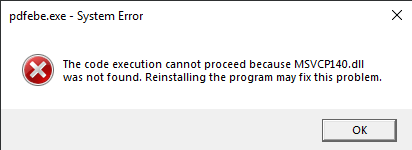
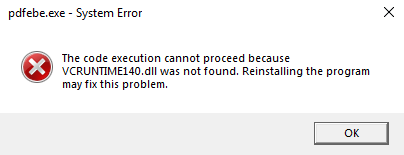
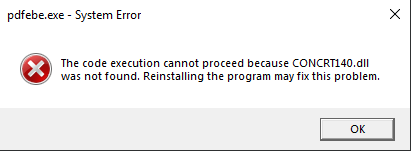
When installing PrimeCenter on Windows the following errors are displayed: The code execution cannot proceed because MSVCP140.dll, VCRUNTIME140.dll, CONCRT140.dll was not found. Reinstalling the program may fix this problem.
Errors specifies that the needed Microsoft Visual C++ dll files are not present.
Please try to download and install the newest versions of the C++ redistributable.
Reboot the computer after the above was installed, reinstall PrimeCenter and reboot one more time.