Issue:
How to use Sheet off option with single with marks.
Problem:
The job is not cut correctly at the edge of the page. It is cut in half.
Solution:
You have two possibilities:
To use marks Type 1
To use marks Type 2
Using marks Type 2
- Place the tool a few millimeters bottom-right from the corner mark, allowing a bit of extra "area" margin, preventing the "Off scale" error. If you put too much, it may be too much for the narrow scan width to find the mark and fail with "Out of area".
- Hit the "Origin" button
- Start the cut on VisualCut
The detection may be a bit "shaky", which is often the case, but it works.
Be careful ! if the tool is close enough to the mark (almost on it), cuts the sheet at the right place. Still putting too much space between the mark and the tool leads to failure on detection, since scan width is narrow (a few mm).
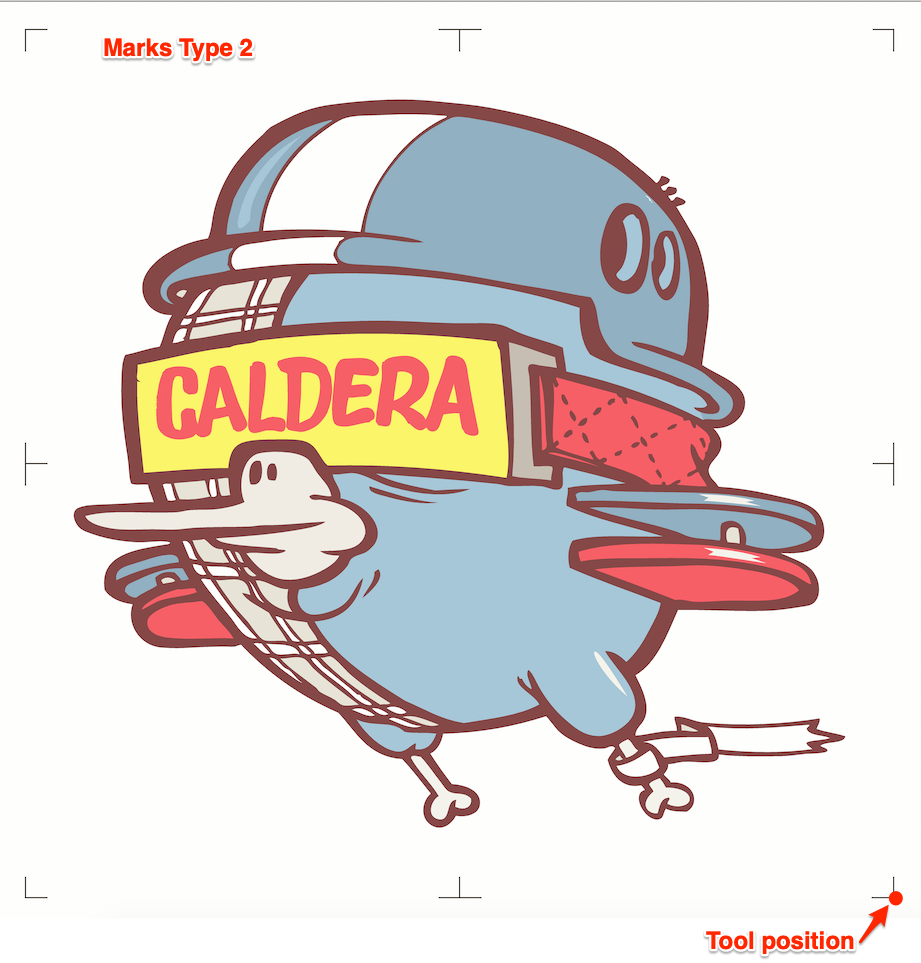
See video
Using marks Type 1
- Place the tool inside of the mark
- Hit the "Origin" button
- Start the cut on VisualCut
We advise to use marks Type 1 (FC9000 Type 1 model) if wanting to do Single with marks, it's far more practical.
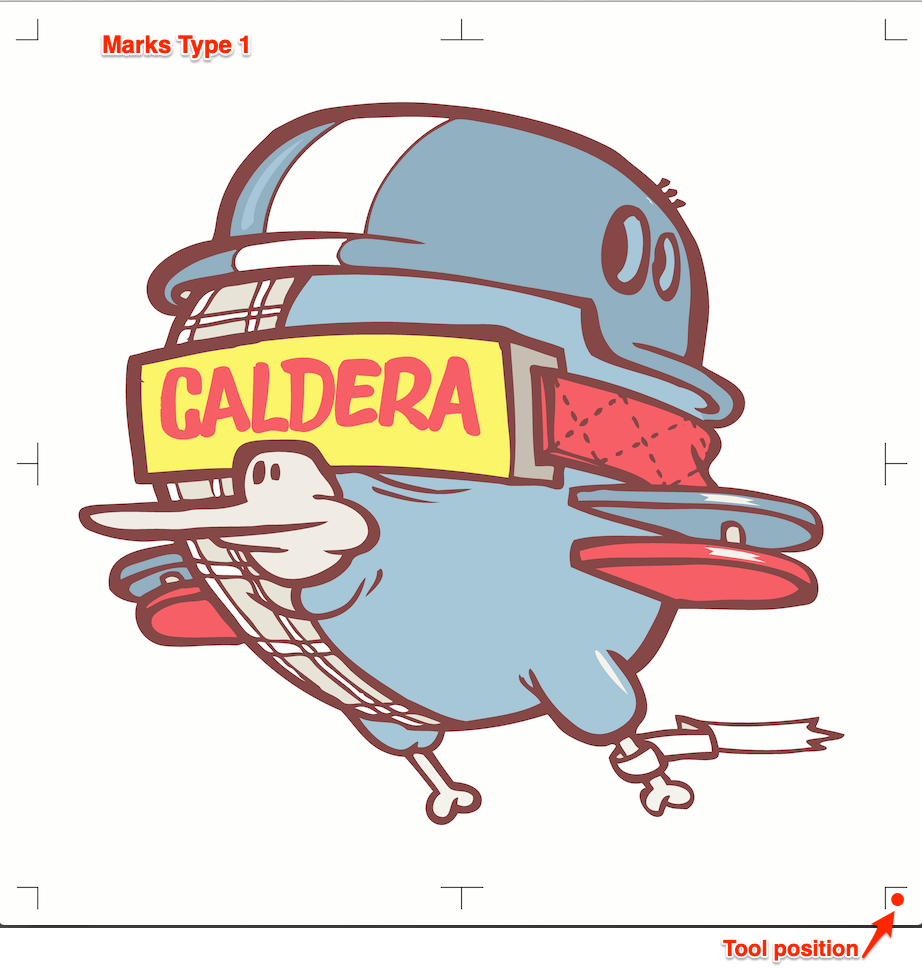
See video
Attention
For Marks Type 1 and Type 2
Failure : cutter shows "Off-scale" if origin is set and stops or cuts using the front border of the media as the reference if origin is not set.