Configuration
Check this article first to learn how to configure SmartImport.
Pattern
*_x@(copies)
for files like
MyFileName_x50.pdf
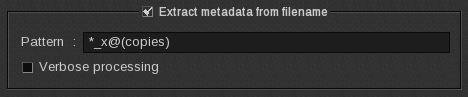
Then, just drag and drop the loaded image (with Fileman) from the ImageBar into Compose module!
History
V14.1 Update 210504
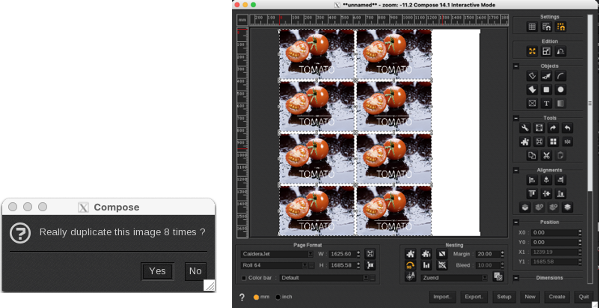
It is no more needed to hold the Control key (Ctl) key while drag and dropping the file from the ImageBar to Compose.
V14
Hold the Control key (Ctl) key while dropping the file to compose. This option allows to define the number of copies, and if the file has meta-data it is pre-filled.