Issue:
When creating a composition including files having a white spot color it will generate an additional white extra-channel in it.
If the files of the composition contain only an extra-channel it will then instead also add a white spot color to the composition.
Response:
At first glance this may look like a problem of compose as it does something that is not expected or requested but it's in fact a feature.
In the print module it's possible to only select one type of white to be printed which may be a limitation in some cases.
With this feature it's possible to use files having white as extra-channel and white as spot at the same time in Compose and be able to print all of them together as it will create areas of both types for all files in the composition.
Let's look at an example here with these two files:
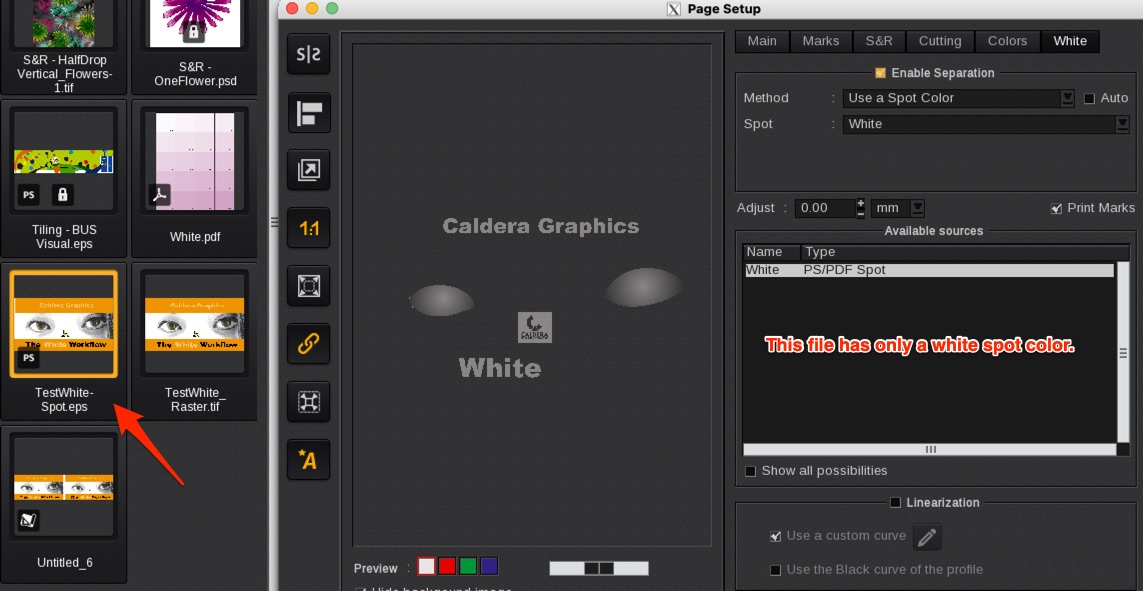
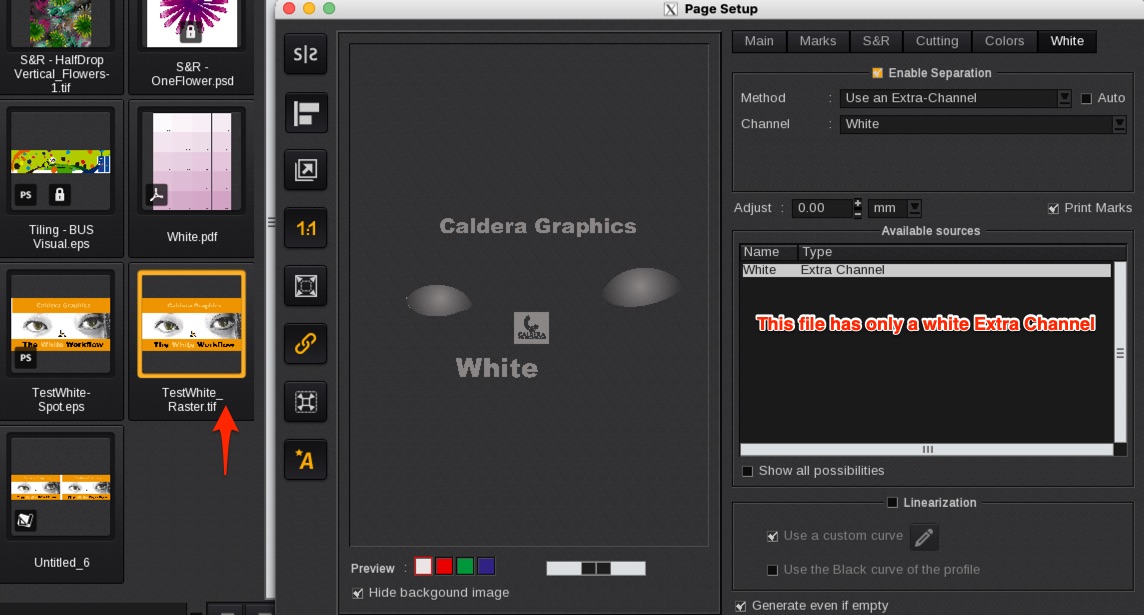
Once a composition is created with these two files it will automatically create a spot color or extra channel in the contained files by copying the white areas of the other type.
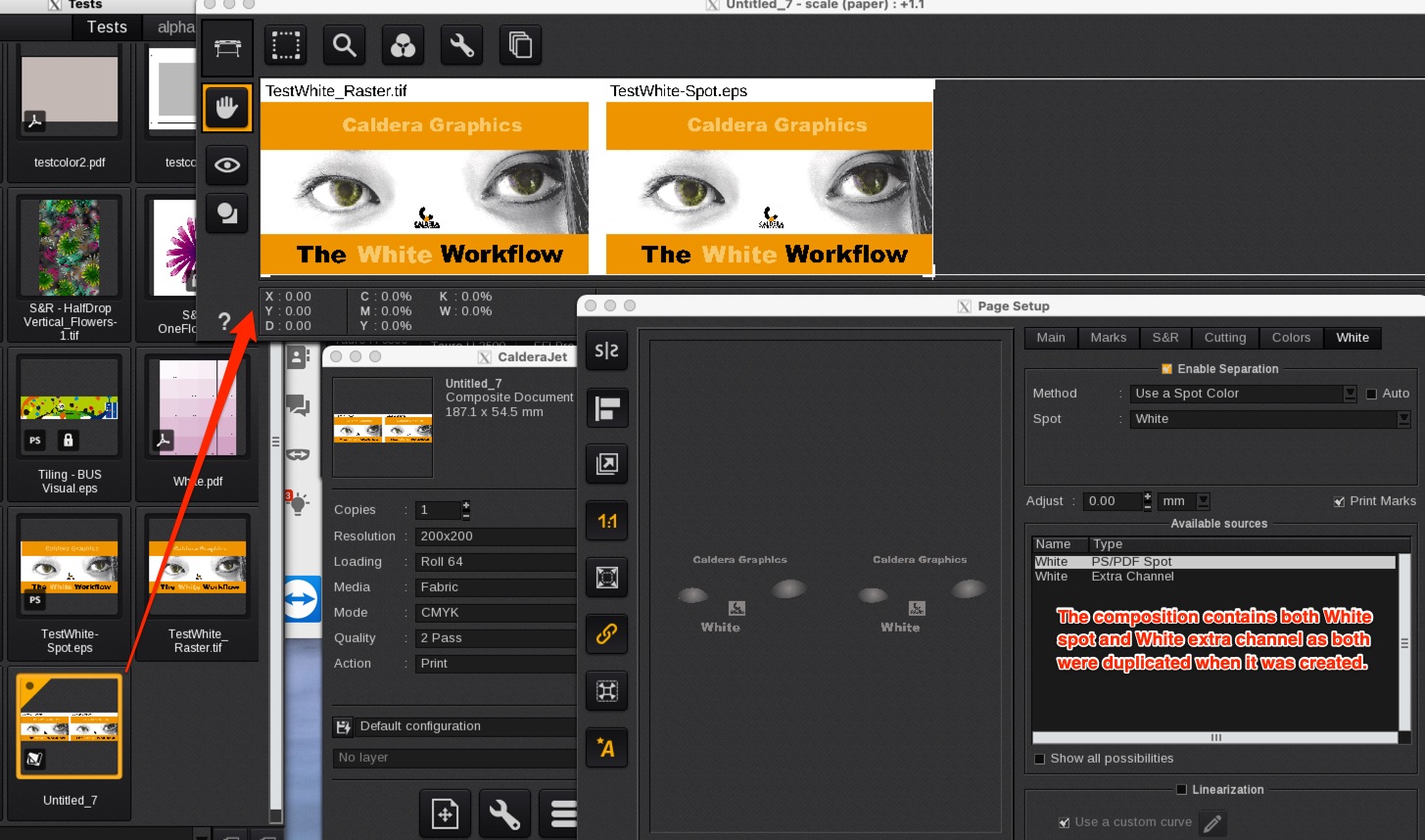
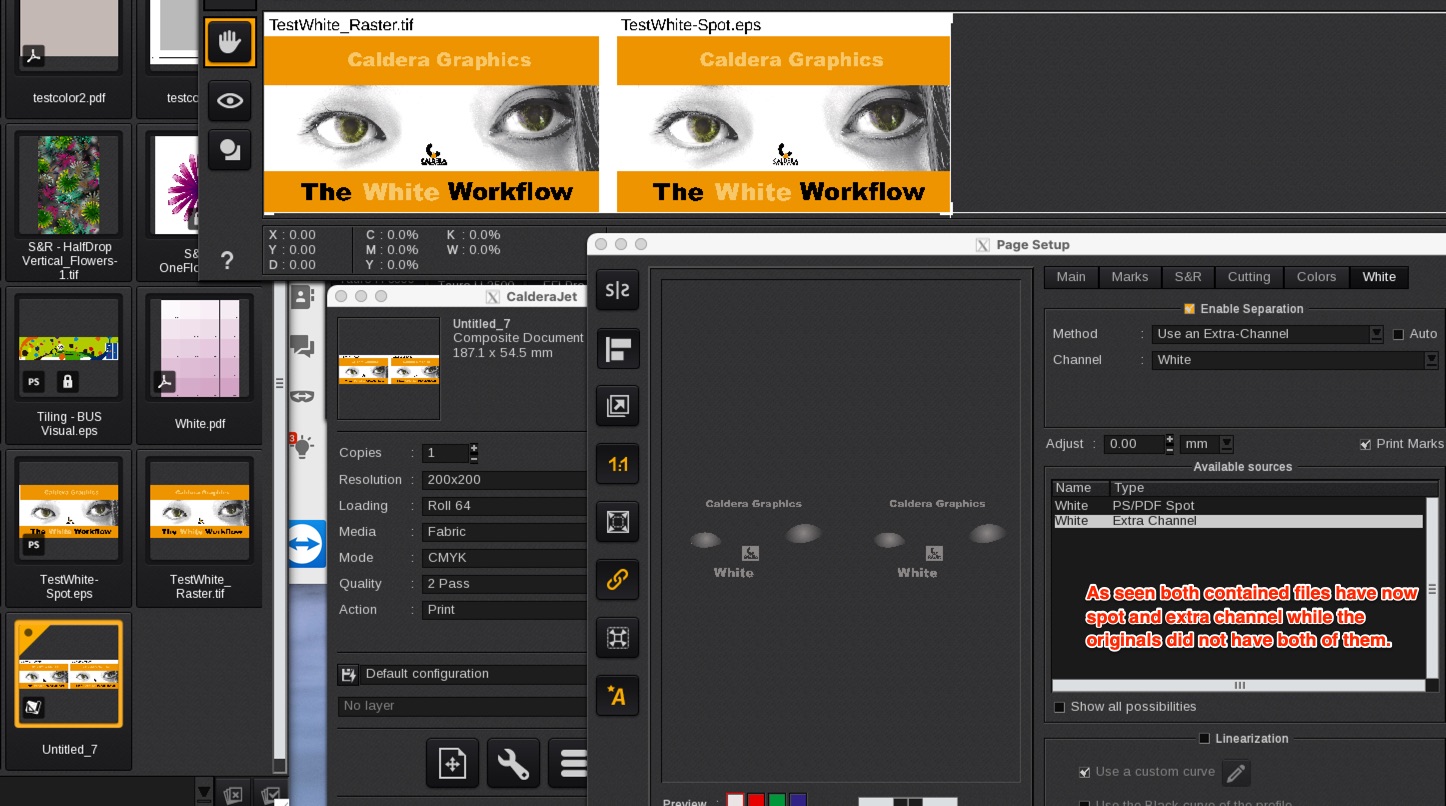
It's not possible to disable this behavior creating the secondary white type.
A final note about the preview of the white in the composition: be sure to install the last build of the RIP software to correctly see the preview.