The "Job information" section is divided into nine tabs. Each tab displays specific information about the job.
Job tab
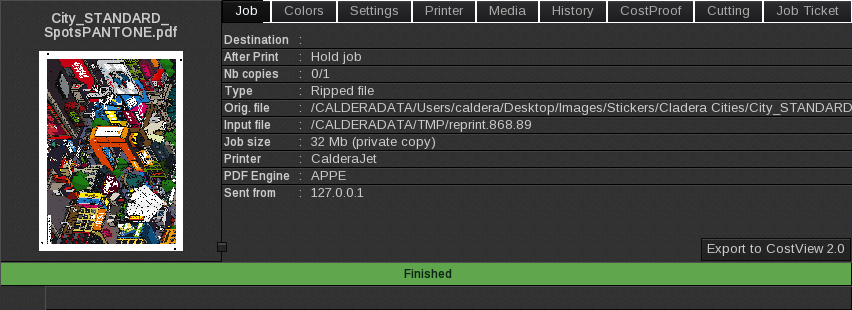
This tab displays global information about the job.
- Destination: the destination of the document (directly printed, printed in a file…).
- After Print: the action is done after the job printed.
- Nb Copies: the number of copies to print and the number of copies that were printed.
- Type: the type of the document (Ripped file, Raster, PDF, Composite…).
- Orig. file: the name and location of the original file.
- Input file: the Spooler file.
- Job size: when the printer is connected to a server and working in local mode, this field shows the space required by the job on the hard drive of the server.
- Printer: the name of the printer from which the job was sent.
- Sent from: the IP address of the server from which the job was sent.
- Export to CostView 2.0: exports the job to the CostView 2.0 interface.
Caution
Starting with CalderaRIP V16.3 and CalderaDock V3.0, the CostView web module interface was deprecated. Also with these versions, the CostEstimation option (CostView + CostProof) was retired.
CostProof alone was kept on CalderaRIP's Spooler and, in the near future, other new tools for cost and ink consumption management will be available.
Colors tab
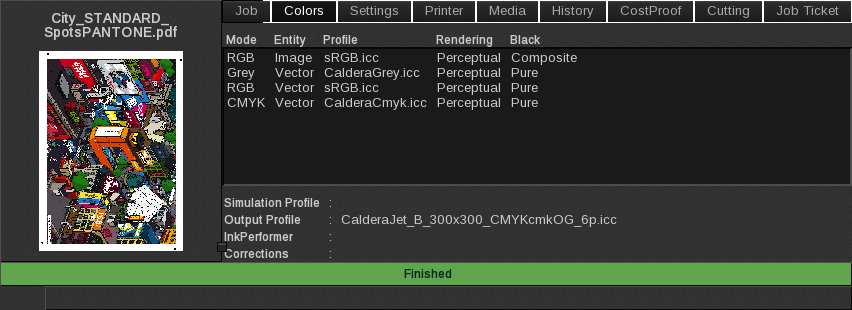
This tab displays some of the information that is defined in the Spot Colors and Colors windows of the Print module.
- Mode: the color mode (RVB, CMYK, CMYKcmO…) of the entities in the document.
- Entity: the type of the entities composing the printable document (vector or image).
- Profile: if a profile was embedded in the image and used for input, it is displayed here.
- Rendering: the type of rendering applied to the image element.
- Black: the type of black used for the image element.
- Simulation Profile: the simulation profile applied to the image (if applicable).
- Output Profile: the ICC profile is applied to the image when printed.
- InkPerformer: displays when InkPerformer was Enabled for the job.
- Corrections: the corrections curves applied to the image (if applicable).
Settings tab
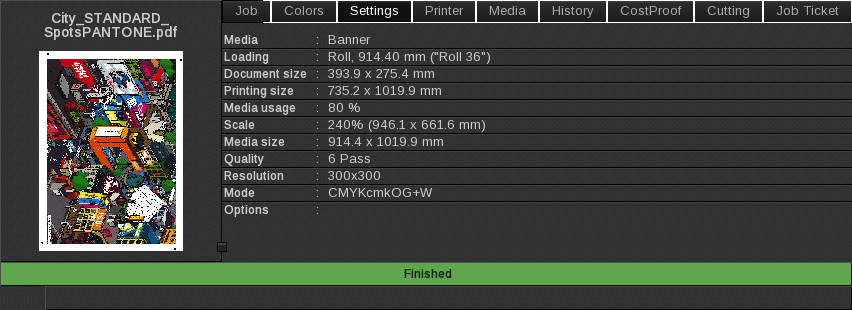
This tab lists the parameters that were set in the main window of the Print module.
- Media: media name.
- Loading: feeding type name (sheet or roll).
- Document size: size of the document.
- Printing size: printing dimensions.
- Media usage: surface of the media.
- Scale: scaling and dimensions.
- Media size: size of the media.
- Quality: print quality.
- Resolution: print resolution.
- Mode: color mode.
- Options: specific options (anti-aliasing…) are activated for the job.
Printer tab
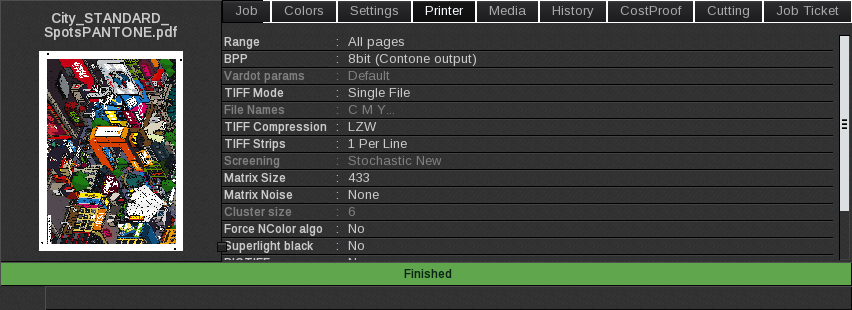
This tab lists the parameters that were set in the Printer tab of the Settings window of the Print module.
These settings are specific to each printer.
Media tab
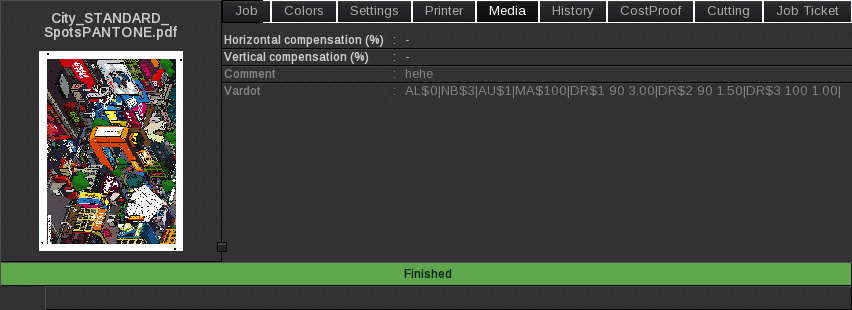
This tab lists the parameters that were set in the Media tab of the Settings window of the Print module.
These settings are specific to each printer.
History tab
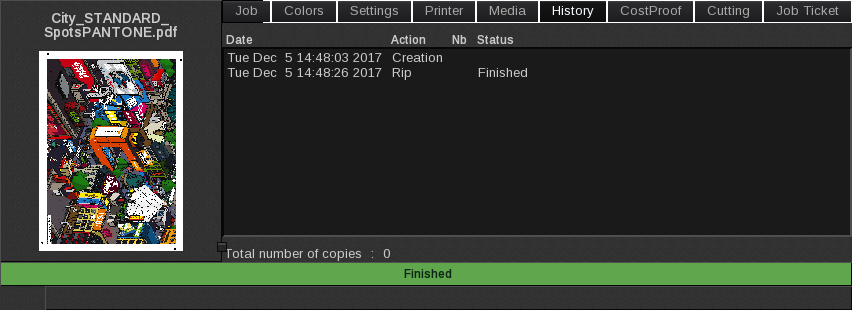
This tab displays the job’s history.
- Date: the date of the action.
- Action: the action type (creation, rip, print…).
- Nb: the number of copies printed.
- Status: the status of the printing (done, canceled…).
- Total number of copies: total number of copies done for the job.
CostProof tab
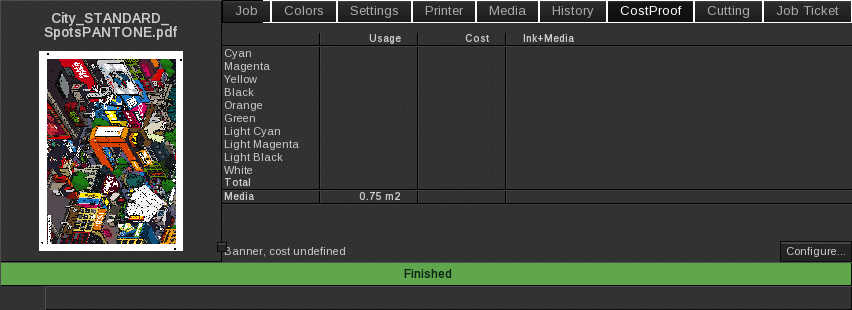
This tab displays the ink and media consumption and their cost if CostProof has been set.
Cutting tab
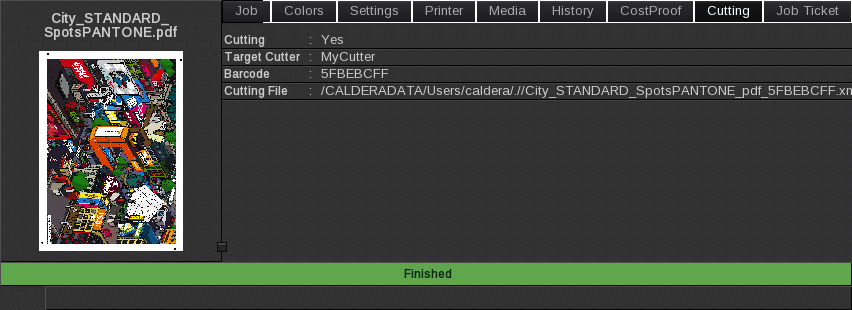
This tab displays the job’s cutting information when the cut is enabled in the Print module.
- Cutting: shows if cutting was enabled on the job.
- Target cutter: lists the cutter that will cut the job.
- Barcode: displays the barcode printed on the job (if applicable).
- Cutting file: displays the cut file associated with the image and its location.
Job Ticket tab
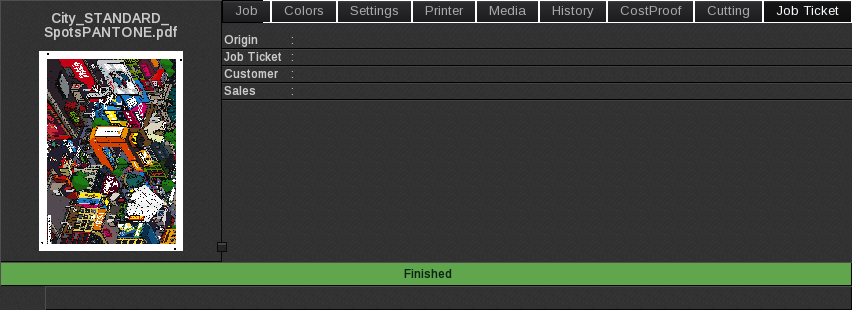
This tab displays information about the Job Ticket such as Origin, Job Ticket number, Customer or Sales.