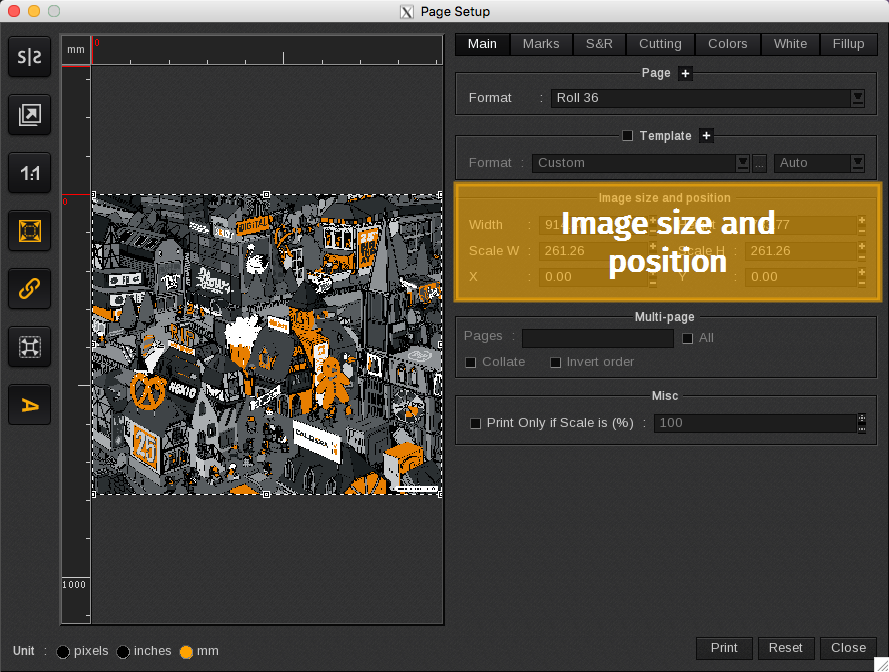
The Image size and position area displays the dimensions of the image located in the preview.
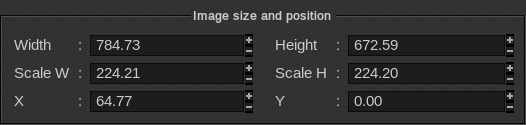
- Width and Height: Displays the image’s dimensions for width and height.
- Scale W and Scale H: Displays the image’s dimensions for width and height to scale.
- X and Y: Displays the image’s location on the horizontal and vertical axes.
Info
When the original proportions button is selected and a field is changed, the corresponding field will automatically update to keep its original proportions.