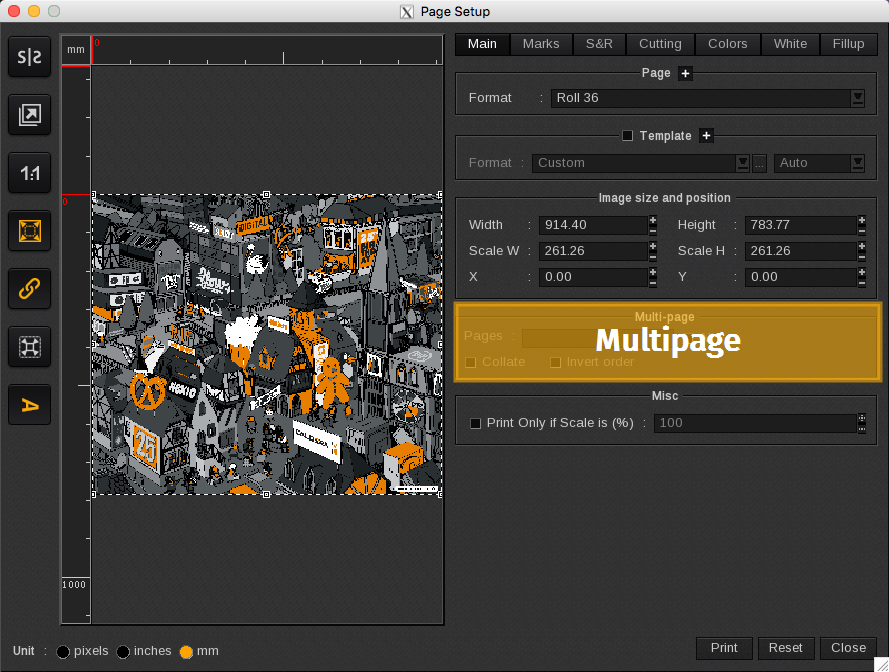
The Multi-page area lists options for printing multi-page documents.

- Pages: defines the specific page range you want to print.
- All: prints all pages in the multi-page document.
- Collate: groups the pages by individual copies (1-2-3…1-2-3…). When you print without it, the same pages are grouped together (1-1-1…2-2-2…).
- Invert order: prints in decreasing order instead of increasing order.