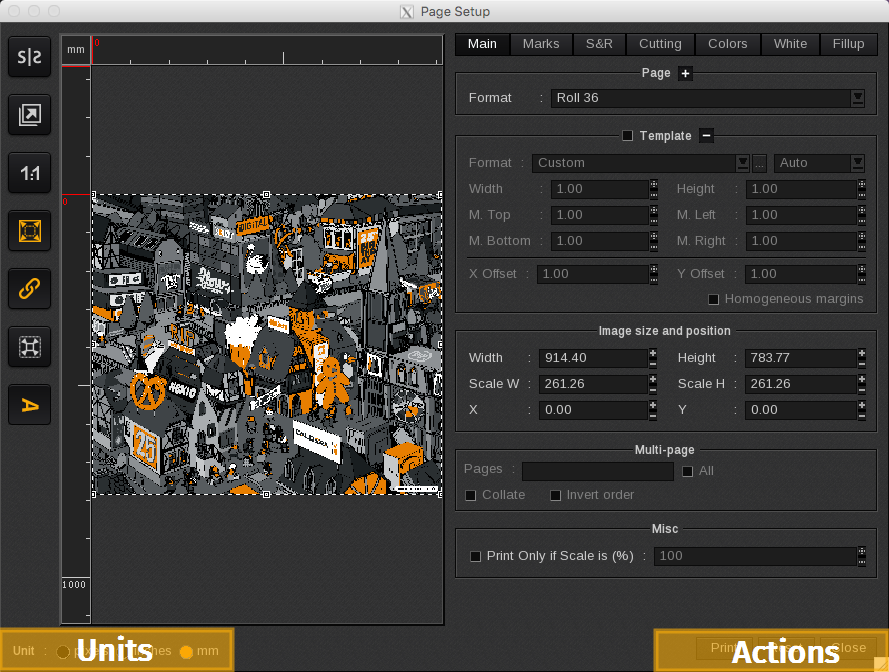
Units
You can indicate in which Unit of measurement you want to view your image.

- pixels: Displays image information in pixels
- inches: Displays image information in inches
- mm: Displays image information in millimeters
Actions
You can perform the following actions in the Page Setup window:
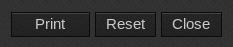
- Print: This option initiates the action assigned in the Main window, such as RIP then Print. If your image is a poster created in Tiling+, you can specify the tile to be displayed and printed, and the button will change to Print Tile. In this window, you can print one tile at a time, while the main Print window allows you to print all tiles simultaneously.

- Reset: Resets the image to its original size and position.
- Close: Closes the Page Setup window.