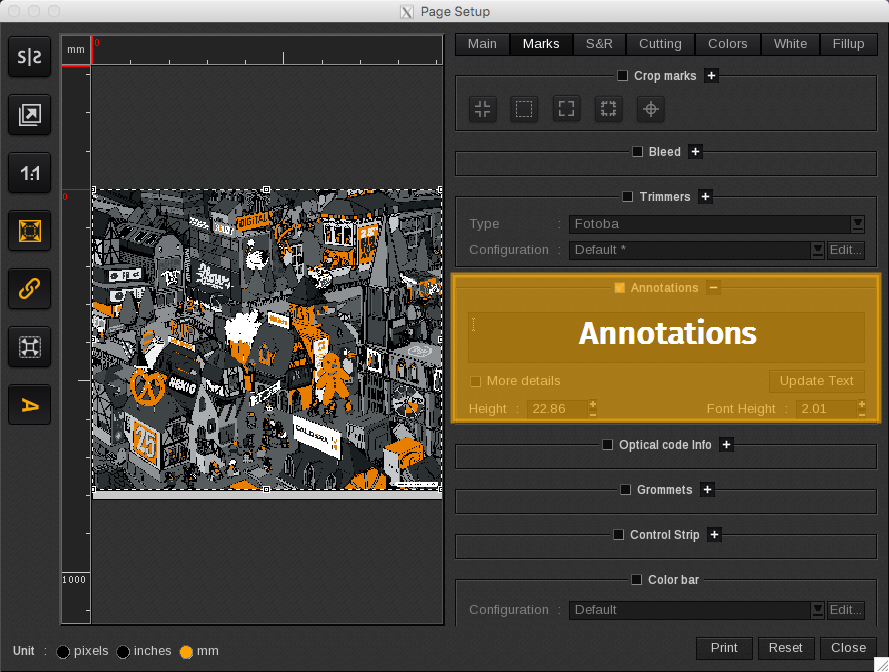
The Annotations area is where you can choose to include notes in the print job.
When enabled, the printer settings of the print job will appear underneath the print, in addition to the notes you enter here:
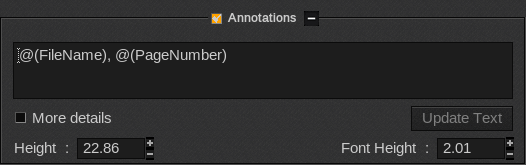
You can do a right-click in the text area to show the additional tags that can be used within this area.
- Update Text button: Enter your additional notes in the free form text box, and when finished, click this button to save your changes.
- More details: Adds additional information called Details in the notes.
- Height: Defines the height of the annotations area.
- Font Height: Defines the font size of the text in the annotations area.
Considerations and limitations
-
Annotations are cropped to match the image's width.
-
If you need to see Annotations while using PrintProof, the job must be at least 330mm wide to display these.