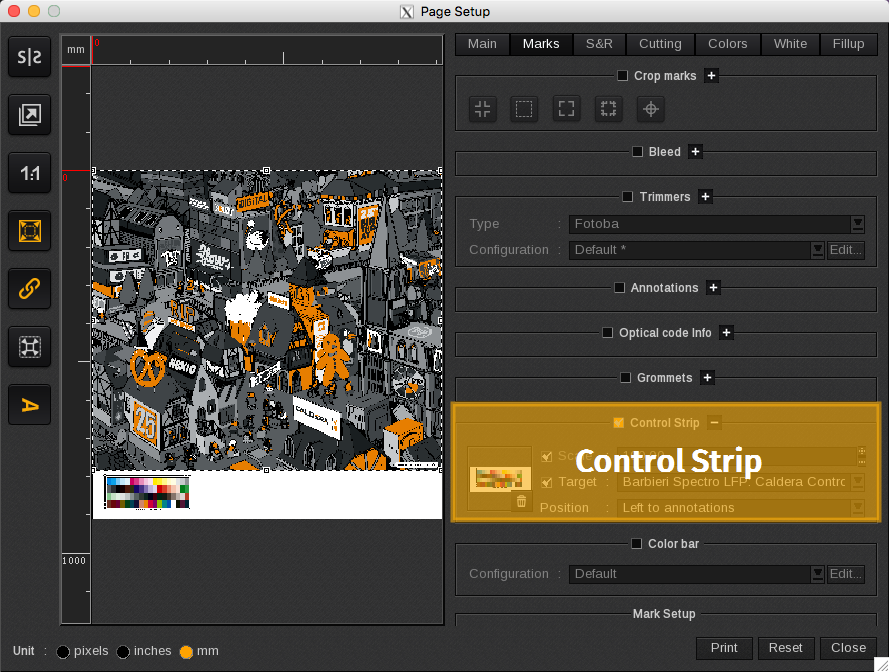
A control strip is an option to help manage the output of your printer. In the Control Strip area, you can add a target or a custom control strip graphic under your print.
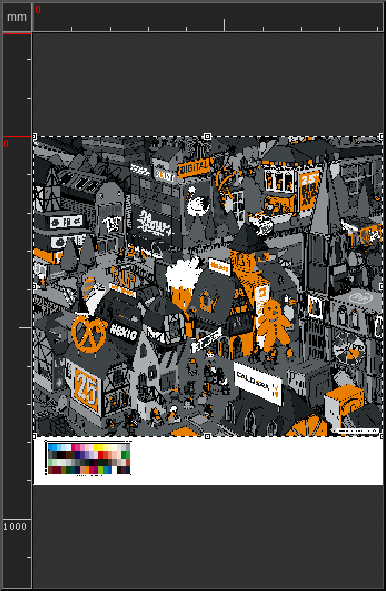
You can set the following elements:
-
- Add control strip: add a custom control strip to the bottom of your print by dragging the image from the to the little square. To remove it, click the Trashcan icon.

-
- Scale: defines the scale of the control strip as a percentage. Applies only to custom control strips.
-
- Target: adds a target selected from the drop-down list. If a custom control strip was added, it will be replaced by the target when the Target field is enabled.
-
- Position: defines where the custom control strip or target is placed on the print. Options include: Left to annotations or Above the annotations.