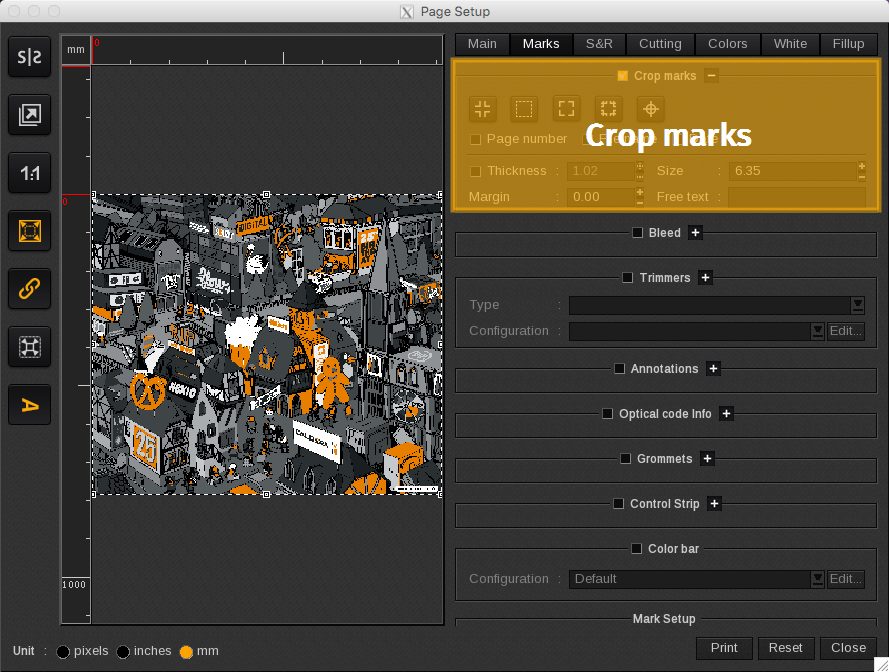
The Crop marks area lists options for including crop marks on your print job.
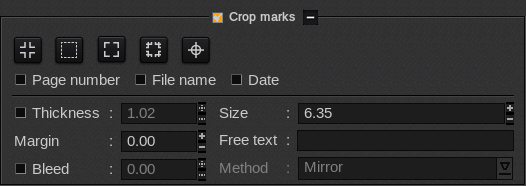
 Standard: applies standard crop marks to the print job.
 Frame: applies frame crop marks to the print job.
 Corner: applies corner crop marks to the print job.
 Tombo: applies tombo crop marks to the print job.
 Targets: applies target crop marks to the print job.
-
- Page number, File name & Date: adds the page number (bottom right of the print), the file name (in the upper left) and the date to the print job (in the upper right).
-
- Thickness: defines the crop mark line’s thickness. Option defaults to 1 pixel when not defined.
-
- Size: defines the Standard, Corner and Tombo crop mark sizes and the font size of the File name, Page number and Date options.
-
- Margin: defines the margin between the image and the crop marks.
-
- Free Text: adds free form text to the print job (in the bottom left).