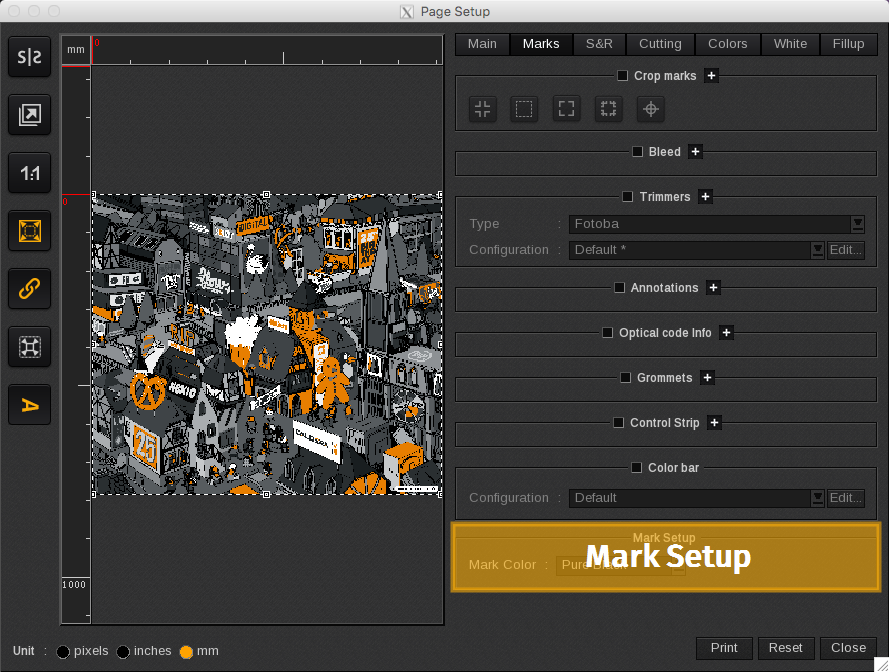
The Mark Setup area lets you define which color will be used to print all the finishing marks such as annotations, crop marks, and cut marks. Options include:
-
- Pure Black: only the black cartridge is used.
-
- Composite Black: mixes ink to create black.
-
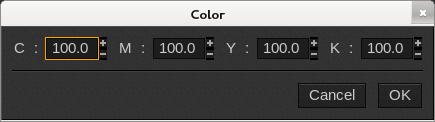
- Custom: allows you to select the color of your choice. A black square appears by default.
-
-
- Click on the black square to make a selection.
-

-
-
- Enter the CMYK values of the color you wish to use and click OK.
-